'Evil Twin' Hotspots? The Risk
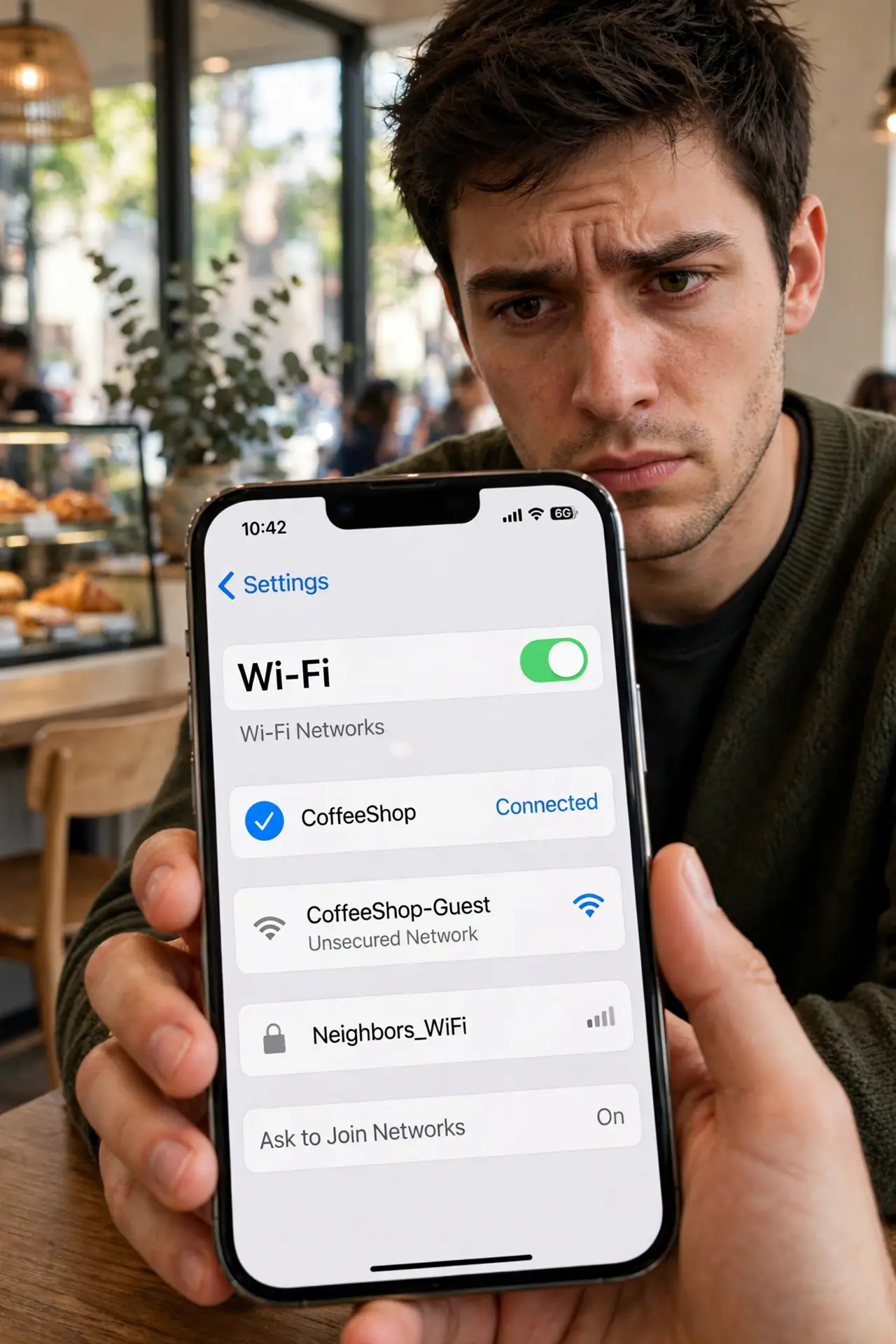
You sit down at a coffee shop, and your phone shows two networks with the shop's name — 'CoffeeShop' and 'CoffeeShop_Free.' One of them might be a trap: an 'evil twin' hotspot run by someone nearby to snoop on your traffic. It sounds scary, and it is real — but the actual risk is narrower than the warnings suggest, and the defenses are simple.
TL;DR / Quick Fix
Quick fix: an evil twin is a fake hotspot impersonating a real one to snoop on traffic. Join only the network name the staff confirms, and keep HTTPS and a VPN on so snoopers see gibberish. Never log into bank accounts on public Wi-Fi you did not verify.
Follow these steps
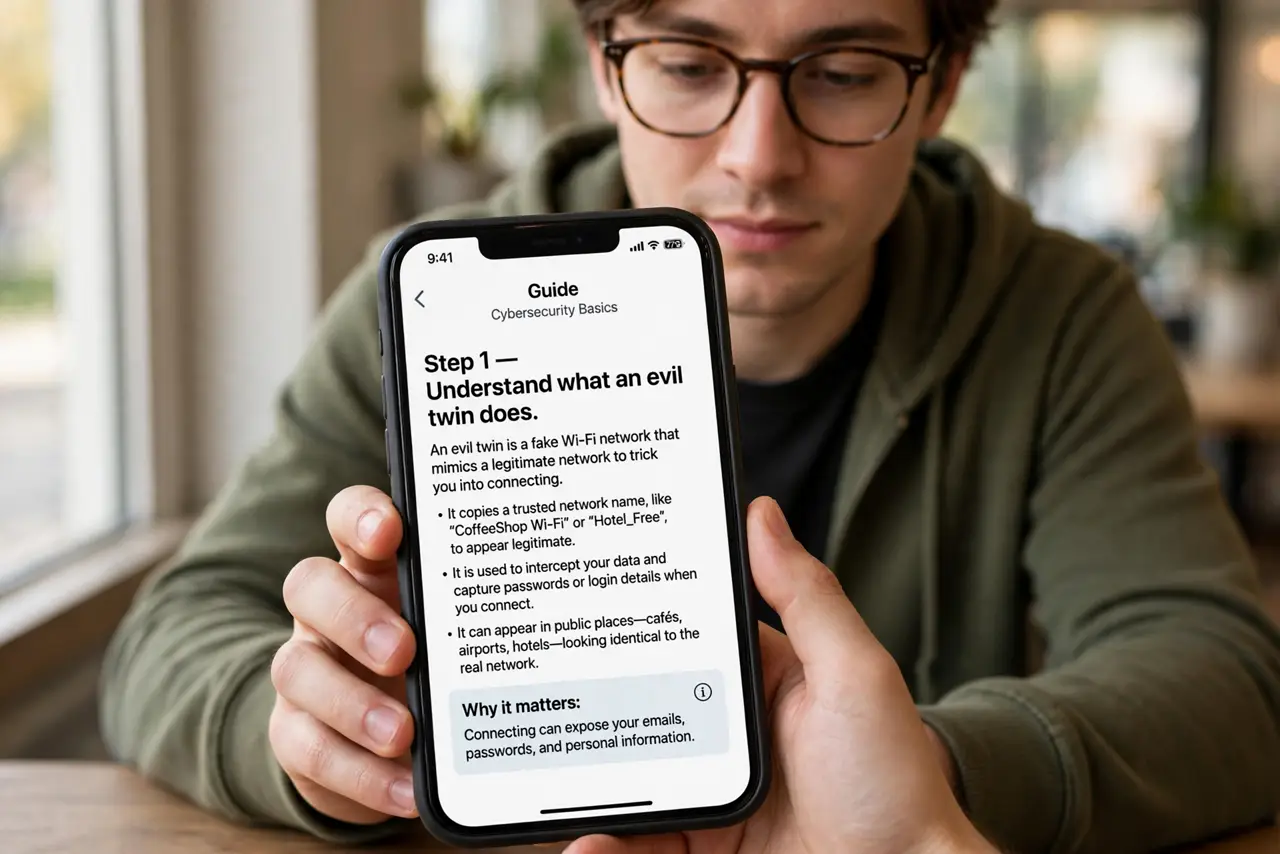
- Understand what an evil twin does. Someone nearby broadcasts a network with a trusted name — the cafe's, the hotel's. Your device joins it, and they sit in the middle of your traffic, watching what passes unencrypted.
- Ask staff for the exact network name. The single best defense: 'Which Wi-Fi should I join?' Staff know the real name. Attackers rely on you guessing between lookalikes.
- Check for the real network's signs. Legitimate hotspots usually need a login or captive portal page. A wide-open twin with the same name and no portal deserves suspicion.
- Rely on HTTPS everywhere. Modern sites encrypt your connection end-to-end — the padlock means even a snooper in the middle sees only gibberish. This is why HTTPS matters more than the network name.
- Use a VPN on public Wi-Fi. A VPN encrypts everything leaving your device, closing the gap HTTPS does not cover — like which sites you visit. Turn it on before you connect.
- Forget the network when you leave. Your phone auto-rejoins known networks — including a twin it met once. Delete public hotspots from your saved list after use.
What NOT to do
- Do not join the 'free' twin of a paid hotspot. Attackers name theirs to sound like the deal — 'CoffeeShop_FREE' next to the real 'CoffeeShop.'
- Do not log into banking on unverified public Wi-Fi. Even with HTTPS, one wrong click on an HTTP page leaks credentials.
- Do not panic about evil twins on cellular data. This attack targets Wi-Fi joiners — your phone's mobile data is not in play.
- Do not install profiles or certificates a hotspot asks for. A network asking to install anything is either misconfigured or malicious — walk away.
Frequently asked questions
How common are evil twin attacks?
Less common than warnings suggest, but real — they cluster at conferences, airports, and tourist spots where victims are plentiful and hurried.
Can my phone tell a twin from the real network?
Not reliably — names are just labels. That is why asking staff and using encryption matter more than staring at the list.
Does HTTPS really protect me?
For the site's content, yes — the encryption is end-to-end. A VPN adds protection for metadata like which sites you visit.