Change the Name AirDrop Shows
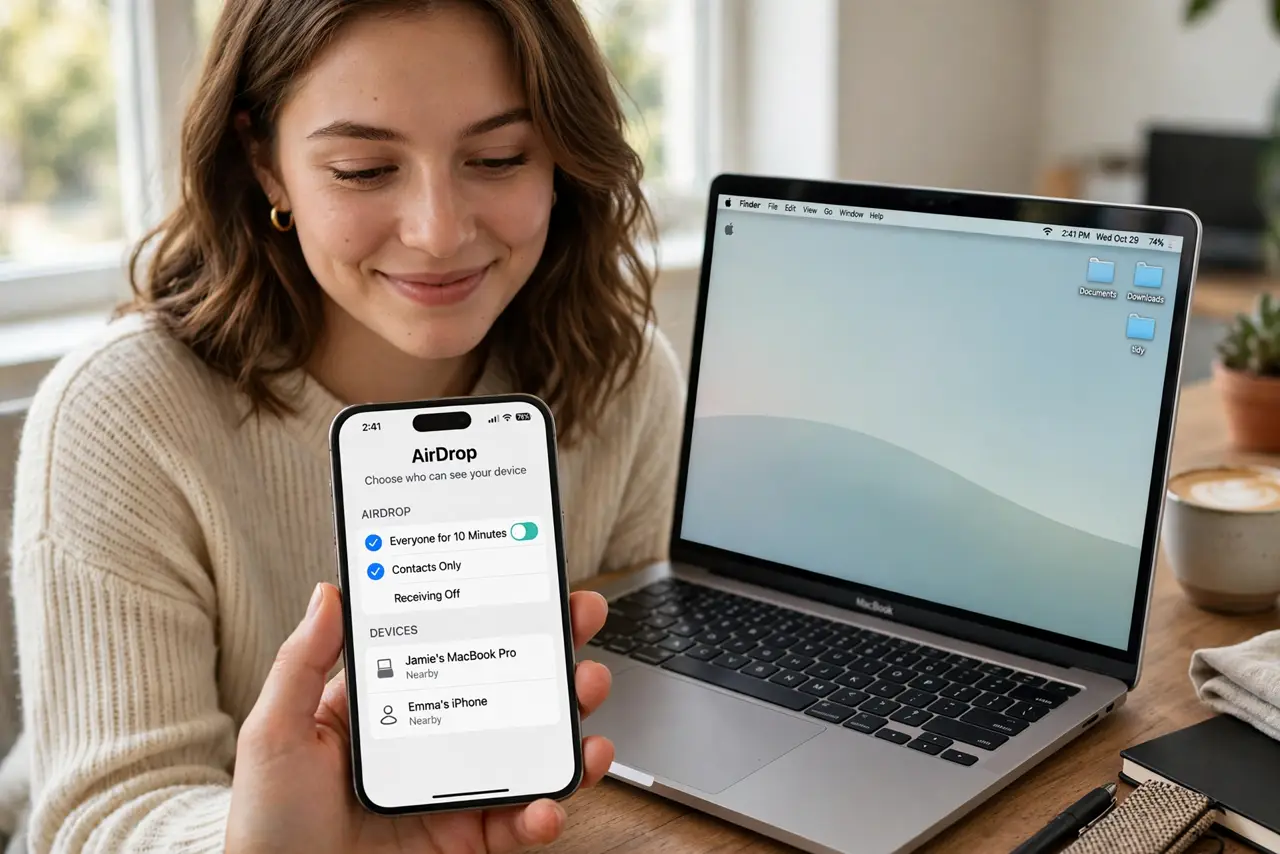
Your Mac shows up on everyone's AirDrop list as 'MacBook Pro' — or worse, your ex's name from three owners ago. AirDrop simply broadcasts your device name, so the fix is renaming the device, not an AirDrop setting. Thirty seconds, and the mystery name is gone for good.
TL;DR / Quick Fix
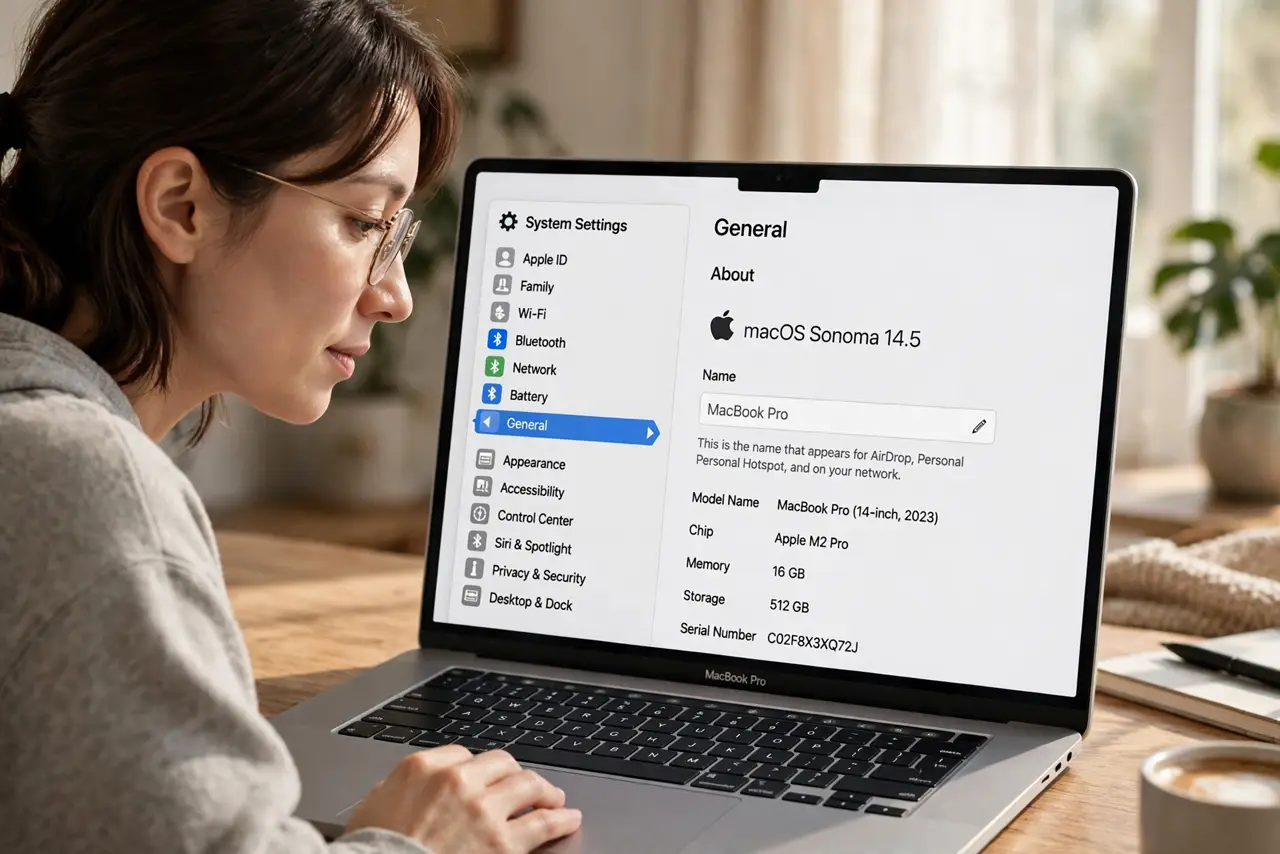
Quick fix: AirDrop shows your device name. On the Mac, open System Settings > General > About and change the Name field. On iPhone or iPad, it is Settings > General > About > Name. The new name appears on nearby AirDrop lists within a minute.
Follow these steps
- Find where the name lives. AirDrop has no name setting of its own — it broadcasts the device name. On Mac: System Settings > General > About > Name. On iPhone/iPad: Settings > General > About > Name.
- Type the name you want shown. Use something recognizable — your first name plus the device works well. Avoid jokes that confuse coworkers in a meeting.
- Check your Contacts card too. In Contacts Only mode, others see the name from your contact card. Make sure My Card has your current name, or the old one lingers.
- Wait a minute, then re-check. Nearby devices cache the old name briefly. Toggle AirDrop off and on, or just wait — the new name propagates on its own.
- Rename every Apple device consistently. If the iPhone still shows the old name, its own device name needs the same treatment. Rename each device once and be done.
- Restart AirDrop if the old name sticks. Turn AirDrop off and back on in Control Center on both sides. A stuck cache clears with the toggle.
What NOT to do
- Do not hunt for an AirDrop name setting. There isn't one — the device name is the whole story.
- Do not name it something embarrassing for a shared office. Everyone in the room sees the AirDrop list.
- Do not forget the iPhone has its own name. Changing the Mac does nothing for the name your iPhone broadcasts.
- Do not confuse this with your Apple ID name. Changing your Apple ID name does not change what AirDrop shows.
Frequently asked questions
I renamed it but others still see the old name — why?
Their device cached the old name. It refreshes on its own, usually within minutes — toggling AirDrop on their side speeds it up.
Does the name affect anything besides AirDrop?
Yes — the same name appears in Find My, Handoff, and Personal Hotspot lists. One rename fixes them all.
Why does it show a number like (2) after my name?
Two devices once shared the name, so the system numbered them. Rename each device distinctly and the numbers disappear.