Fix AirPlay to TV Showing a Black Screen
AirPlay that connects but shows only a black screen on the TV usually means the video stream did not start cleanly, even though the connection itself worked. The TV, the Mac, and the network all play a part. Restart the stream before changing settings.
TL;DR / Quick Fix
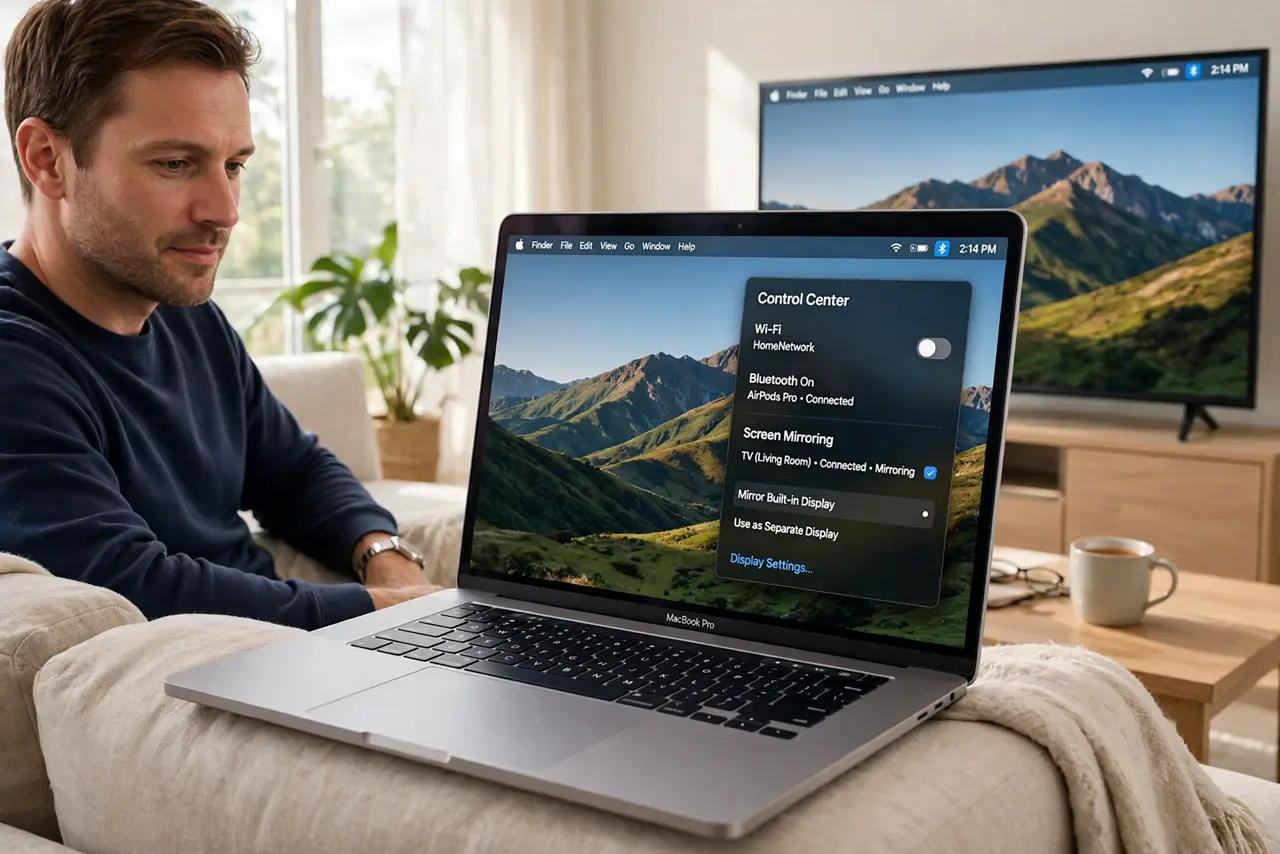
Quick fix: stop AirPlay, wait a few seconds, and start it again. Make sure the Mac and the TV are on the same Wi-Fi network, then test with a simple video. If audio plays but video stays black, restart the TV and the Mac and try once more.
Follow these steps
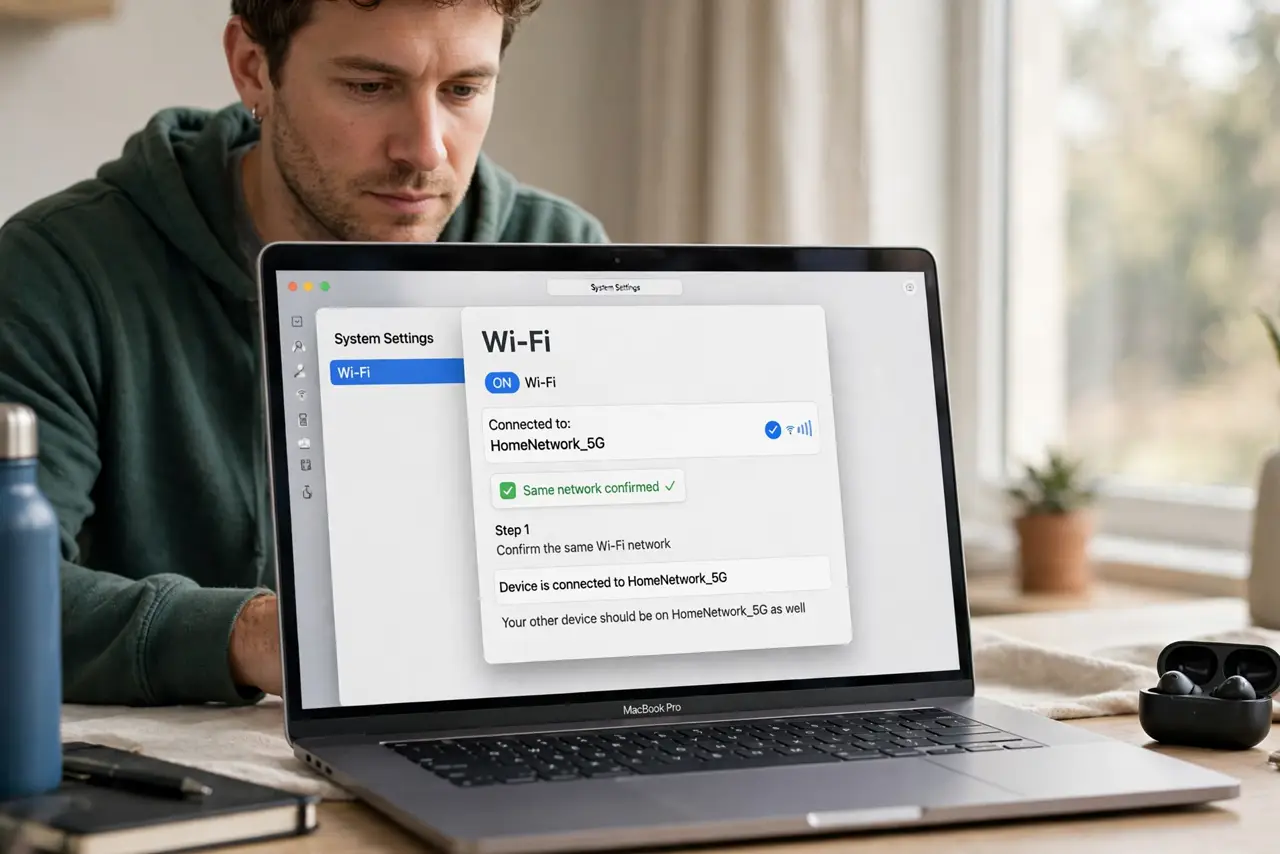
- Confirm the same Wi-Fi network. Check that the Mac and the TV or Apple TV are on the same Wi-Fi network name. AirPlay can fail or show black if one device is on a guest network.
- Stop and restart AirPlay. Open Control Center on the Mac, stop Screen Mirroring, wait a few seconds, then start it again and select the TV. A fresh stream often clears a black screen.
- Test audio and video separately. Play a song first, then a video. If audio works but video stays black, the video stream is the problem, not the whole AirPlay connection.
- Restart the TV and the Mac. Turn the TV fully off and on again, and restart the Mac if the black screen persists. A restart clears a stuck video session on either side.
- Move closer to the router or use a wired TV. If the picture appears then goes black, move the Mac closer to the router or connect the TV by Ethernet if possible. A weak network can drop the video stream.
- Test AirPlay with another app. Try mirroring from a different app or from the desktop itself. If one app shows black but others work, that app's video playback is the likely cause.
What NOT to do
- Do not reset the TV to factory settings first. A restart and a fresh AirPlay stream fix most black screens without wiping the TV's setup.
- Do not assume the Mac is broken. Test another app and another network position before concluding the Mac's AirPlay is at fault.
- Do not keep starting and stopping AirPlay rapidly. Give each attempt a few seconds to connect, or you may stack up failed sessions.
- Do not use a public or guest Wi-Fi network for AirPlay testing. Guest networks often block device-to-device connections like AirPlay.
Frequently asked questions
Why is the AirPlay screen black but connected?
The connection worked, but the video stream did not start cleanly, often after a network hiccup or a stuck session on the TV or Mac.
Does AirPlay need the same Wi-Fi network?
Yes, in most home setups. If the Mac and TV are on different networks, AirPlay may connect poorly or not at all.
What if only one app shows black?
That app's video playback is likely the cause. Test another app to confirm, then update or restart the problem app.