Mac App Store Download Stuck? Get It Moving
An App Store download sits at the same progress for ages, and the app never arrives. The download is usually paused by storage, connection, or account trouble, not broken forever. Pause, check, and resume in order.

TL;DR / Quick Fix
Quick fix: open the App Store, pause the stuck download, then resume it once. Check free storage and your connection, then sign out and back in only if the download still will not move. Then test the fix for a full day before changing anything else.
Follow these steps
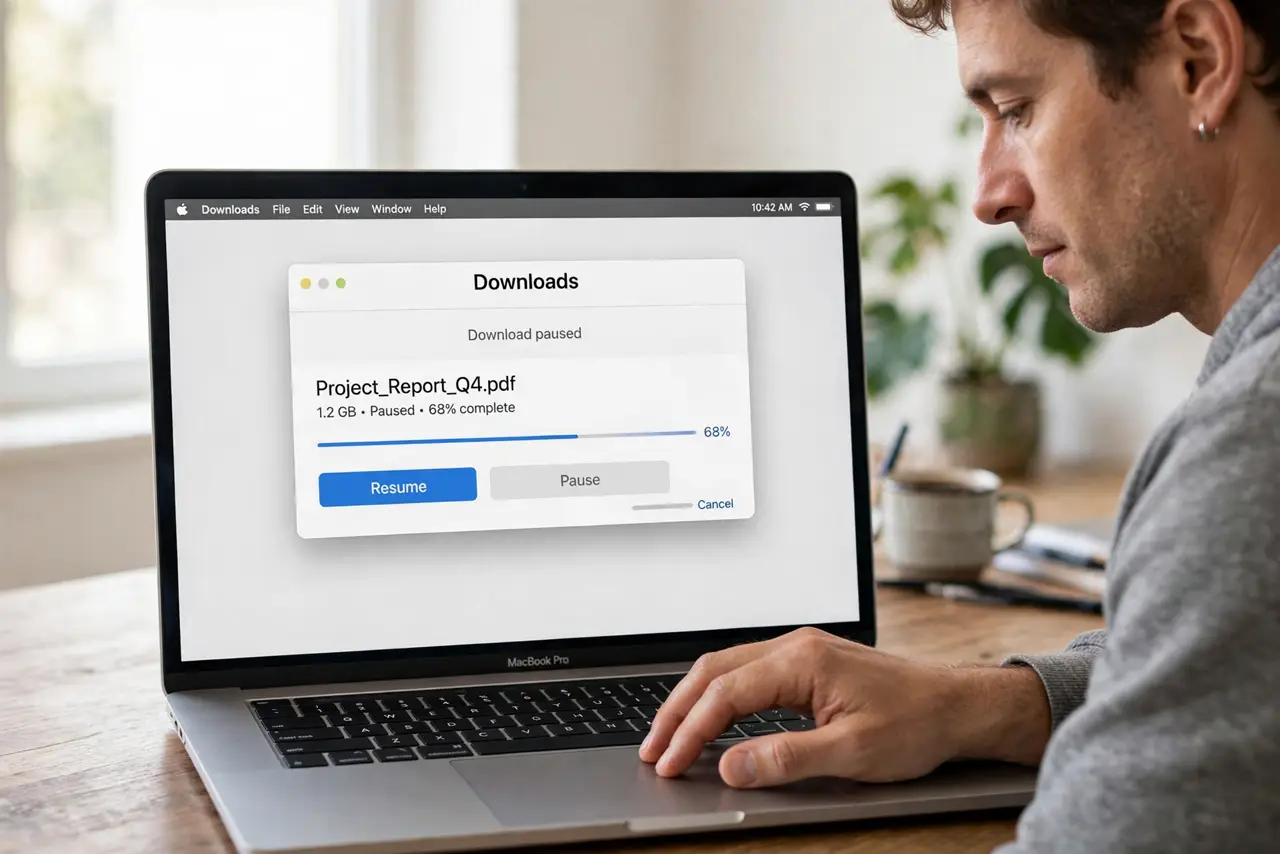
- Pause and resume the download. Open the App Store, find the downloading app, and pause it. Wait a few seconds, then resume it, and watch whether progress moves.
- Check free storage. Open System Settings, then General, then Storage, and confirm enough free space for the app. A full disk pauses downloads without a clear error.
- Check your connection. Open a website in Safari to confirm the internet works. If the connection drops, the download stalls, so fix the connection first.
- Restart the App Store. Quit the App Store fully and reopen it. A fresh App Store session often clears a stuck download state.
- Sign out and back in. In the App Store, sign out of your Apple Account, then sign back in with the same account. This refreshes the purchase record for the download.
- Restart the Mac as a last step. Restart the Mac, reopen the App Store, and resume the download. If it still stalls, cancel it and start the download again.
What NOT to do
- Do not delete the half-downloaded app repeatedly. Repeated cancels and restarts waste time and can leave partial files behind.
- Do not create a second Apple Account to fix a download. A new account will not own the purchase and cannot finish it.
- Do not change payment details in a panic. A stuck download is rarely a payment problem, so check storage and connection first.
- Do not ignore a full disk warning. Downloads need free space, and no amount of pausing fixes a disk with no room.
Frequently asked questions
Why is my download stuck at the same spot?
Usually storage is full, the connection dropped, or the App Store session stalled. Pause, check both, then resume.
Will pausing lose my progress?
No. Pausing keeps the downloaded part, and resuming continues from where it stopped in most cases.
What if the app never appears after download?
Check Launchpad and the Applications folder. The app may have finished but not appeared on the Dock.