Stop Bluetooth Headphones Disconnecting on Mac
Bluetooth headphones that keep disconnecting from a Mac usually suffer from low battery, distance, interference, or a confused pairing. The headphones themselves are rarely broken. Check the simple causes first, in the order you would notice them.
TL;DR / Quick Fix
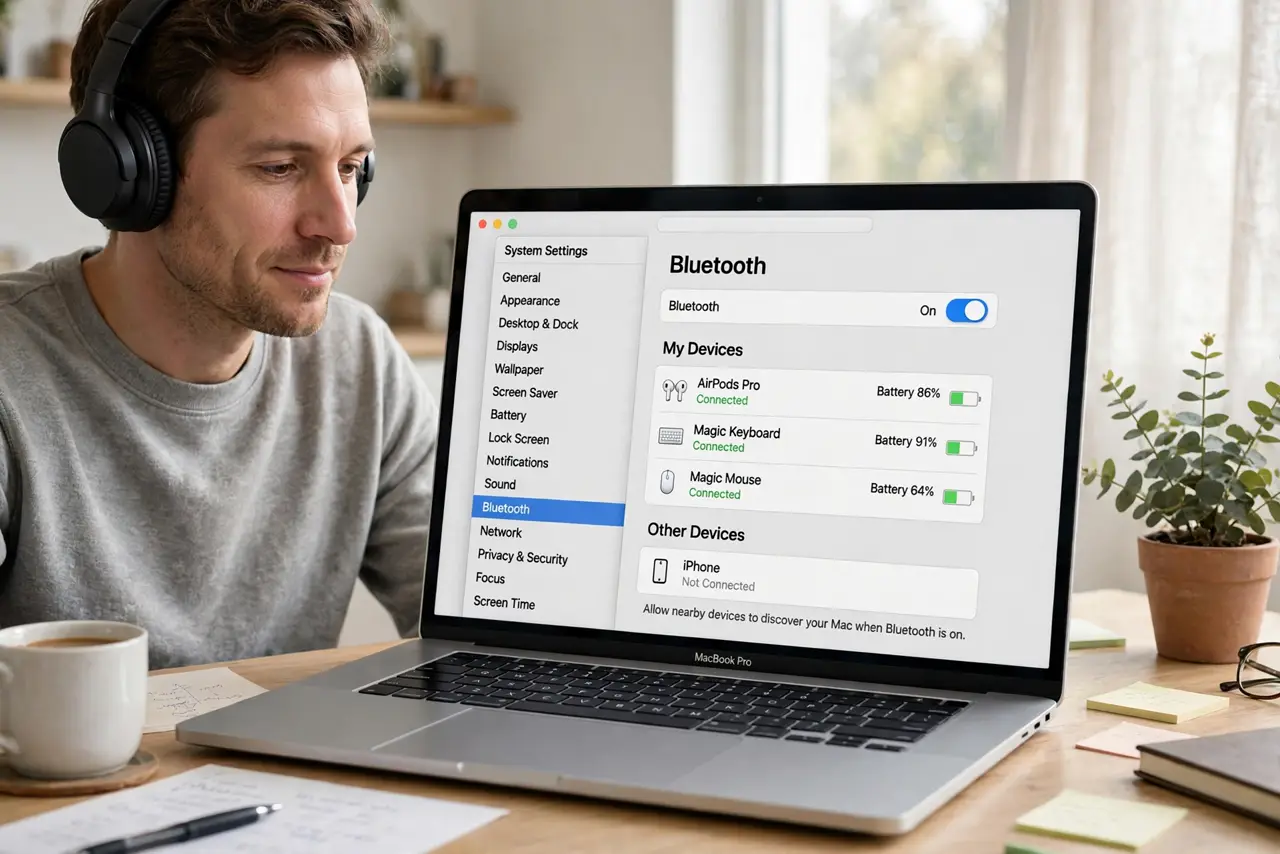
Quick fix: charge the headphones fully and sit closer to the Mac. Then disconnect and reconnect them in Bluetooth settings, and turn off Bluetooth on nearby devices you are not using. If drops continue, remove and re-pair the headphones once.
Follow these steps
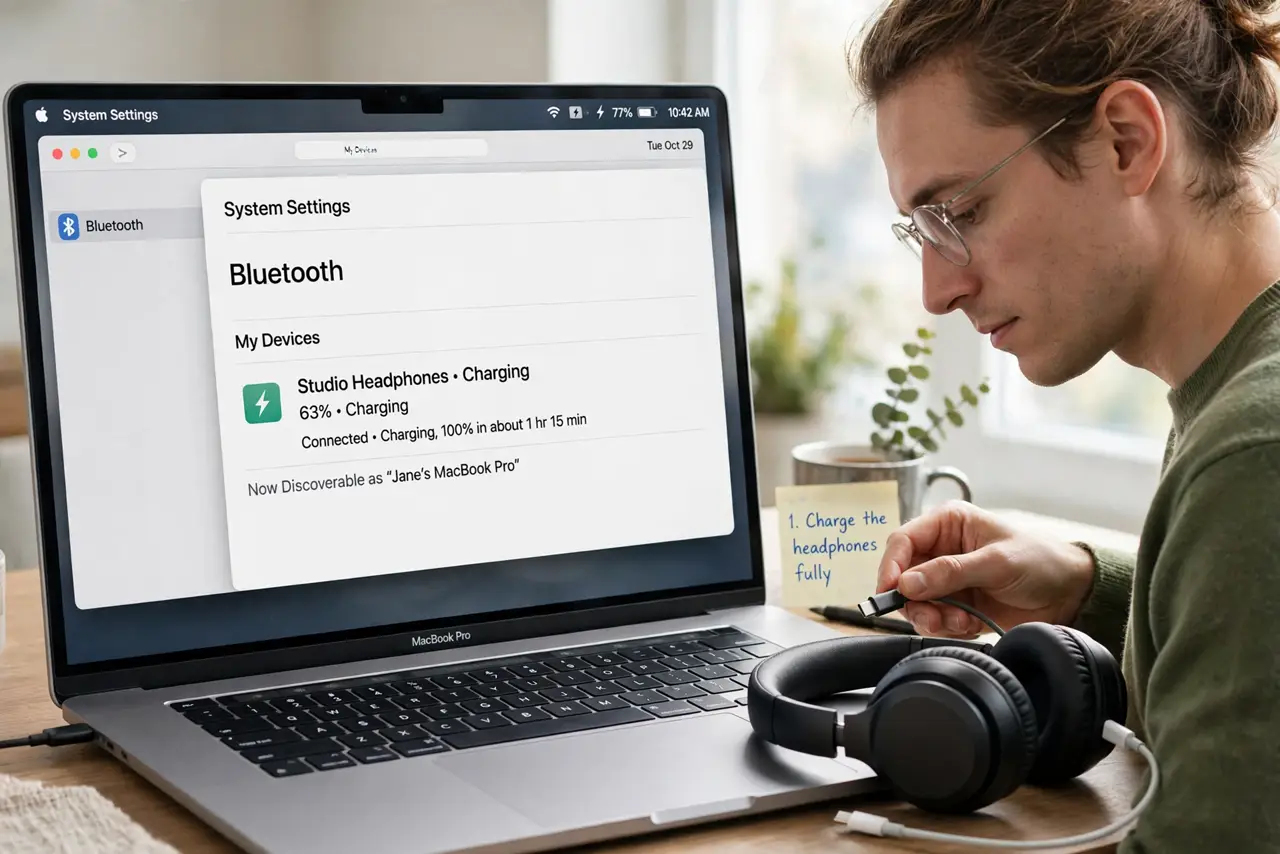
- Charge the headphones fully. Charge the headphones to full and test again. Low battery is a common cause of random disconnects that look like a Mac problem.
- Sit closer to the Mac. Move within a few feet of the Mac with nothing large between you and it. Walls and metal desks weaken Bluetooth and cause drops.
- Disconnect and reconnect. Open System Settings, then Bluetooth, disconnect the headphones, wait a few seconds, and connect them again. A fresh connection clears a weak link.
- Turn off unused nearby Bluetooth devices. Turn off Bluetooth on phones, tablets, or speakers you are not using. Competing devices can steal or disturb the headphone connection.
- Remove and re-pair the headphones. In Bluetooth settings, remove the headphones, put them in pairing mode, and pair them again. Re-pairing fixes pairings that have become confused over time.
- Test the headphones with another device. Pair the headphones with a phone and listen for a while. If they stay connected there, the problem is the Mac side, not the headphones.
What NOT to do
- Do not buy new headphones first. Battery, distance, and re-pairing fix most disconnects without new hardware.
- Do not reset the Mac's Bluetooth module as a first step. Remove and re-pair the one device first, since that targets the actual problem.
- Do not keep the headphones connected to two devices at once while testing. Multipoint connections can cause drops that look like a Mac fault.
- Do not ignore low battery warnings. A headset that disconnects at the same battery level each time is telling you it needs charging.
Frequently asked questions
Why do headphones disconnect only from the Mac?
The Mac pairing may be confused, the distance or interference may be worse at your desk, or another device may be competing for the headphones.
Does multipoint cause disconnects?
It can. If the headphones connect to a phone and a Mac at once, one device can pull the connection away. Test with only the Mac connected.
What if re-pairing does not help?
Test the headphones on another device. If they disconnect there too, the headphones themselves may need attention.