Watch macOS Boot Messages
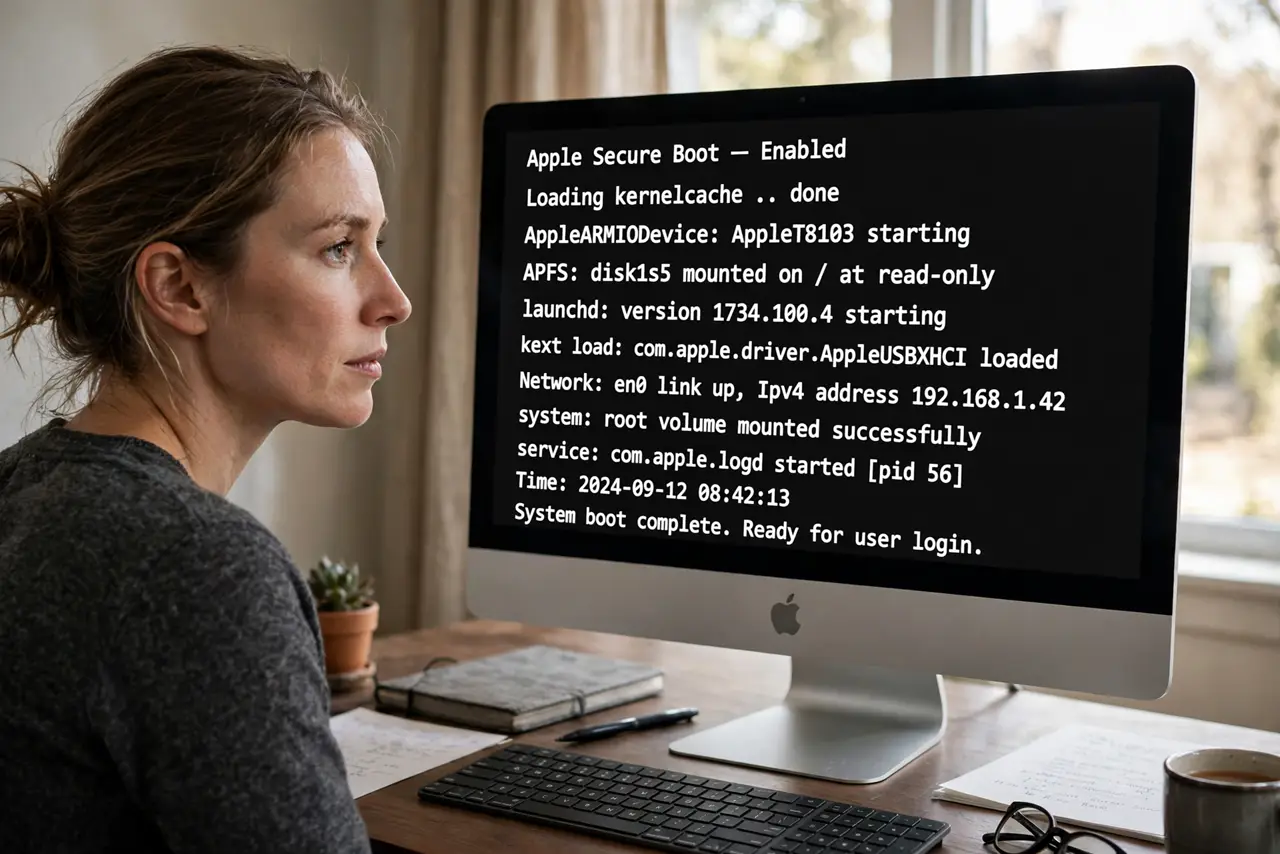
Your Mac stalls on the Apple logo — no error, no progress bar movement, just an expensive screensaver. The logo hides what is actually happening: macOS can show you every step of the boot as scrolling text, and the last lines before the freeze usually name the culprit — a driver, a disk check, a stuck service. Verbose mode is the diagnostic flashlight for boot hangs. If the Mac gets fully stuck, Safe Mode is the next tool.
TL;DR / Quick Fix
Quick fix: to watch macOS boot messages for diagnosing a hang, hold Command+V at startup for verbose mode — scrolling text replaces the Apple logo and the last visible lines name the stall. Photograph the screen when it stops. The last lines before the freeze are the clue.
Follow these steps
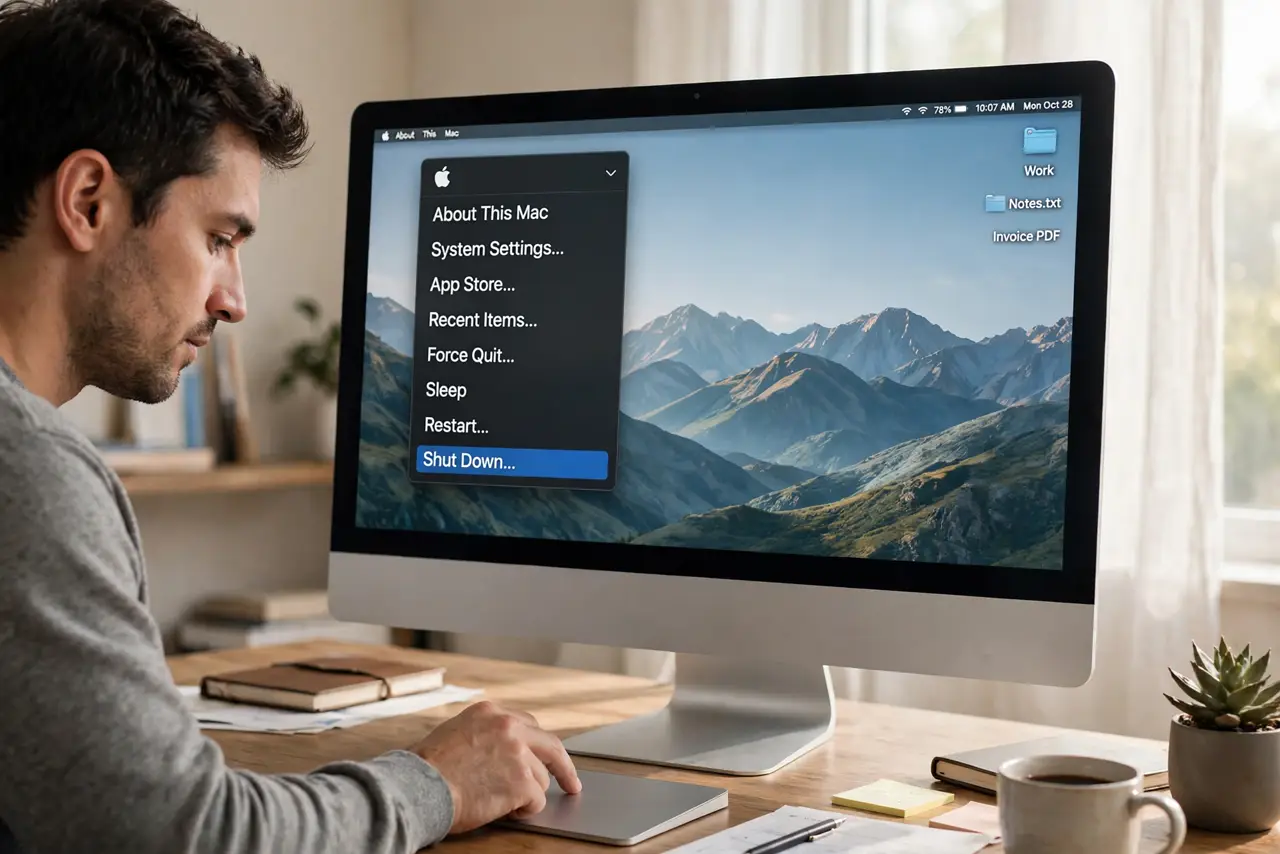
- Shut the Mac down fully. Apple menu, Shut Down — verbose mode triggers at boot, so you need a real cold start, not a restart from sleep.
- Hold Command+V and press power. On Intel Macs: hold Command+V immediately at startup until text appears. On Apple silicon, verbose boot needs a Terminal command (sudo nvram boot-args='-v') set beforehand — the key combo era ended with Intel.
- Watch where it stops. Text scrolls fast, then halts at the hang. The last 10–20 lines are the gold — they name the driver, service, or disk operation where boot died.
- Photograph the frozen screen. Phone photo, steady hands, capture those final lines. You will research them at leisure — memory of scrolling text is unreliable.
- Search the last lines. Plug distinctive phrases from the photo into a search engine. Boot-hang lines are specific enough that someone has usually solved your exact stall before.
- Boot Safe Mode to confirm. If verbose mode fingers a third-party driver, Safe Mode (which skips such drivers) should boot clean — confirming the diagnosis before you remove anything.
What NOT to do
- Do not change boot arguments casually on Apple silicon. The nvram setting persists — set it for diagnosis, then clear it when done.
- Do not panic at the wall of text. Most lines are normal boot chatter — only the final frozen lines matter.
- Do not delete kexts or drivers based on one line. Confirm with Safe Mode first — verbose mode suggests, it does not convict.
- Do not ignore a hang that mentions disk errors. Disk-related stalls deserve a backup before any repair attempts — data first, always.
Frequently asked questions
What is verbose mode, exactly?
A boot flag telling macOS to print every startup step as text instead of showing the logo. Same boot, visible internals — purely diagnostic, changes nothing.
Can verbose mode harm the Mac?
No — it only changes the display during boot. On Apple silicon remember to clear the nvram flag afterward so every boot is not verbose.
The text scrolls too fast to read — now what?
That is normal; the photo-at-the-freeze technique exists for exactly this. Video recording the boot works too — pause on the final frame.