Mac Calendar Events Duplicated? Clean Them Up
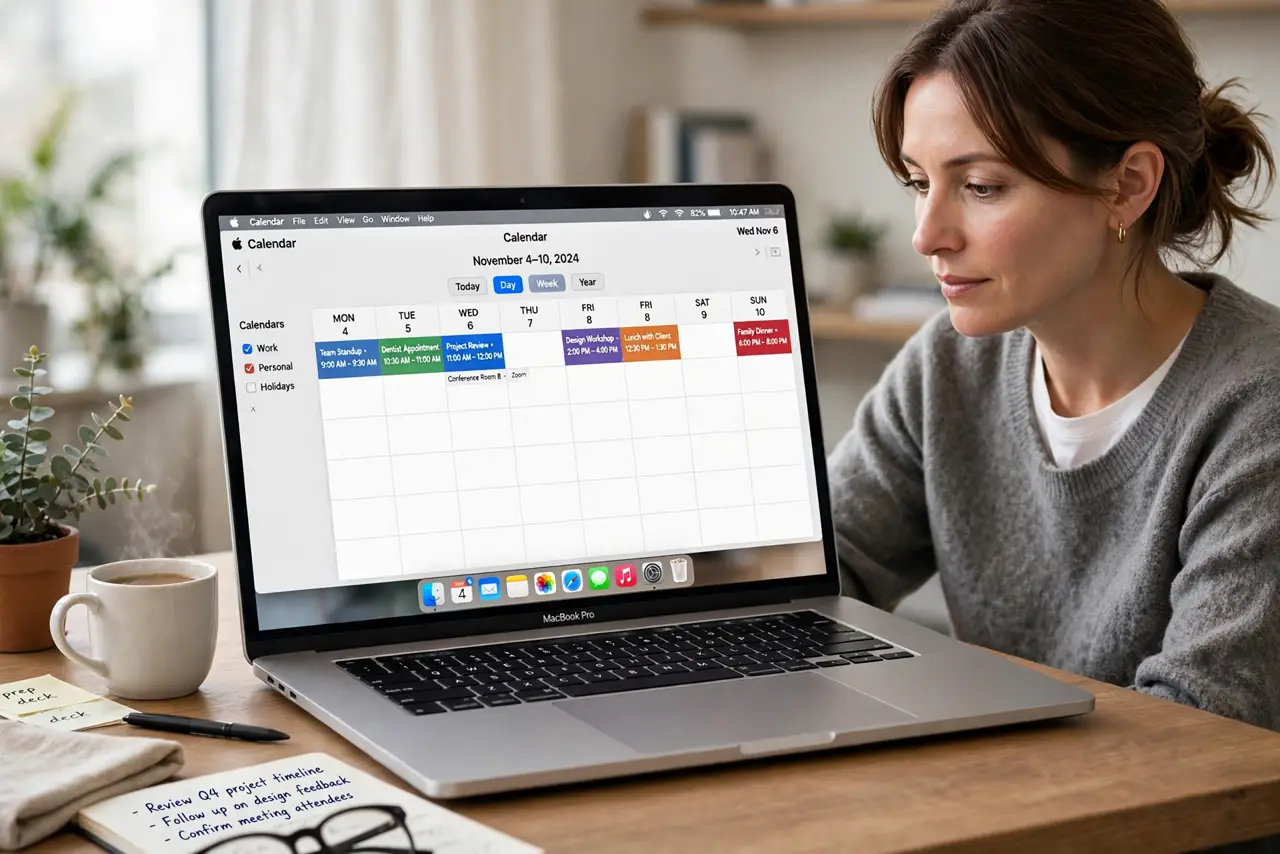
The same meeting appears two or three times, and your calendar looks messy and untrustworthy. Duplicates usually come from the same calendar synced through two accounts. Fix the source first, then clean up the copies.
TL;DR / Quick Fix
Quick fix: check Calendar accounts for the same calendar listed twice, turn off the duplicate source, then delete the extra copies one calendar at a time. Check a week ahead before deleting anything. Then test the fix for a full day before changing anything else.
Follow these steps
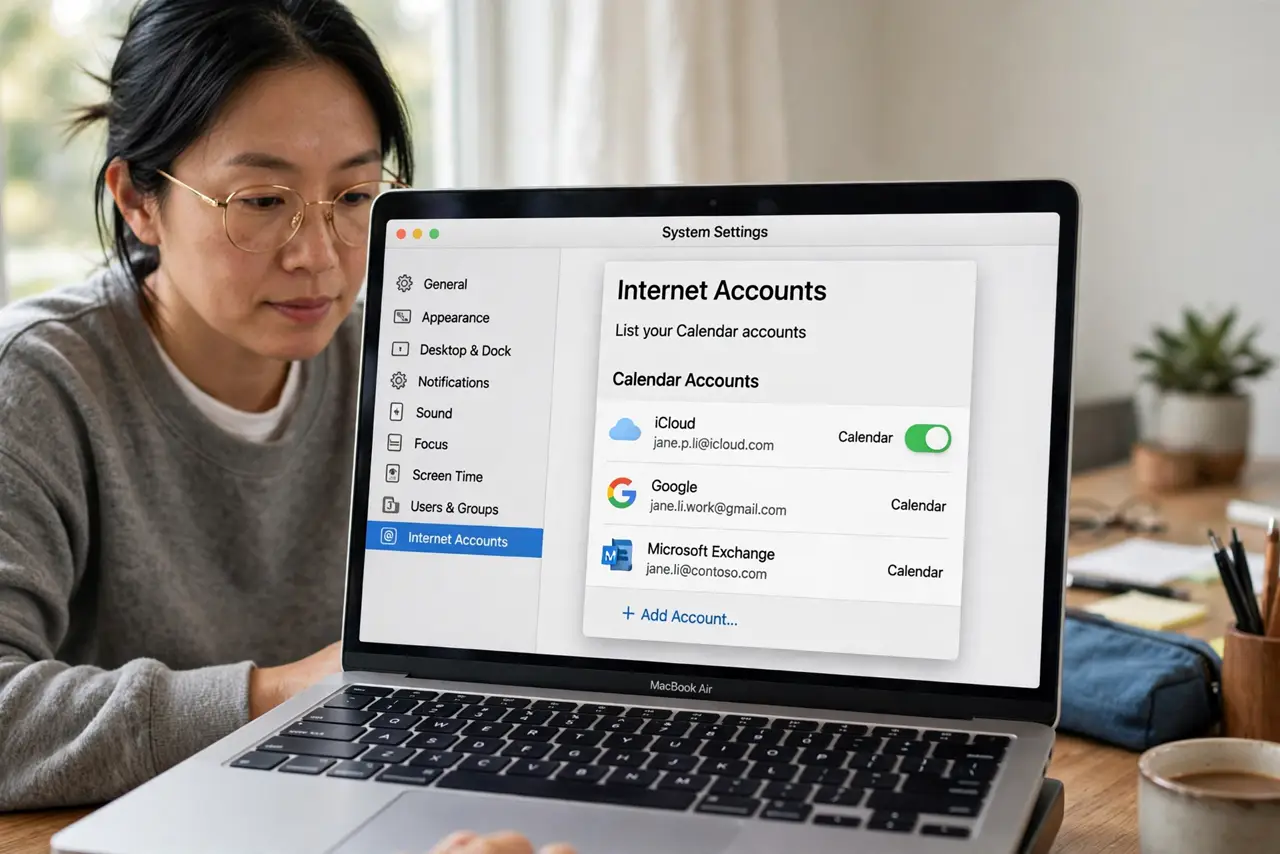
- List your Calendar accounts. Open Calendar, then Settings, then Accounts, and look for the same account or calendar listed twice. Two sources for one calendar create duplicates.
- Turn off the duplicate source. Uncheck or remove the duplicate calendar source, keeping the one you actually use. Do not delete both, or you may hide the real events.
- Delete extra copies carefully. Open a duplicated event, check which calendar it belongs to, and delete only the copy from the duplicate calendar. Work through one day at a time.
- Check the iPhone or iPad too. If the same account syncs to your phone, check its calendar settings as well. A duplicate source on the phone will recreate duplicates on the Mac.
- Refresh calendars after cleanup. Choose View, then Refresh Calendars, and wait for sync to finish. Confirm the duplicates are gone before you add new events.
- Watch one full week. Check the next seven days for new duplicates. If they return, another account is still syncing the same calendar, so revisit the accounts list.
What NOT to do
- Do not delete all copies of an event at once. You may delete the only real copy along with the duplicates.
- Do not delete a whole calendar to clear duplicates. That removes real events that are not duplicated.
- Do not ignore the accounts list and just delete events. New duplicates will return at the next sync.
- Do not edit events on two devices at the same time during cleanup. Conflicting edits can create fresh duplicates.
Frequently asked questions
Why did events duplicate?
Usually the same calendar syncs through two accounts, so each sync adds another copy of the same event.
Can I merge duplicates automatically?
Calendar has no safe one-click merge, so delete the extra copies from the duplicate calendar by hand, carefully.
Will duplicates come back?
They will if the duplicate source stays on. Removing that source is the step that stops them for good.