Closed-Lid Mode? How To
A MacBook with the lid closed, driving a big monitor like a desktop — keyboard, mouse, everything working, laptop tucked out of sight. That is clamshell mode, and it needs exactly three things connected to work reliably. Miss one and the Mac just sleeps when you close the lid.
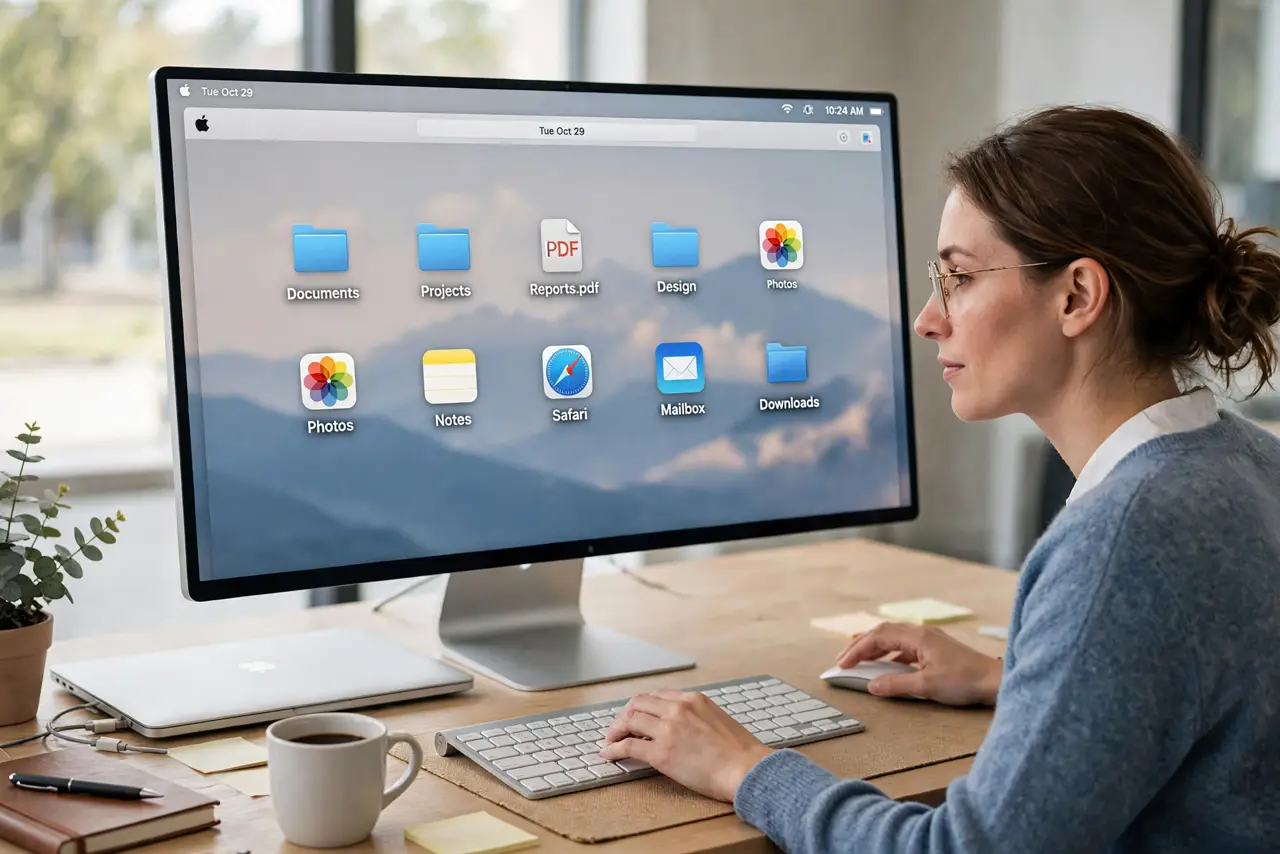
TL;DR / Quick Fix
Quick fix: connect power, an external display, and a keyboard or mouse — then close the lid and the Mac keeps running on the external screen. The charger must stay plugged in or the Mac sleeps. It is the classic way to turn a MacBook into a desktop.
Follow these steps
- Connect the charger first. Clamshell mode requires external power — this is non-negotiable. On battery, closing the lid always sleeps the Mac.
- Connect the external display. Any monitor works — HDMI, USB-C, or a dock. Wake the Mac once with the lid open so it sees the display.
- Connect a keyboard or mouse. Bluetooth or wired, either works. You need an input device to wake and control the Mac with the lid closed.
- Close the lid and wake it. Close the lid, wait a few seconds, then tap a key or click the mouse. The external display becomes the only screen.
- Set the external display as main if needed. In System Settings, under Displays, arrange your screens and drag the menu bar to the external one. Do this once — macOS remembers.
- Open the lid to return to laptop mode. Opening the lid brings the built-in display back instantly. No settings to undo — clamshell is a state, not a mode you toggle.
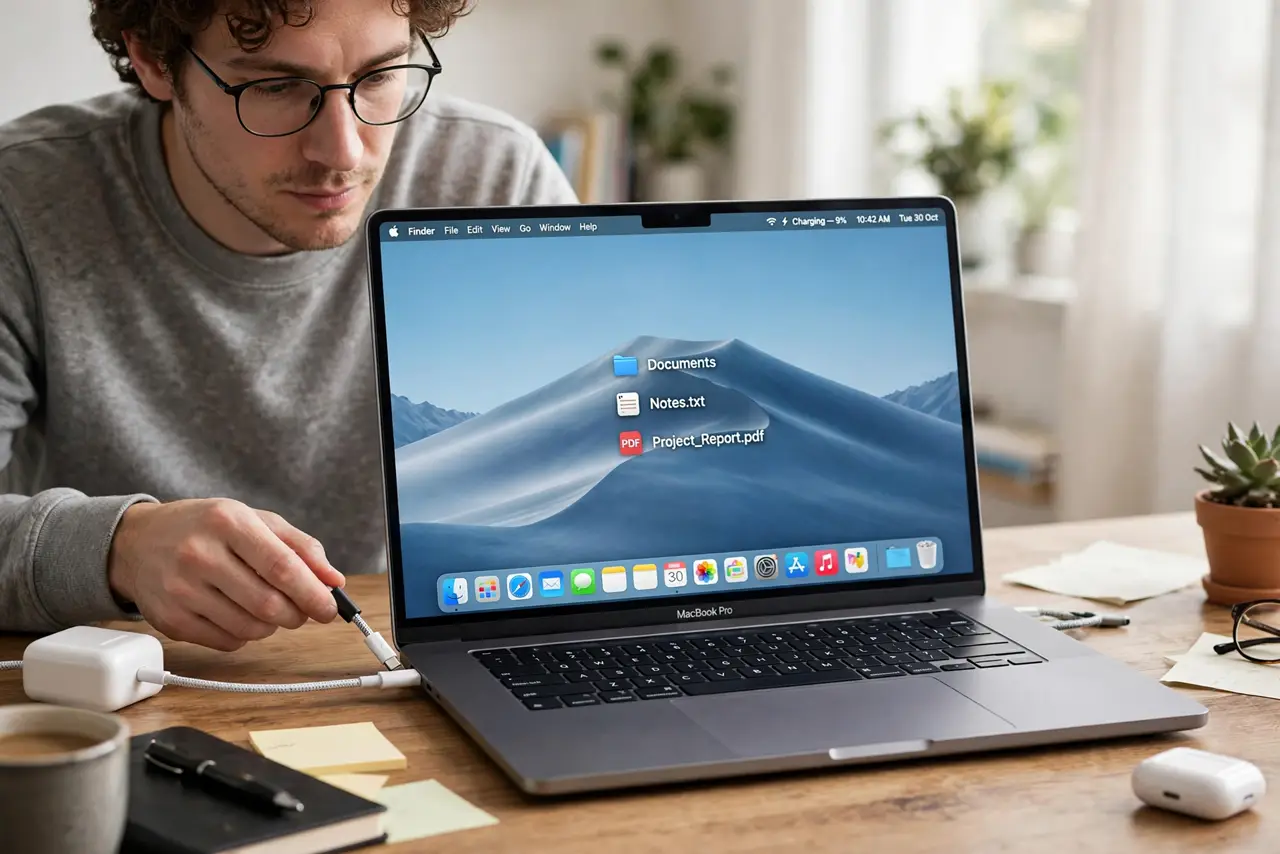
What NOT to do
- Do not close the lid on battery and expect it to work. Power is a hard requirement, not a suggestion.
- Do not block the MacBook's vents in clamshell. Tucked behind a monitor is fine; sealed in a drawer or under papers is not.
- Do not panic if the external display stays dark for a few seconds. Wake-up takes a moment — tap a key and wait before replugging things.
- Do not forget Bluetooth devices need to be awake too. A sleeping keyboard cannot wake a sleeping Mac — tap it first.
Frequently asked questions
Does clamshell mode overheat the MacBook?
No, as long as air can circulate. The Mac is designed for this — heat exits through the vents and keyboard area, so do not smother it.
Can I use clamshell with the lid open instead?
Yes — just use the external display as your main screen and ignore the laptop display, or mirror them. Clamshell only matters when you want the lid closed.
Why does my Mac sleep anyway with everything connected?
Usually the charger is not actually delivering power — check the charging indicator. A loose power cable is the classic culprit.