Mac Cursor Too Small? Make It Easier to See
The mouse pointer is tiny, and you lose it constantly on a large or high-resolution screen. That is a pointer size setting, not your eyesight failing overnight. Increase the size, turn on shake to locate, and the pointer becomes easy to follow.
TL;DR / Quick Fix
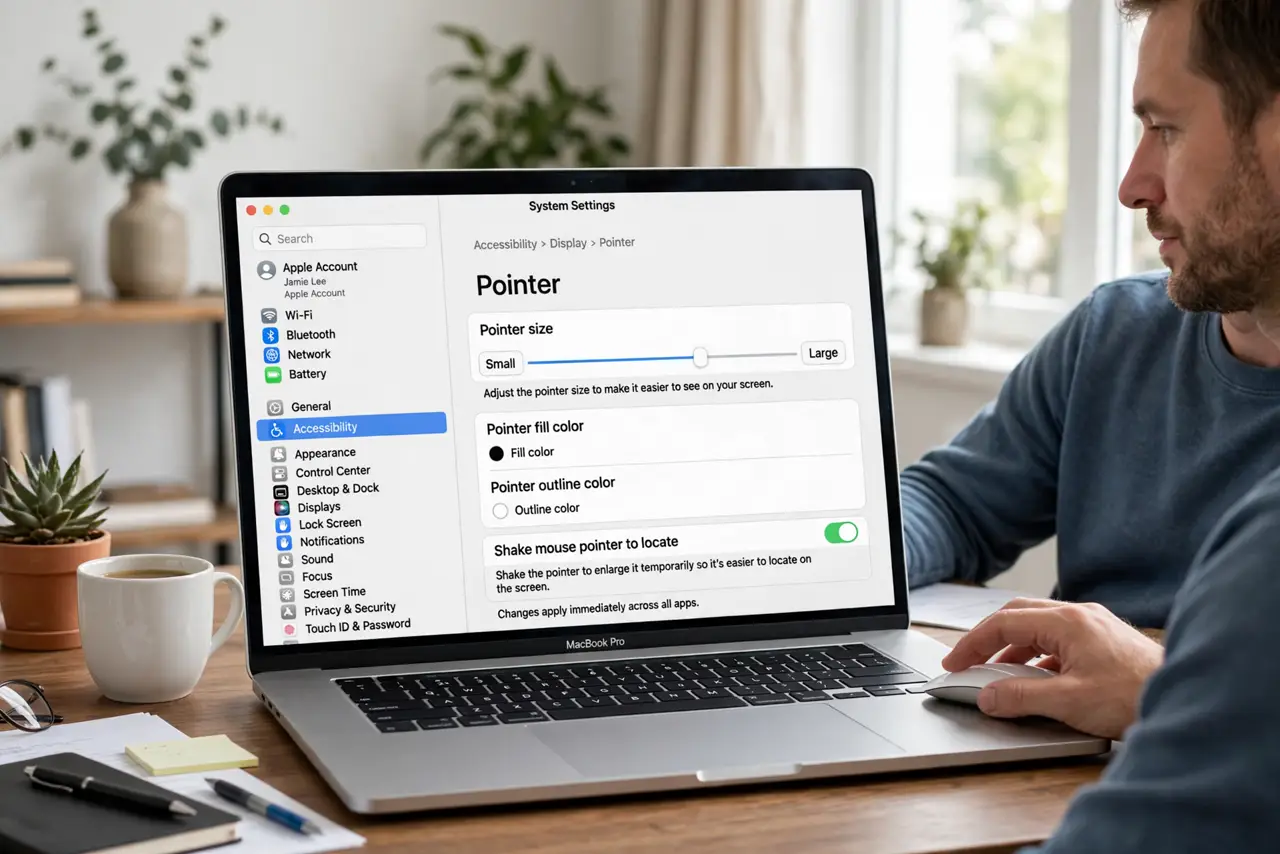
Quick fix: open System Settings, then Accessibility, then Display, then Pointer, and drag Pointer size larger. Turn on Shake mouse pointer to locate, then move the pointer to test it. Then test the fix for a full day before changing anything else.
Follow these steps
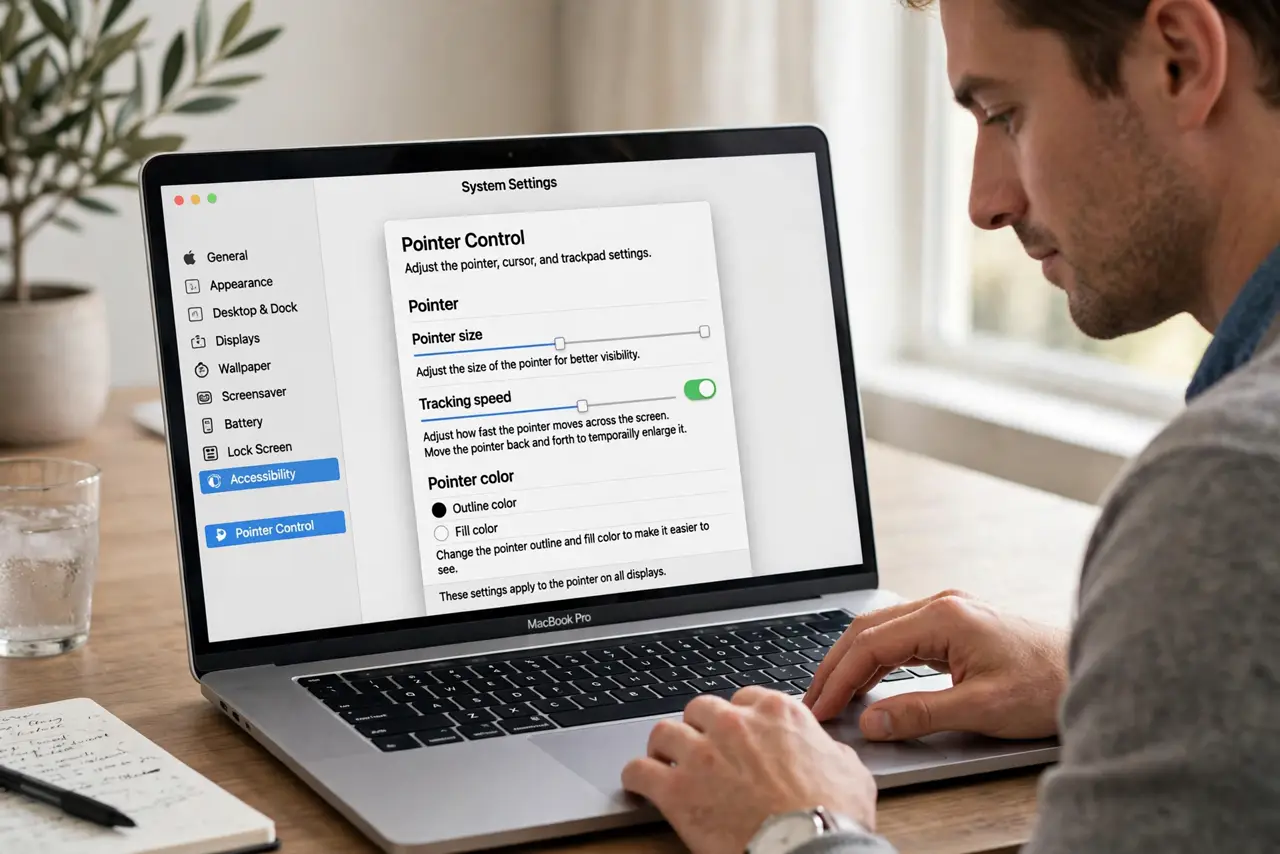
- Open Pointer settings. Open System Settings, then Accessibility, then Display, then Pointer. This pane holds size and locate options for the mouse pointer.
- Drag Pointer size larger. Drag the Pointer size slider to a size you can follow comfortably. Increase it gradually, since a huge pointer can itself get in the way.
- Turn on Shake to locate. Turn on Shake mouse pointer to locate. Shaking the mouse briefly enlarges the pointer, making it easy to find on a busy screen.
- Test on a busy desktop. Move the pointer across windows, the Dock, and the menu bar. Confirm you can follow it without hunting, even over similar colors.
- Check display scaling too. If everything looks small, check Display settings scaling as well. Pointer size fixes the pointer; scaling fixes the whole interface.
- Keep the setting after restart. Restart the Mac and confirm the pointer size holds. Accessibility pointer settings should persist, so a reset means something else changed them.
What NOT to do
- Do not buy a larger mouse to fix a small pointer. Pointer size is a software setting, and a new mouse will show the same tiny pointer.
- Do not set pointer size to maximum at once. An oversized pointer hides text and buttons, so increase it in small steps.
- Do not ignore Shake to locate. It is the fastest way to find a lost pointer, even with a comfortable size set.
- Do not lower screen resolution just to enlarge the pointer. Resolution affects everything and makes text blurrier, while pointer size is precise.
Frequently asked questions
Where is Mac pointer size?
In System Settings, then Accessibility, then Display, then Pointer, using the Pointer size slider.
What does Shake to locate do?
Shaking the mouse briefly enlarges the pointer so you can spot it quickly on a busy screen.
Will a bigger pointer slow the Mac?
No. Pointer size is a display setting with no meaningful effect on speed or battery.