Keys Repeat Too Soon? Fix It
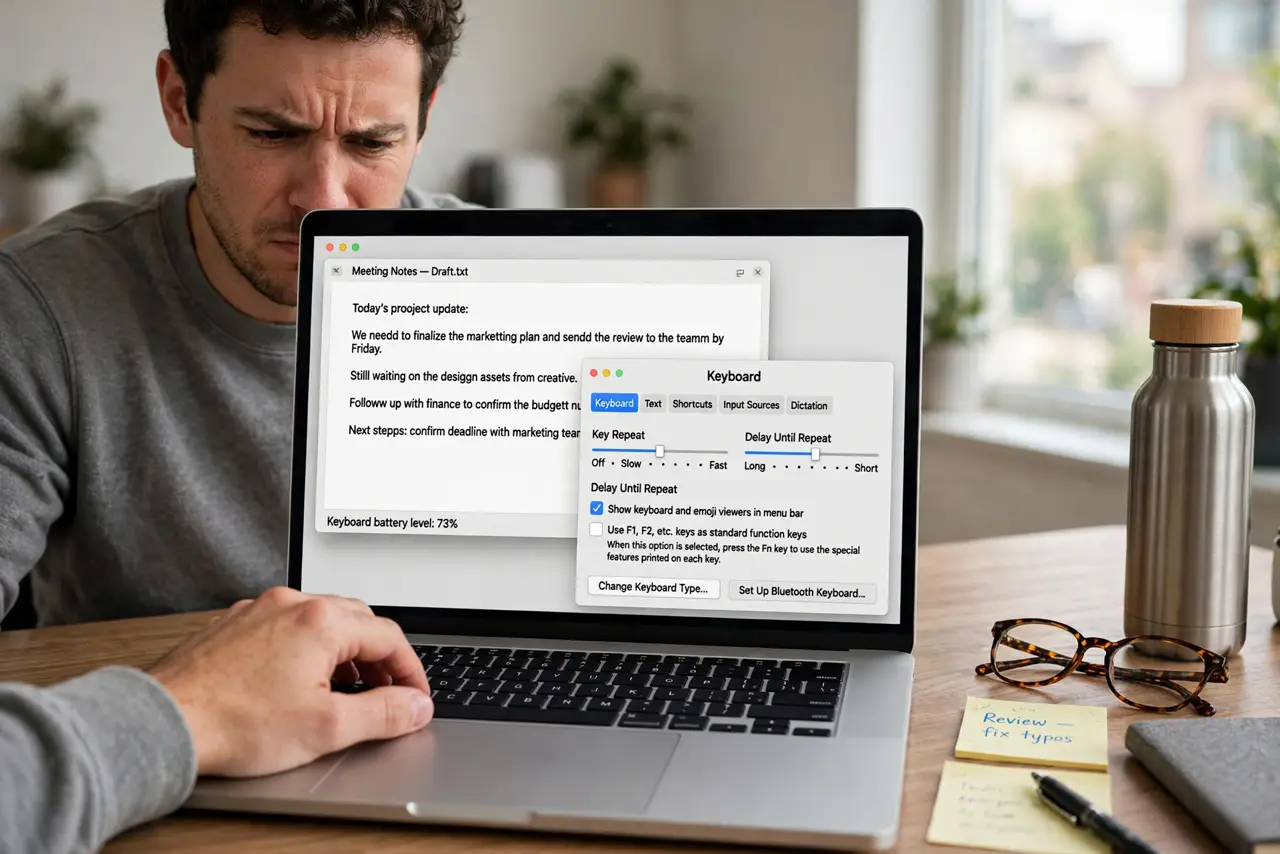
You press a key a heartbeat too long and it doubles — 'hello' becomes 'helllo'. That is the delay until repeat: how long the Mac waits before a held key starts repeating. Lengthen it and brief holds stay single; shorten it and repeats kick in eagerly.
TL;DR / Quick Fix
Quick fix: open System Settings > Keyboard and drag the Delay until repeat slider toward Long. Test by holding a key briefly — it should stay single. If repeats also come too fast once started, slow the [[key repeat rate|mac-key-repeat-rate]] too.
Follow these steps
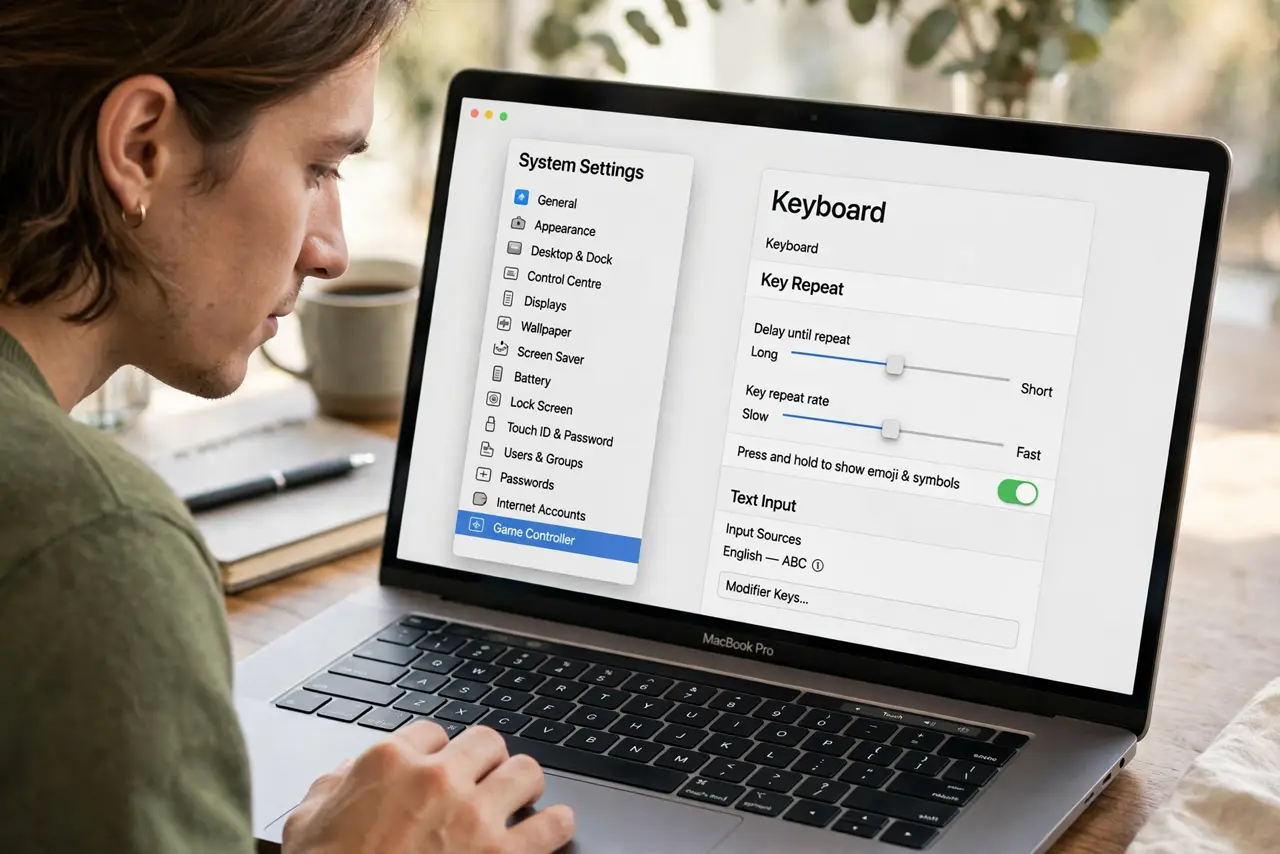
- Open Keyboard settings. System Settings > Keyboard. Delay until repeat sits right beside the Key repeat rate slider.
- Drag Delay until repeat toward Long. This sets the pause before repeating begins. Longer means brief holds never trigger a repeat.
- Test with a deliberate hold. Hold the letter A for a beat, then a longer beat. You want a clear gap between the single press and the repeat stream.
- Match it to your typing style. Heavy-handed typists need a longer delay; light, quick typists can keep it short. The right value feels invisible.
- Tune [[repeat rate|mac-key-repeat-rate]] separately. Delay controls when repeating starts; rate controls how fast it goes. Fix the one that annoys you — or both.
- Check it after OS updates. Major updates occasionally reset keyboard sliders. If doubling returns overnight, this pane is the first check.
What NOT to do
- Do not max it out 'to be safe.' An extremely long delay makes intentional repeats — holding backspace to clear a line — feel broken.
- Do not confuse doubling with a sticky key. Doubled letters from a long hold are this setting; doubled letters from a tap are hardware or Slow Keys.
- Do not adjust it while frustrated mid-deadline. Change one slider, test calmly, then decide — frantic dragging overshoots.
- Do not forget which slider you moved. Rate and delay sit side by side — note which one you changed in case you need to revert.
Frequently asked questions
Why do I get double letters when I type fast?
That is usually a tap registering twice — hardware or a bounce — not this setting. Delay until repeat only affects held keys.
What is the difference between delay and rate?
Delay is the pause before repeating starts; rate is the speed once it starts. Long delay plus slow rate is the calmest combo.
Can I turn key repeat off entirely?
Not with a slider — but setting the delay to Long and the rate to Slow gets close enough that accidental repeats vanish.