The Dictionary App? Basics
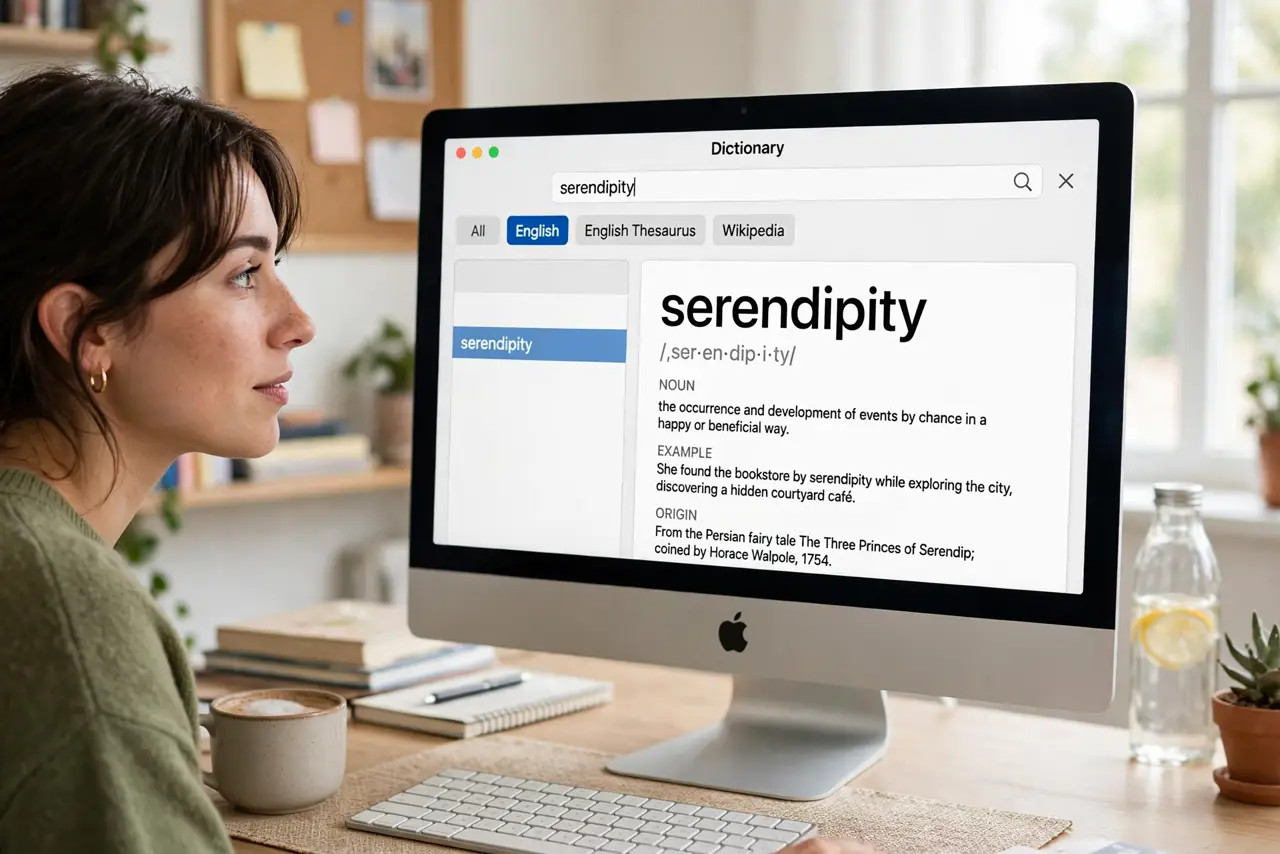
The Dictionary app on Mac is a full Oxford-style dictionary, thesaurus, and Apple glossary sitting free in your Applications folder — plus Wikipedia lookup. Most people never open it, yet it answers 'what does this word mean' faster than a browser. The system-wide lookup gesture makes it instant anywhere. Here is the two-minute tour.
TL;DR / Quick Fix
Quick fix: open Dictionary from Applications — it includes the New Oxford American Dictionary, thesaurus, and Apple terms. Better: in any app, force-click a word (or three-finger tap) for an instant popup definition. In Dictionary preferences, enable the sources you want, including Wikipedia. It works offline for built-in dictionaries.
Follow these steps
- Open the app. Find Dictionary in Applications or Launchpad. Search any word for definitions, pronunciations, and etymology. The sidebar switches between dictionary, thesaurus, and Apple glossary — three references in one.
- Use the instant lookup gesture. In any app, force-click a word (firm press) or three-finger tap it — a popup shows the definition without leaving what you are doing. This is the real power move; the app itself is the backup.
- Enable your sources. Open Dictionary, Settings (or Preferences), and tick the sources you want: dictionaries, thesaurus, Apple Dictionary, Wikipedia. Japanese and other language dictionaries are included free — enable what you read.
- Look up words offline. Built-in dictionaries work without internet — the app is local. Only Wikipedia lookups need a connection. A genuine advantage over browser searching on planes.
- Use the thesaurus well. The thesaurus tab gives synonyms and antonyms with the same instant lookup. Writers: this plus the Calculator covers most reference needs without opening a browser.
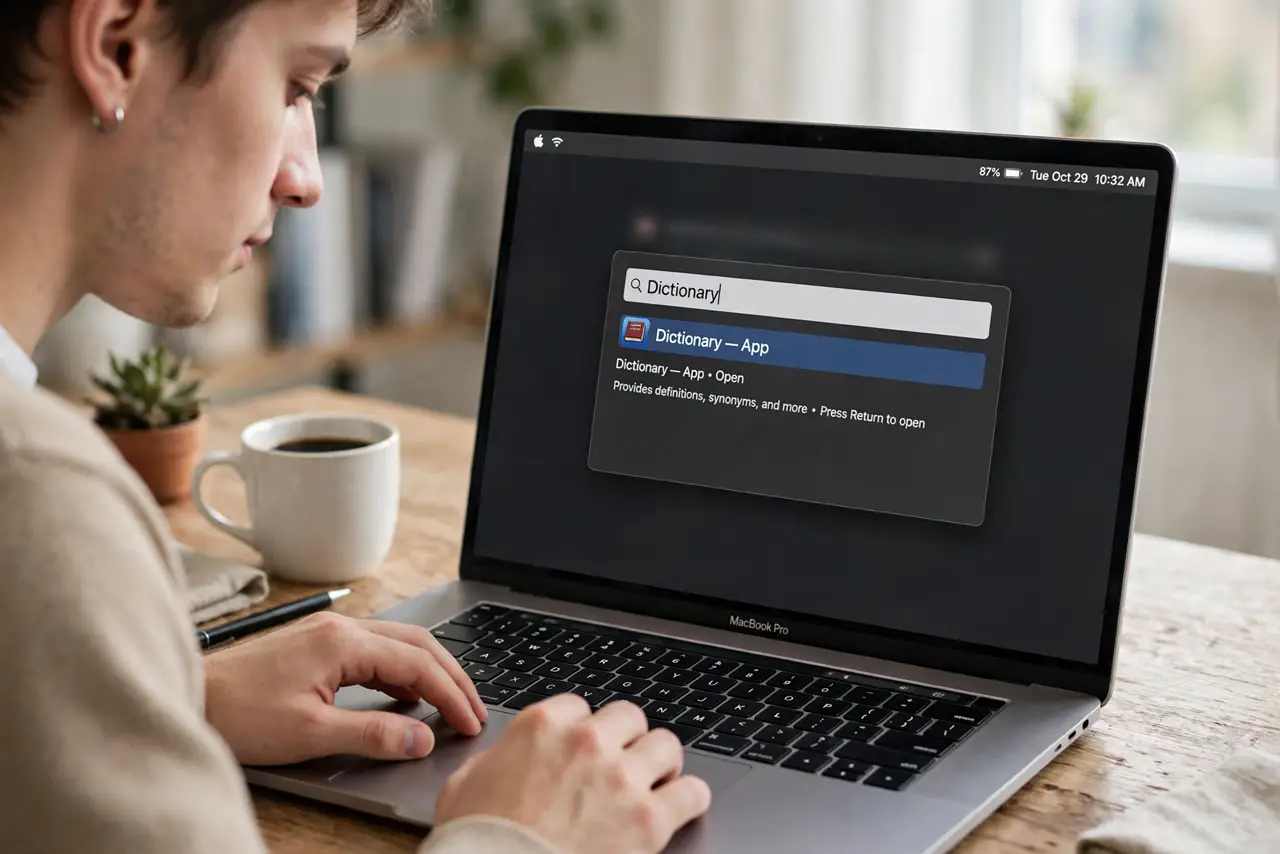
- Search Spotlight too. Type a word into Spotlight (Cmd+Space) and the dictionary definition appears in results. Three paths to the same answer: gesture, app, Spotlight — pick your habit.
What NOT to do
- Do not google every word. The force-click lookup is faster and works offline — build the habit.
- Do not leave sources disabled. The thesaurus and extra dictionaries are off by default — enable them once.
- Do not confuse it with translation. Dictionary defines words; for translation use a proper translation tool.
- Do not overlook pronunciation. The speaker button reads the word aloud — useful for unfamiliar terms.
Frequently asked questions
How do I look up a word instantly on Mac?
Force-click it (firm press on the trackpad) or three-finger tap — the definition pops up in any app.
Does Mac Dictionary work offline?
Yes for built-in dictionaries and thesaurus — they are stored locally. Wikipedia entries need internet.
Can I add other languages?
Yes — Dictionary preferences include several bilingual dictionaries. Tick the ones you need and they join the lookup.