Change the Minimize Effect
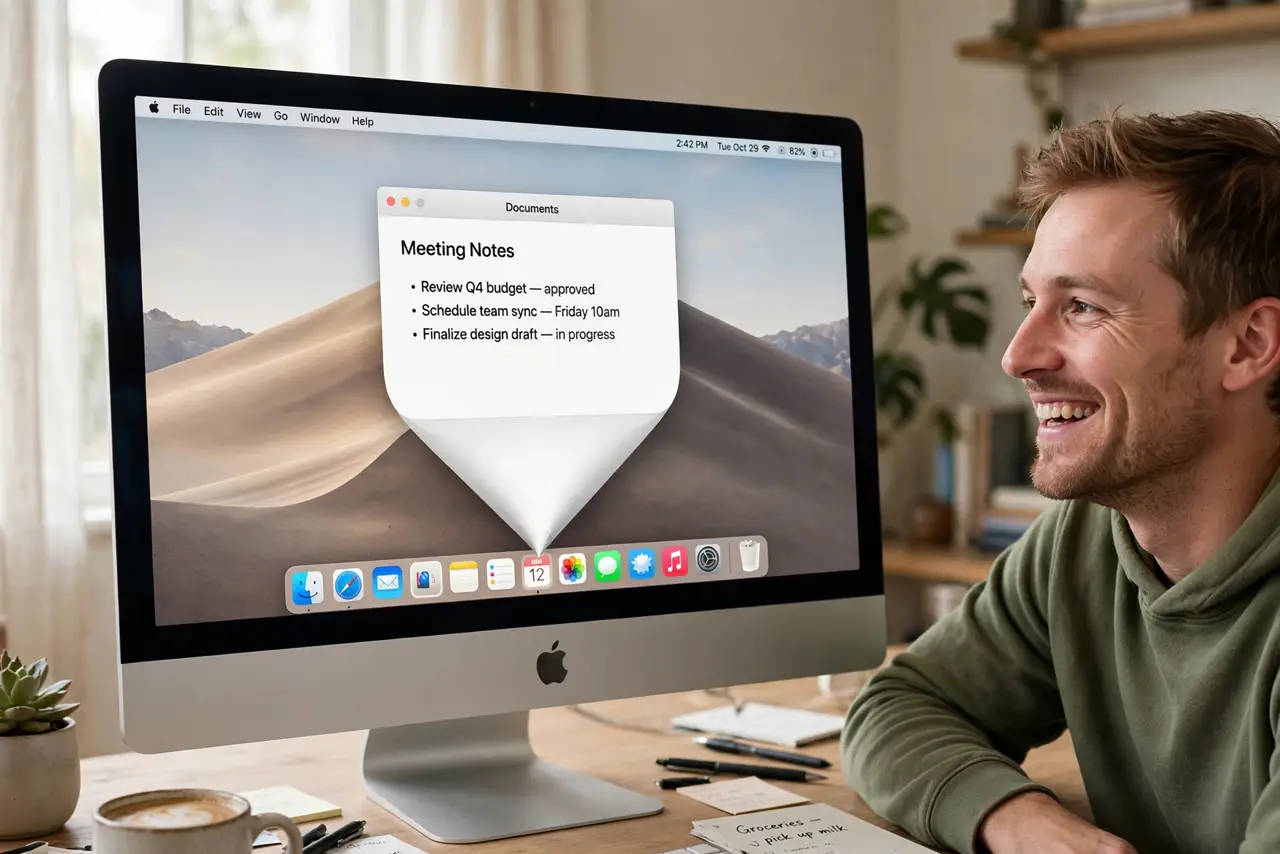
Minimizing a window triggers the classic genie swoop — charming the first hundred times, tedious after that. macOS offers three minimize animations, and switching is one dropdown. Scale is the snappy modern choice; Suck is pure novelty.
TL;DR / Quick Fix
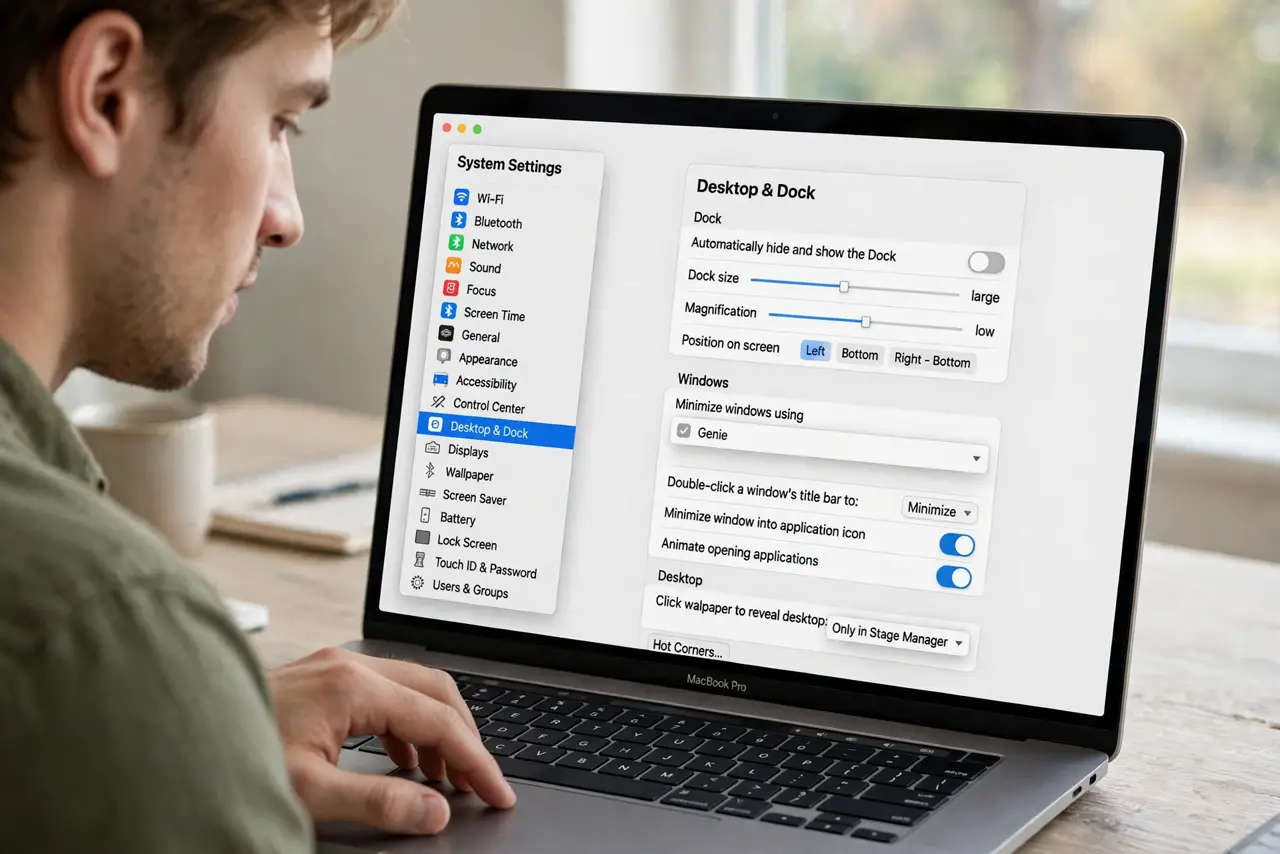
Quick fix: open System Settings > Desktop & Dock and change Minimize windows using to Genie, Scale, or Suck. Genie is the classic swooping animation; Scale is the fast fade; Suck is the novelty drain. The setting applies instantly — minimize any window to preview it. Scale feels fastest.
Follow these steps
- Open Desktop & Dock settings. Open System Settings and go to Desktop & Dock.
- Find Minimize windows using. The dropdown sits in the Dock section of the page, near size and magnification.
- Try Genie. The original: windows stretch and swoop into the Dock like a genie into a bottle. Nostalgic, but the slowest of the three.
- Try Scale. Windows shrink straight down with a quick fade. The fastest-feeling option and the favorite of people who minimize constantly.
- Try Suck for fun. Windows drain into the Dock with a swirl. A novelty that wears off in a day — but everyone should see it once.
- Preview instantly. Minimize any window right after choosing. The change applies live, so audition all three in ten seconds.
What NOT to do
- Do not expect a speed setting here. The animation choice is the speed control — Scale is the fast one.
- Do not confuse this with magnification. Minimize effects animate windows; magnification enlarges Dock icons — different settings.
- Do not look for custom animations. Apple offers exactly these three; there is no theme store for minimize effects.
- Do not blame the effect for slow minimizing. If minimizing lags, the cause is system load, not which animation you picked.
Frequently asked questions
Which minimize effect is fastest?
Scale, by feel and by frame count. Genie renders the longest animation; Suck sits in between.
Can I turn the animation off entirely?
Not through Settings — Scale at small Dock size is the closest to instant the official options get.
Does the effect work the same on the side Dock?
Yes. All three animations adapt to whichever edge the Dock lives on.