Click Without Pressing: Dwell Control
Dwell Control clicks for you: rest the pointer on something for a moment, and the Mac clicks it — no button press, no tap. For tired hands, trackpad-free setups, or anyone pairing it with head tracking, it removes the one action that hurts. The dwell time is adjustable to the tenth of a second.

TL;DR / Quick Fix
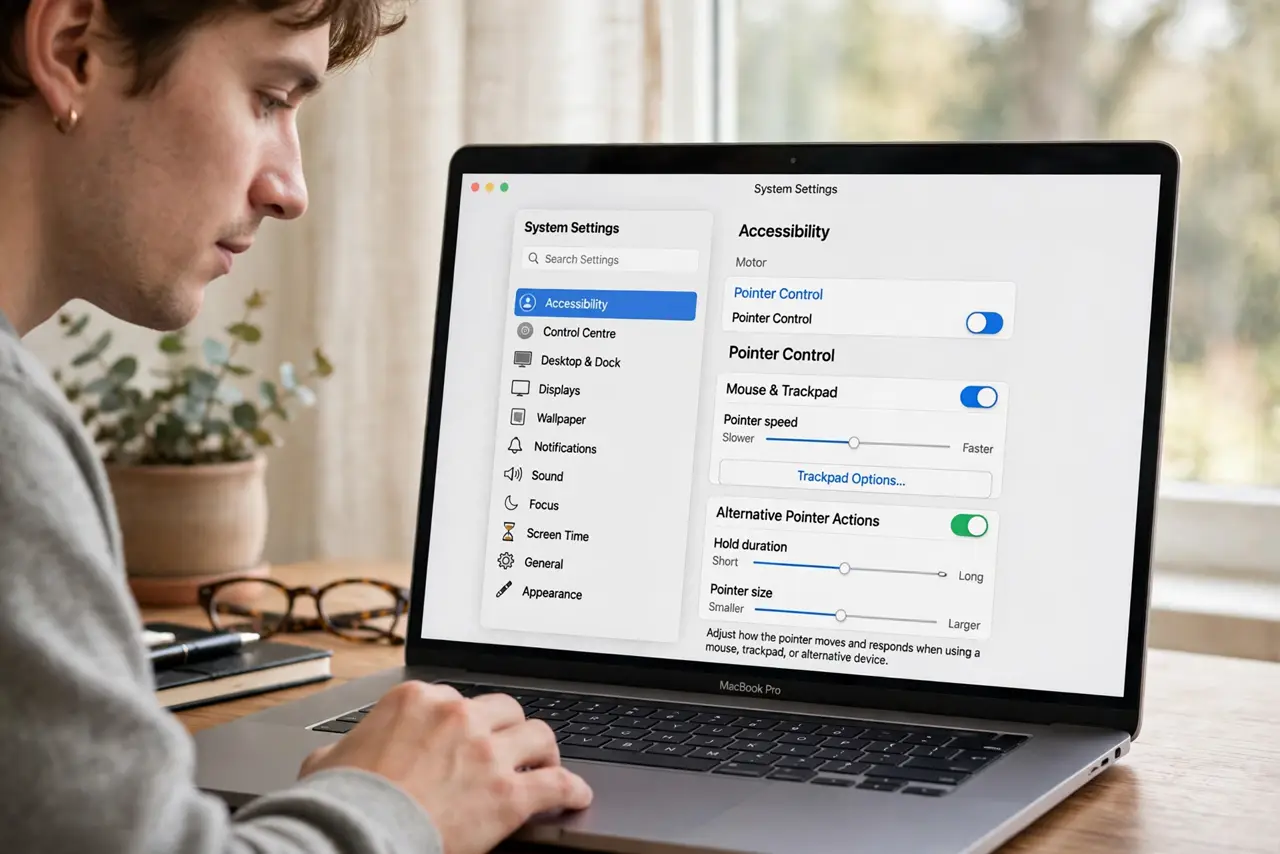
Quick fix: open System Settings > Accessibility > Pointer Control, turn on Alternate Control Methods, and enable Dwell. Set the dwell time — start around one second — and choose the click type from the Dwell panel. Rest the pointer and the Mac clicks.
Follow these steps
- Open Pointer Control settings. System Settings > Accessibility > Pointer Control. This is the home of all alternate pointing methods on the Mac.
- Enable Dwell under Alternate Control Methods. Turn on Dwell. A small panel appears offering click types: left click, right click, double click, and drag.
- Set the dwell time generously at first. One second is a good start. Shorter feels snappy but misfires; longer is calmer while you learn the rhythm.
- Pick the click type from the Dwell panel. The panel floats on screen — choose left click for normal use, switch to drag when you need to move things.
- Rest, do not push. Park the pointer on the target and wait for the ring to complete. Pushing or jittering restarts the timer.
- Combine with [[Switch Control|mac-switch-control-basics]] if needed. Dwell handles pointing; Switch Control handles choosing. Many users run both together.
What NOT to do
- Do not set the dwell time to minimum immediately. A hair-trigger dwell clicks everything you glance at — including the close button.
- Do not use it while someone else drives. If a helper grabs the mouse, turn Dwell off first or every pause becomes a click.
- Do not forget the Dwell panel. Without it visible you cannot switch to right-click or drag — keep it docked at a screen edge.
- Do not expect it to replace keyboard shortcuts. Dwell clicks; it does not type — keep shortcuts or dictation alongside.
Frequently asked questions
Will it click while I'm just reading?
If the pointer rests on a link long enough, yes — park the pointer in empty space when reading, or lengthen the dwell time.
Can I right-click with Dwell?
Yes — choose right click in the Dwell panel, then dwell on the target. Switch back to left click after.
Does it work with a head tracker?
Beautifully — that is one of its main uses. The tracker moves the pointer; Dwell does the clicking.