The Fan Spins Only During Video Calls
A fan that spins only during video calls is usually responding to real heat from video encoding, not to a fault. Calls combine camera, microphone, video processing, and network work at once, which is one of the heaviest everyday loads on a Mac.

TL;DR / Quick Fix
Quick fix: lower the call video resolution or turn off your camera briefly to test, close heavy apps running beside the call, and make sure vents are not blocked. If the fan settles when video load drops, the call load was the cause.
Follow these steps
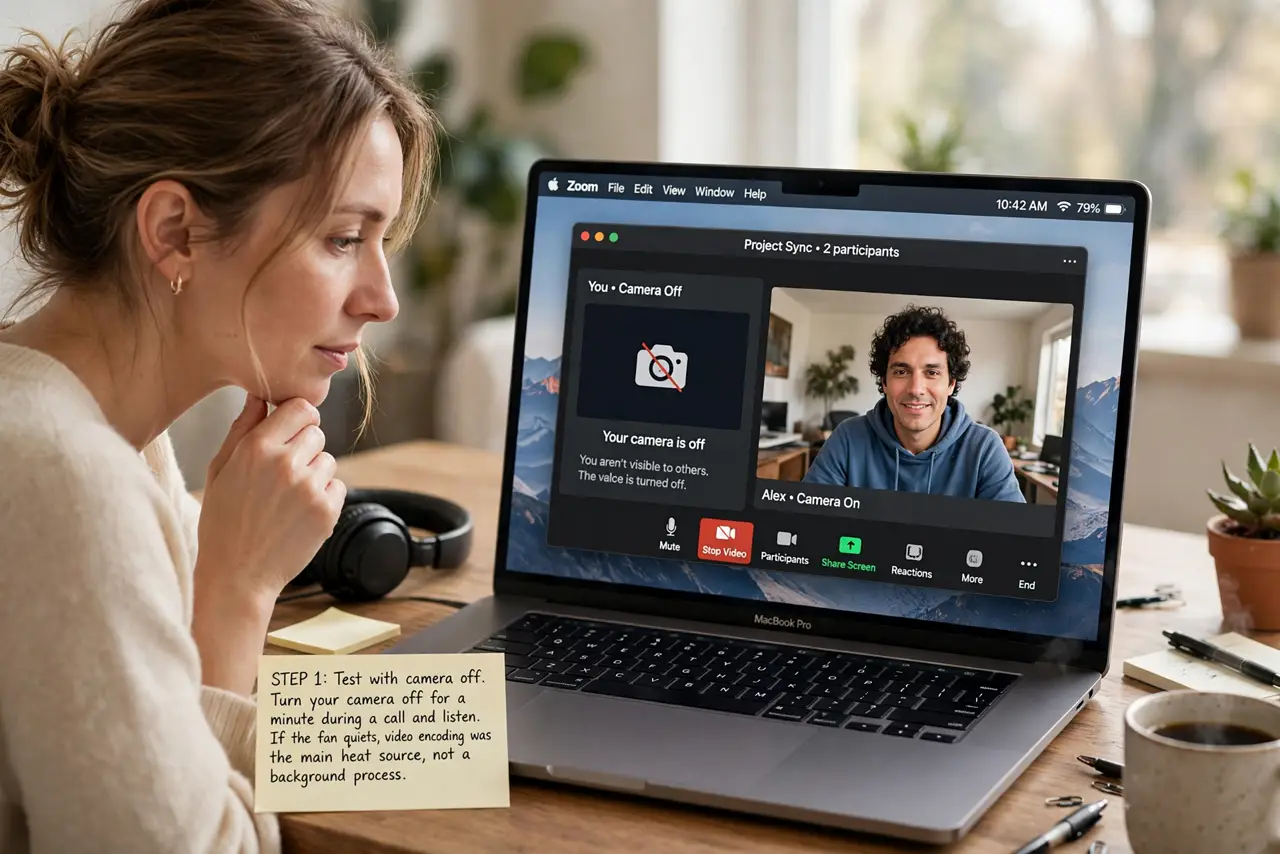
- Test with camera off. Turn your camera off for a minute during a call and listen. If the fan quiets, video encoding was the main heat source, not a background process.
- Lower video quality. Reduce the call video resolution or switch to a lower quality setting in the call app. Less video data means less processing heat for the fan to clear.
- Close heavy apps. Quit browsers with many tabs, editors, and other heavy apps running beside the call. The call plus heavy apps together push heat higher than either alone.
- Check vents and surface. Make sure the Mac sits on a hard, flat surface with vents clear. A Mac on bedding or a lap blanket traps heat and forces the fan to work harder.
- Check the call app. Confirm the call app is up to date, and test a call in a different app. An outdated or buggy app can use far more processor power than a normal call should.
- Listen after the call. After the call ends, the fan should settle within a few minutes. A fan that stays loud long after calls points to a different process, not the call itself.
What NOT to do
- Do not block vents to quiet the fan. Blocking airflow traps heat, forces the fan harder, and risks the Mac throttling or shutting down.
- Do not force quit system cooling processes. The fan is protecting the Mac, and stopping its control risks overheating damage.
- Do not assume the Mac is failing because the fan runs in calls. Calls are genuinely heavy work, and a fan responding to heat is normal behavior.
- Do not run calls with the Mac in a bag or under bedding. Trapped heat during a heavy call is the fastest route to throttling and shutdowns.
Frequently asked questions
Why does the fan spin only on video calls?
Because calls combine camera, video encoding, audio, and network work, which together create more heat than most everyday tasks.
Will turning my camera off help?
Usually yes. Camera video encoding is a large part of call heat, so camera-off calls run cooler and quieter.
When should I worry about the fan?
If it stays loud long after calls end, spins hard during light tasks, or the Mac feels extremely hot at rest, check for another process or blocked cooling.