FileVault On or Off? Basics
If your MacBook is stolen, the thief gets the hardware — but do they get your photos, documents, and passwords too? With FileVault off, anyone can read the drive. With it on, the entire disk is encrypted and useless without your login. For laptops, the answer is almost always on.
TL;DR / Quick Fix
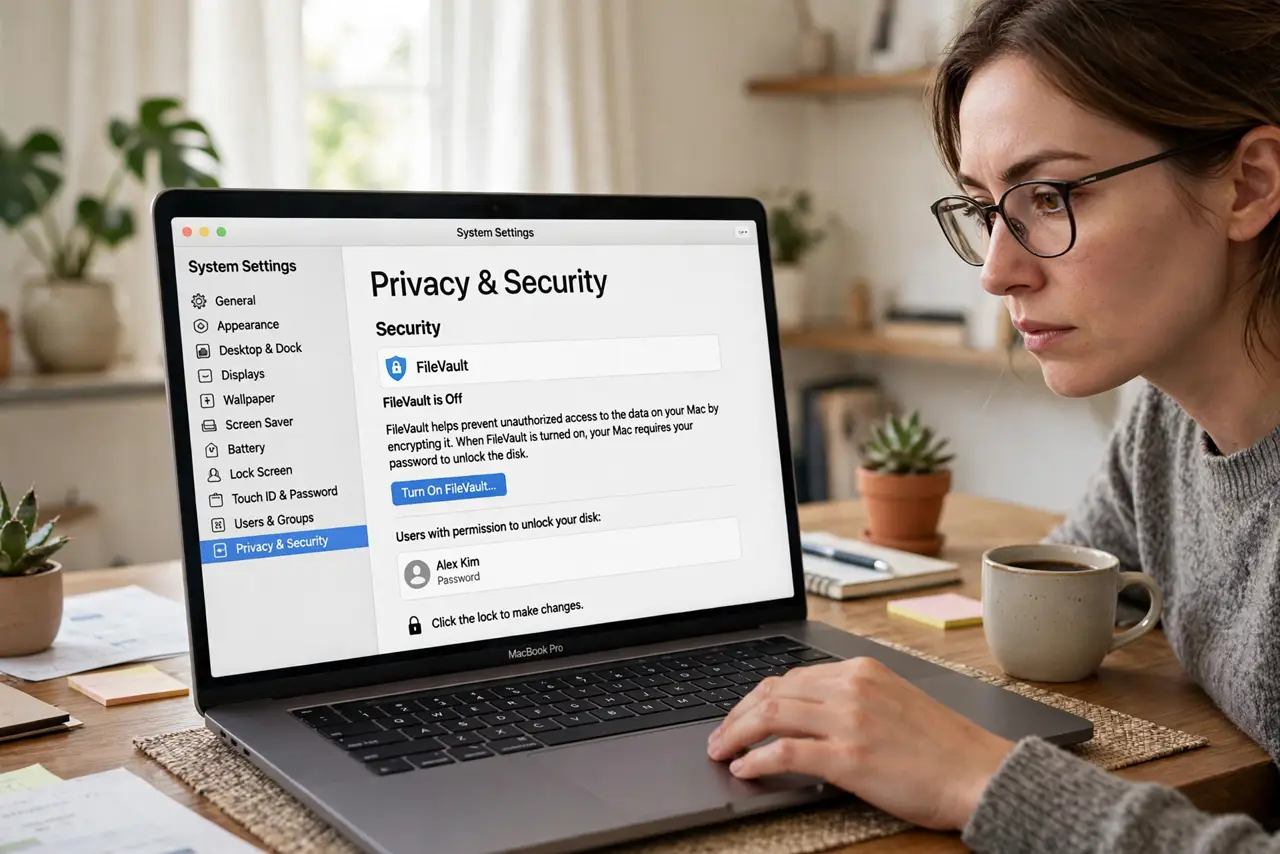
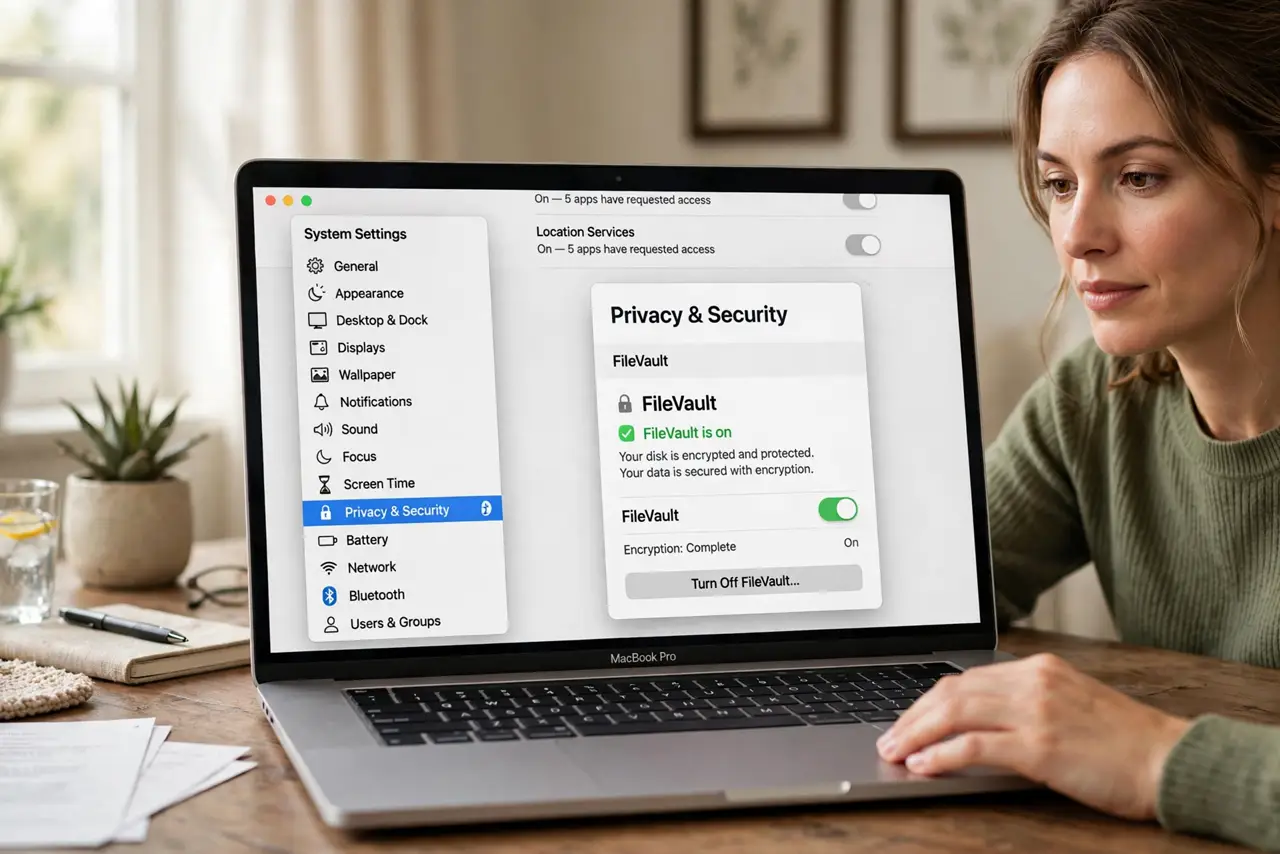
Quick fix: FileVault encrypts your entire drive, so a stolen Mac reveals nothing without your password. Turn it on in System Settings under Privacy and Security. Save the recovery key somewhere safe — without it and without your password, not even Apple can unlock the drive.
Follow these steps
- Open Privacy and Security settings. In System Settings, go to Privacy and Security and scroll to FileVault. The toggle and its status live here.
- Turn FileVault on. Click Turn On and choose how to unlock the disk if you forget the password — iCloud recovery or a printed recovery key.
- Save the recovery key properly. Write it down and store it somewhere that is not the Mac itself — a safe, or with a trusted person. This key is your last resort.
- Let the initial encryption finish. Encrypting a full drive takes a few hours in the background. You can keep working — just do not interrupt it by erasing mid-process.
- Know the tiny performance cost. On modern Macs with hardware encryption, the slowdown is unmeasurable in daily use. The security gain dwarfs it completely.
- Leave it on for any portable Mac. Desktops at home can debate it; laptops that leave the house should always be encrypted. Pair with a strong login password.
What NOT to do
- Do not lose both the password and the recovery key. That combination means permanent data loss — Apple cannot bypass its own encryption.
- Do not store the recovery key only on the Mac. A stolen Mac takes the key with it — the whole point is having it elsewhere.
- Do not turn it off 'for speed.' On any Mac from the last decade, FileVault's performance cost is effectively zero.
- Do not confuse FileVault with a firmware password. FileVault encrypts data; a firmware password blocks booting — different tools, different jobs.
Frequently asked questions
Will FileVault slow down my Mac?
No, measurably. Modern Macs encrypt in hardware — benchmarks show no meaningful difference with it on.
What if I forget my password with FileVault on?
Use the recovery key or iCloud recovery at the login screen. Without either, the data is unrecoverable — by design.
Should I enable it on a desktop Mac too?
If the Mac holds sensitive data, yes. Theft is rarer for desktops, but encryption also protects against unauthorized access by anyone with physical access.