Finder Gallery Previews Show Up Blank
Gallery view previews go blank when Finder cannot generate a preview for the file, or when Quick Look data is stale. The files themselves are usually fine; Finder just has nothing to show for them in that view.
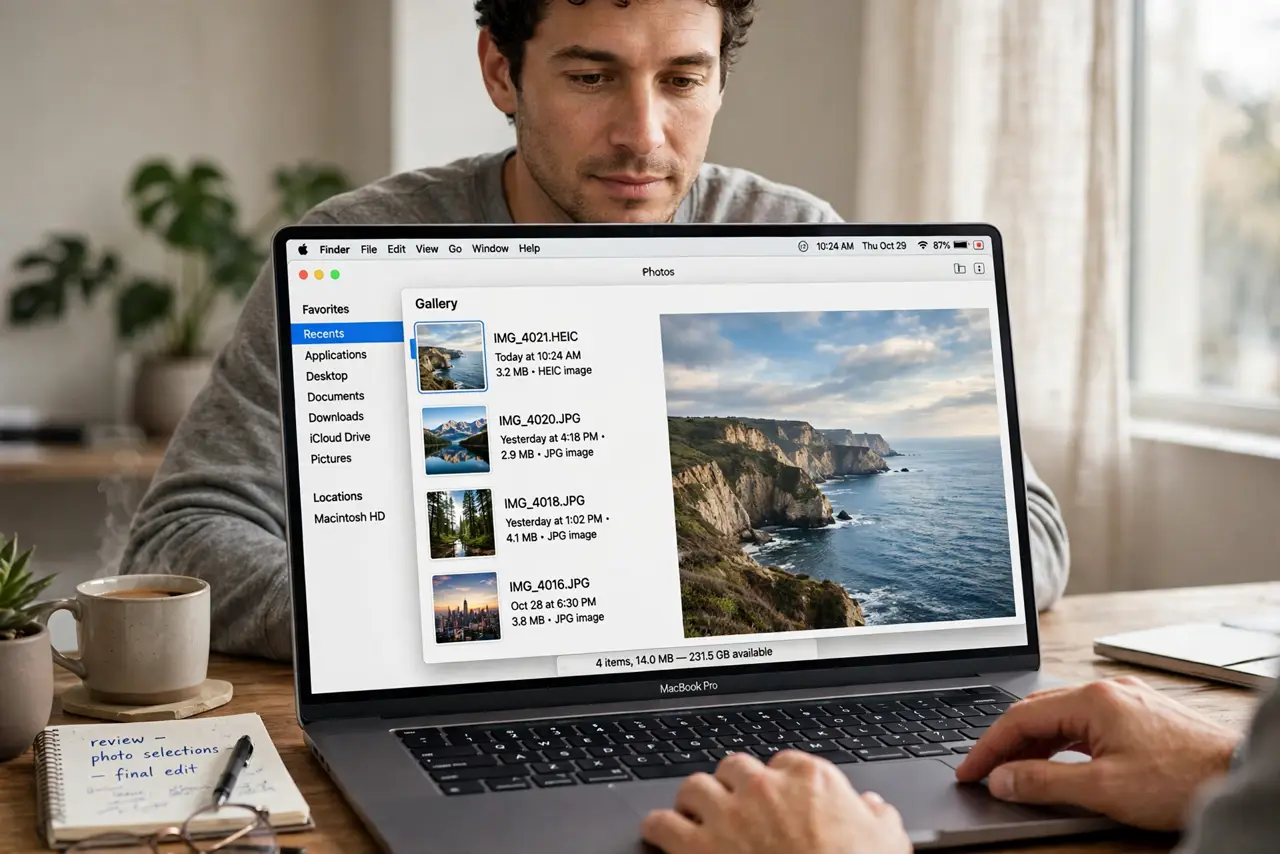
TL;DR / Quick Fix
Quick fix: select a file and press Space to open Quick Look, then switch Finder to icon or list view and back to gallery. If previews return for some files but not others, the blank ones are likely an unsupported or damaged file type.
Follow these steps
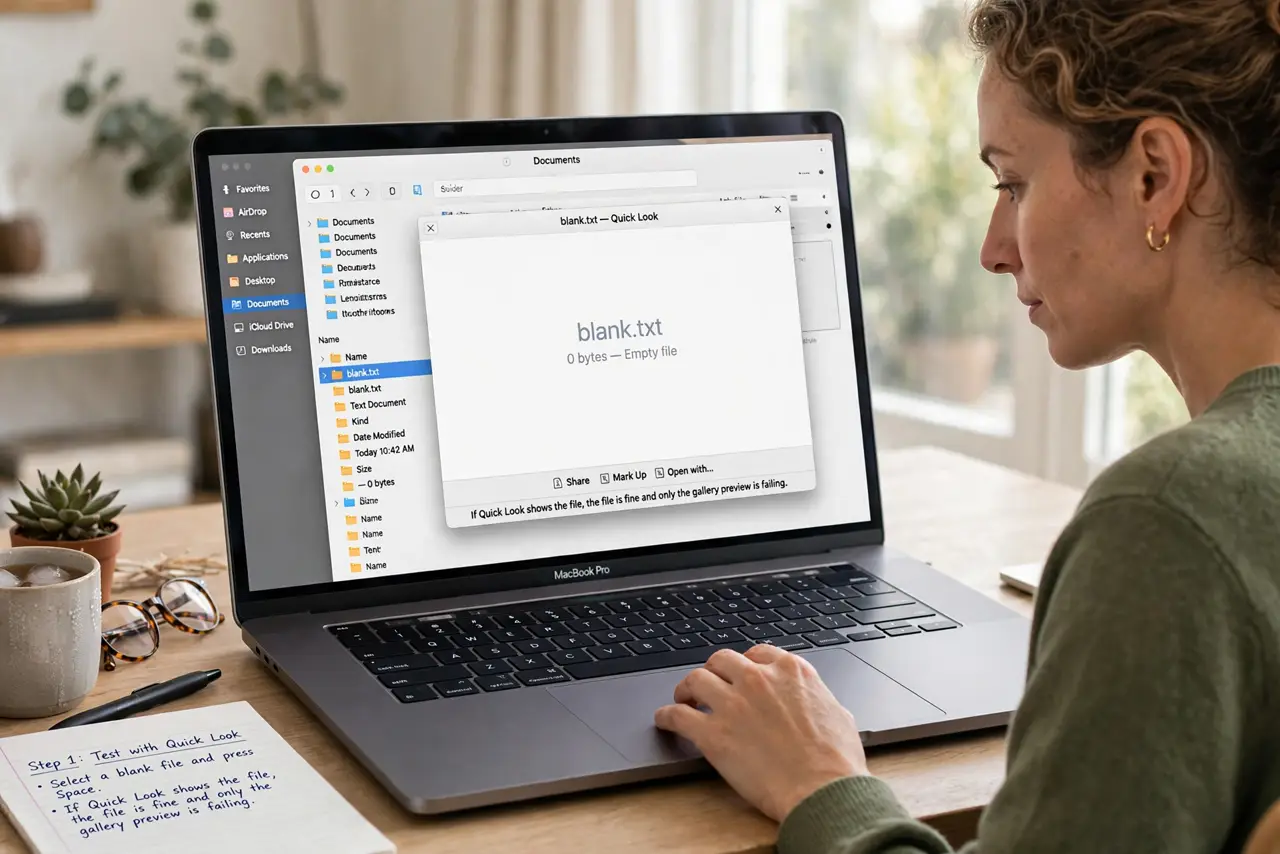
- Test with Quick Look. Select a blank file and press Space. If Quick Look shows the file, the file is fine and only the gallery preview is failing.
- Switch views and back. Change Finder to list view, then back to gallery view. A view refresh forces Finder to regenerate previews that stalled.
- Check the file type. Look at the file extension of blank files. An unusual or unsupported type may simply have no gallery preview, while common types should preview fine.
- Open the file directly. Double-click a blank file to open it in its app. If it opens normally, the content is intact and only preview generation needs attention.
- Restart Finder. Quit and relaunch Finder, or restart the Mac, then return to gallery view. A stuck Finder process can leave previews blank across a whole folder.
- Test a new folder. Create a test folder with a few common files, such as images, and open it in gallery view. Previews there prove Finder works, and point to the original folder or file type as the cause.
What NOT to do
- Do not delete files because their previews are blank. A blank preview says nothing about file content, and Quick Look or opening the file proves it.
- Do not convert every file to another format for previews. Check file type and Finder refresh first, since conversion is lossy and unnecessary for most files.
- Do not reinstall macOS over blank previews. A Finder relaunch or view refresh fixes the common causes far more simply.
- Do not assume a whole drive is damaged from blank previews. Test another folder first, since a single folder or file type explains the symptom.
Frequently asked questions
Why are my gallery previews blank?
Because Finder failed to generate previews, the file type has no preview support, or Finder itself is stuck and needs a refresh.
Does a blank preview mean the file is damaged?
Usually not. Open it or use Quick Look. If it opens, the file is fine and only the preview is missing.
Will restarting Finder fix previews?
Often yes. Relaunching Finder clears the stuck preview process and lets gallery view regenerate previews.