Set a Mac Firmware Password
A firmware password stops a thief from booting your Intel Mac from a USB drive or entering Recovery Mode to wipe it. It is a separate lock from your login password and FileVault — one more layer for a laptop that travels. Apple silicon Macs handle this differently, so check which Mac you have first.
TL;DR / Quick Fix
A firmware password locks an Intel Mac's startup options so a thief cannot boot from USB or open Recovery to wipe it. Set it in Recovery via Firmware Password Utility, and store it somewhere safe — forgetting it can require an Apple Store visit. Apple silicon Macs use FileVault instead.
Follow these steps
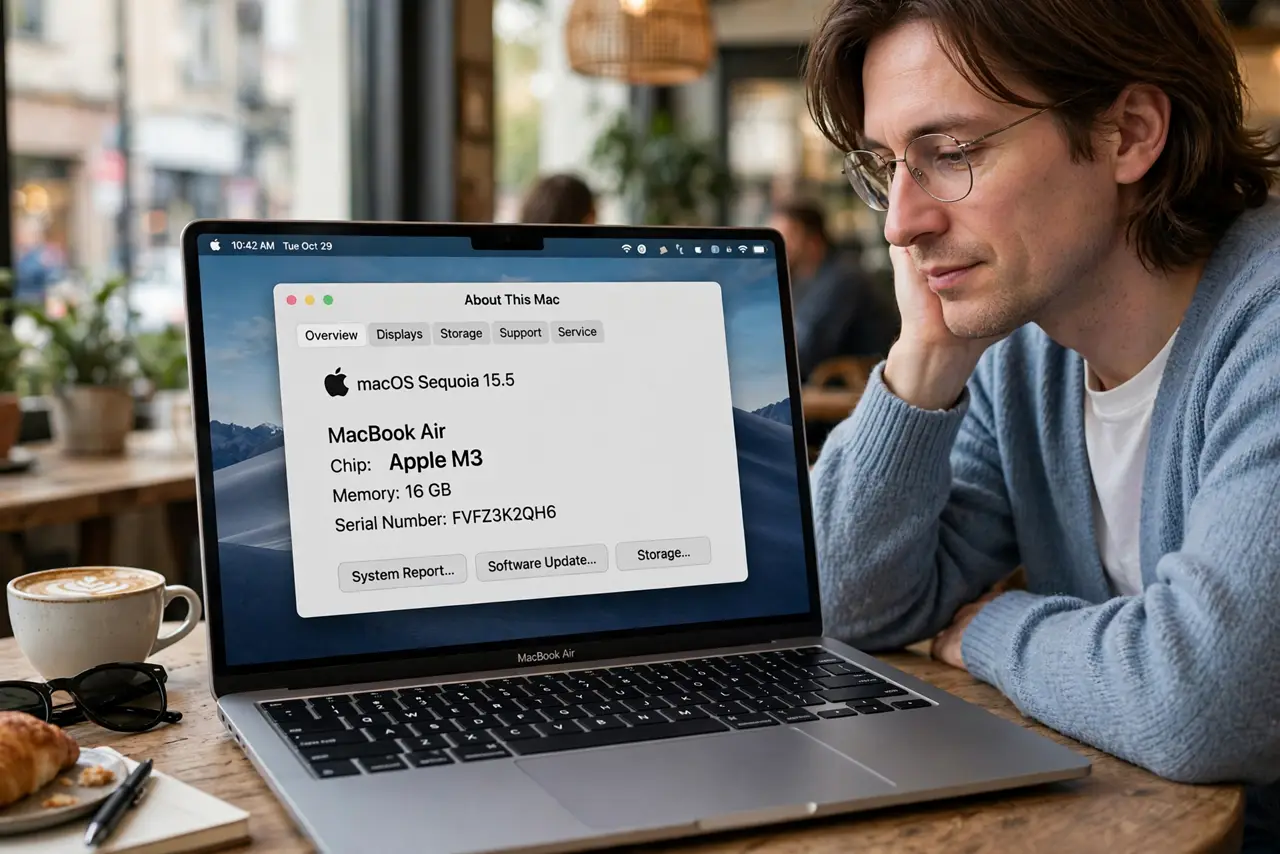
- Check whether your Mac is Intel or Apple silicon. Click the Apple menu, then About This Mac. Firmware passwords apply to Intel Macs only. On Apple silicon, the equivalent protections are FileVault encryption and Activation Lock — do not hunt for a setting that does not exist.
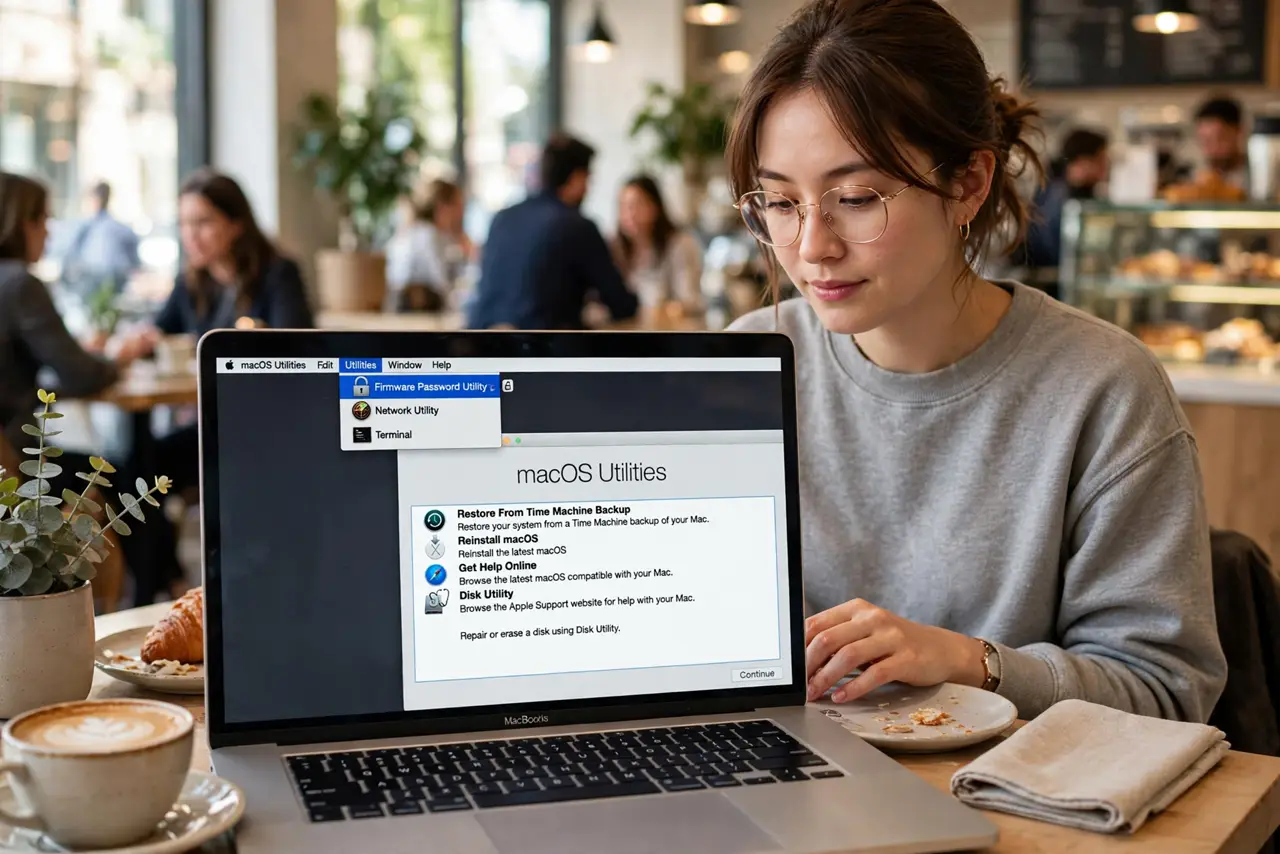
- Boot into Recovery Mode. On Intel Macs, restart and hold Command-R until the Apple logo appears. You need Recovery running to access the Firmware Password Utility.
- Open Firmware Password Utility. In the menu bar, click Utilities, then Firmware Password Utility (older names: Firmware Password Utility under Utilities). Click Turn On Firmware Password.
- Choose a strong, memorable password. Pick something you will not forget but a thief cannot guess — a passphrase works well. This password is asked at every alternate boot, so you will type it rarely; write it down somewhere safe.
- Store the password outside the Mac. Keep it in a password manager or sealed envelope. A forgotten firmware password on an Intel Mac historically required proof of purchase and an Apple service visit.
- Test that it works. Restart and hold Option to open the startup manager — the Mac should demand the firmware password before showing boot options. If it does, the lock is active.
What NOT to do
- Do not set a firmware password you have not written down. Forgetting it can brick your boot options until Apple intervenes with proof of purchase.
- Do not confuse it with your login password. The firmware password guards startup and Recovery; your user password and FileVault guard your data — you want all of them.
- Do not set one on Apple silicon expecting the old utility. It is not there; Activation Lock tied to your Apple ID does the equivalent job.
- Do not skip FileVault because you set a firmware password. A firmware password does not encrypt your drive — a removed SSD is still readable without FileVault.
Frequently asked questions
What is the difference from FileVault?
FileVault encrypts your data so a stolen drive is unreadable. The firmware password blocks alternate boot methods. They protect different things — use both on Intel Macs.
I forgot my firmware password — now what?
Contact Apple Support with proof of purchase; they can remove it. There is no self-service reset, which is exactly why the password is effective.
Does it slow down normal startups?
No. A normal boot straight into macOS never asks for it — it only appears when someone tries Recovery, external boot, or the startup manager.