Keys Repeat Too Fast? Slow Them
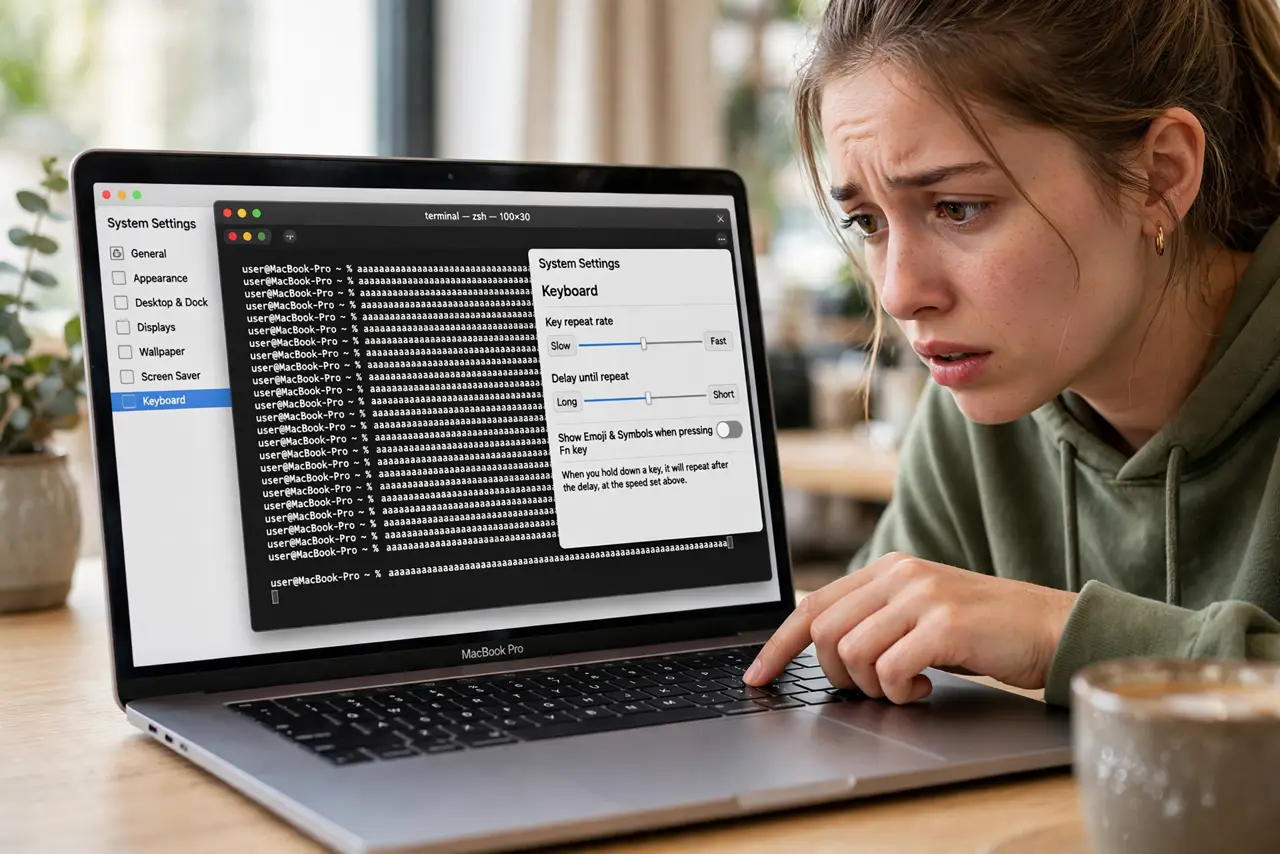
Hold the backspace key and letters vanish in a blur — or hold an arrow key and the cursor teleports. The key repeat rate controls how fast a held key repeats, and the default is brisk. Two sliders in Keyboard settings tame it to your pace.
TL;DR / Quick Fix
Quick fix: open System Settings > Keyboard and drag the Key repeat rate slider toward Slow. Test by holding a letter in any text field. If keys also start repeating too quickly after a short hold, adjust the [[delay until repeat|mac-delay-until-repeat]] slider next to it.
Follow these steps
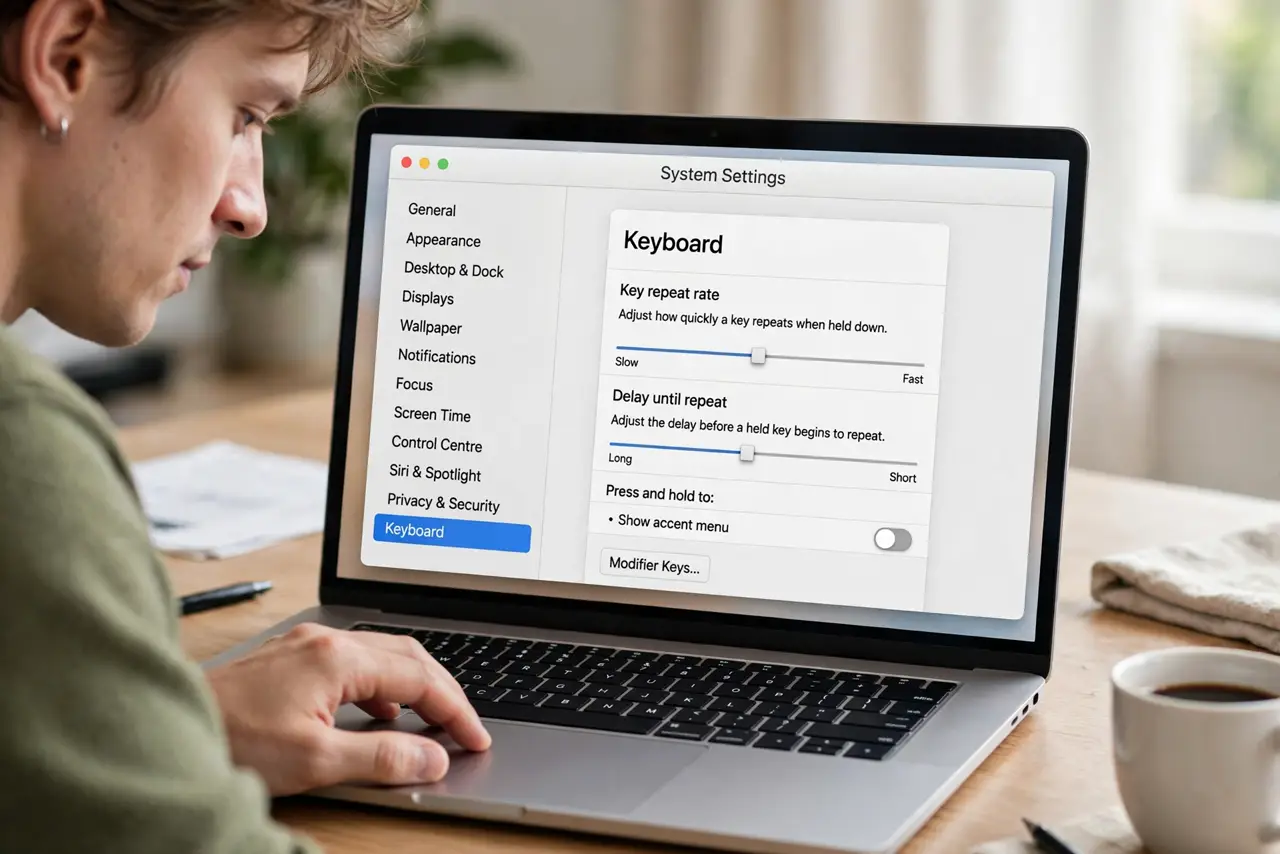
- Open Keyboard settings. System Settings > Keyboard. The two sliders — Key repeat rate and Delay until repeat — sit near the top.
- Drag Key repeat rate toward Slow. This sets how fast a held key repeats. Move it left in steps and test — small moves make a big difference.
- Test in a real text field. Hold a letter in Notes or a browser address bar. You want a controllable stream, not a firehose.
- Adjust per task if needed. Writers often want slower repeat; gamers and spreadsheet users want faster. There is no wrong setting, only your setting.
- Check it is not [[Slow Keys|mac-slow-keys-explained]] instead. If keys ignore quick taps entirely, that is Slow Keys in Accessibility — a different feature with a different fix.
- Revisit after someone else uses the Mac. Repeat rate is a favorite accidental change. If typing suddenly feels frantic, this slider is the first suspect.
What NOT to do
- Do not set it to the slowest notch reflexively. Too slow makes holding backspace to delete a word take forever — find your middle.
- Do not confuse rate with delay. Rate is repeats-per-second; delay is how long before repeating starts — tune the one that bothers you.
- Do not change it in the wrong app. Some games and terminals set their own repeat behavior — the system slider does not override everything.
- Do not forget the setting exists. A 'fast keyboard' complaint months later is usually this slider, moved by an update or a curious guest.
Frequently asked questions
Why does holding backspace delete whole words instantly?
The repeat rate is high — each repeat deletes a character and they come fast. Slow the slider and the stream becomes manageable.
Does this affect how fast I can type normally?
No — repeat rate only affects held keys. Normal tap-typing speed is untouched.
Why do arrow keys jump too far?
Same cause: a fast repeat rate multiplies every held press. Slow it until one deliberate hold moves one deliberate step.