Mac Keyboard Backlight Never Turns On
A keyboard backlight that never turns on is often just turned down, or held off by an ambient light setting. The backlight itself usually still works; it is waiting for a condition you have not met yet.
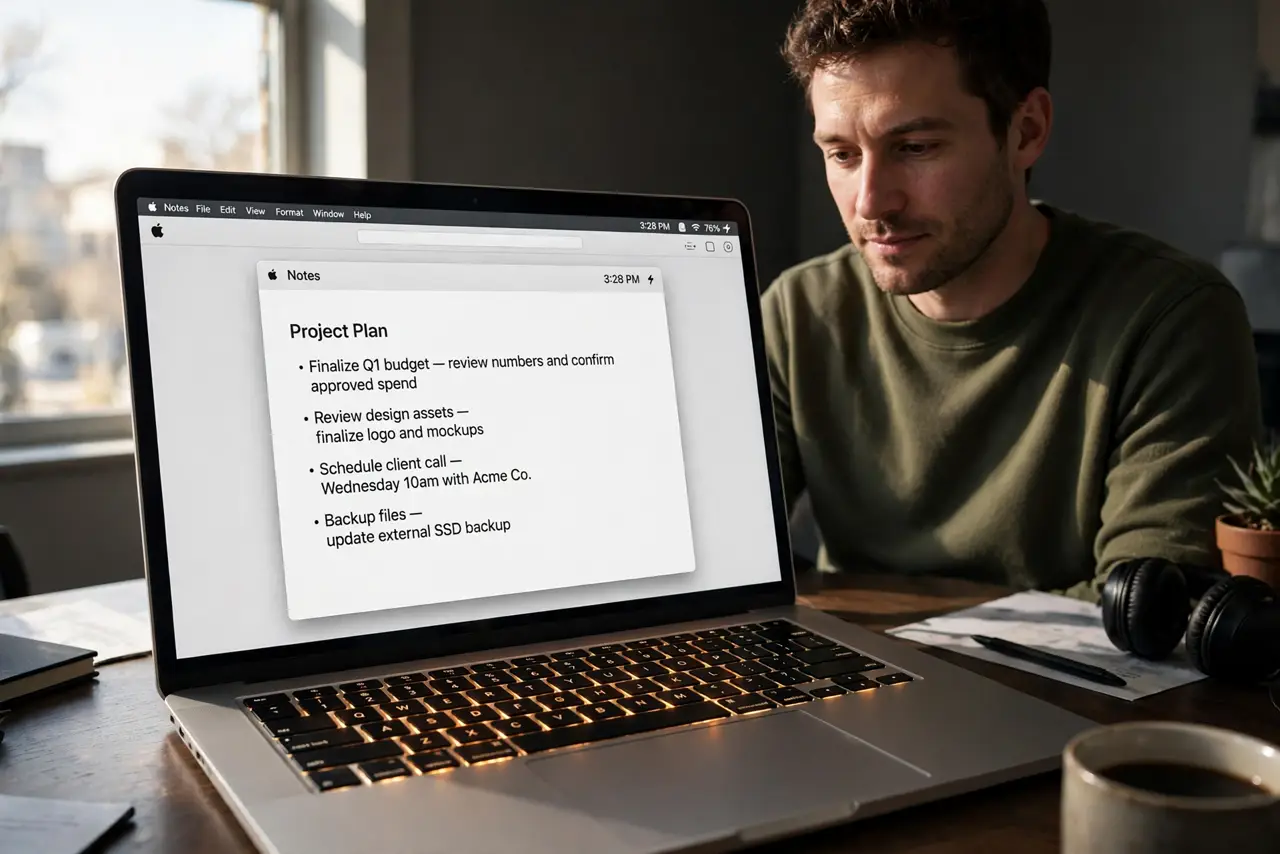
TL;DR / Quick Fix
Quick fix: press the keyboard brightness key to raise backlight brightness, then check Keyboard settings for any automatic adjustment. Try in a dark room too, since a bright room can make an automatic backlight look off when it is simply dimmed.
Follow these steps
- Press the brightness key. Use the keyboard brightness key to raise the backlight step by step. A backlight set to zero looks broken, but it is just off, and one key press fixes it.
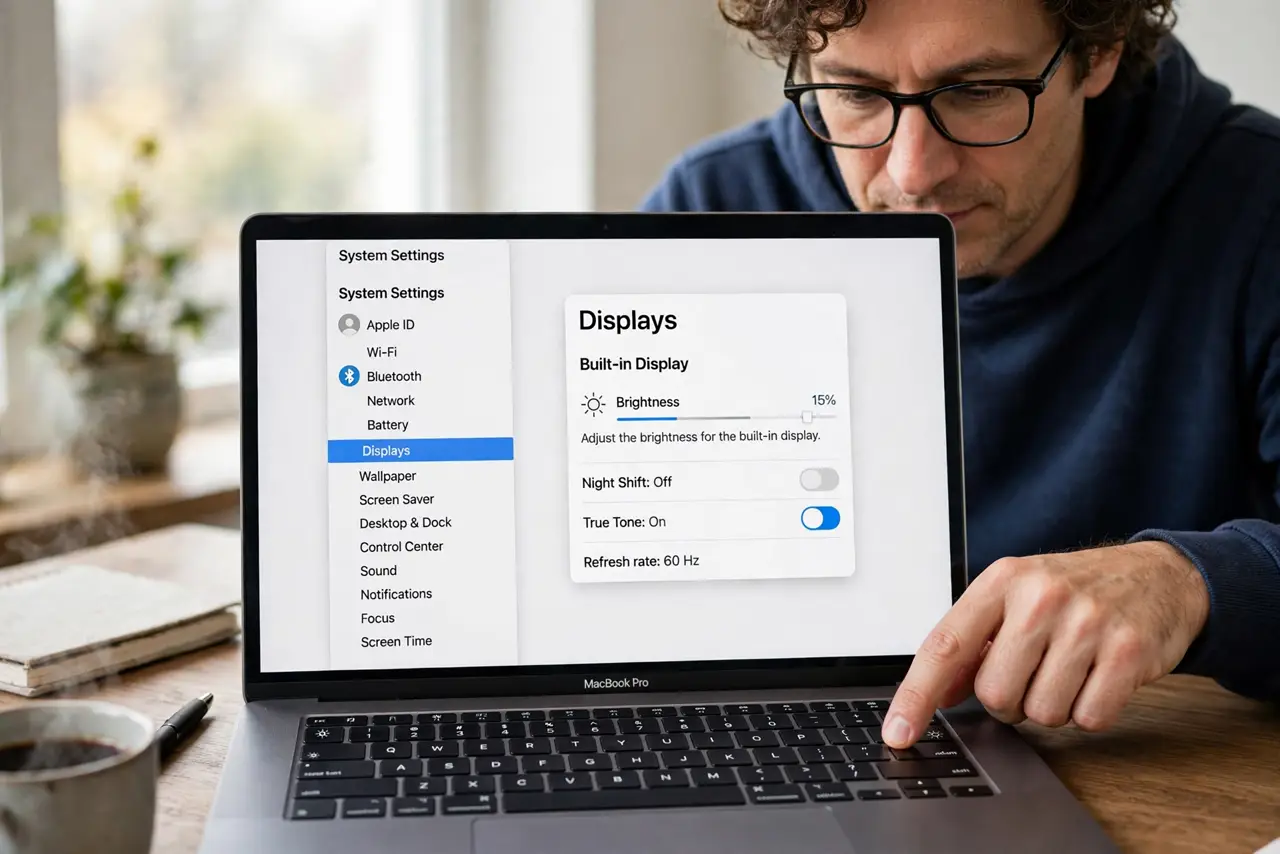
- Check Keyboard settings. Open System Settings, then Keyboard, and look at backlight and brightness options. Confirm nothing is set to keep the backlight off or fully dimmed.
- Test in a dark room. Move to a darker room or shade the Mac, then check again. An ambient light sensor can dim the backlight so far in bright light that it looks off.
- Check power and battery. Confirm the Mac is charged or plugged in, and check low power settings. Some power-saving states dim or disable the backlight to save battery.
- Restart the Mac. Restart once and test the brightness key again after login. A stuck keyboard process can hold the backlight off until a clean restart clears it.
- Try an external keyboard test. If the built-in backlight still never appears, note whether the keys themselves type normally. Typing that works points to a backlight setting or sensor, not a dead keyboard.
What NOT to do
- Do not assume the backlight is broken after one check. Brightness, ambient light, and power settings all mimic a dead backlight convincingly.
- Do not shine a torch at the sensor to force it on. Forcing the sensor tells you nothing useful and can make the behavior harder to read.
- Do not open the Mac to check the backlight yourself. Internal repairs risk damage and warranty, and settings cover nearly every real case.
- Do not leave the backlight at full brightness permanently as a workaround. It drains battery for no benefit once the setting is fixed properly.
Frequently asked questions
Why does my keyboard backlight never turn on?
Usually it is set to zero, dimmed by ambient light, or held off by a power setting. Check brightness keys and Keyboard settings first.
Does bright light turn the backlight off?
It can dim it greatly. In a bright room the backlight may be on but invisible, which is why a dark-room test helps.
Will a restart fix the backlight?
Sometimes. A restart clears a stuck keyboard process that can hold the backlight off despite correct settings.