Closed-Display Mode Fails on a MacBook
Closed-display mode, also called clamshell mode, needs power, an external display, and an external keyboard or mouse all at once. If any one piece is missing, the MacBook sleeps when you close the lid instead of staying awake.
TL;DR / Quick Fix
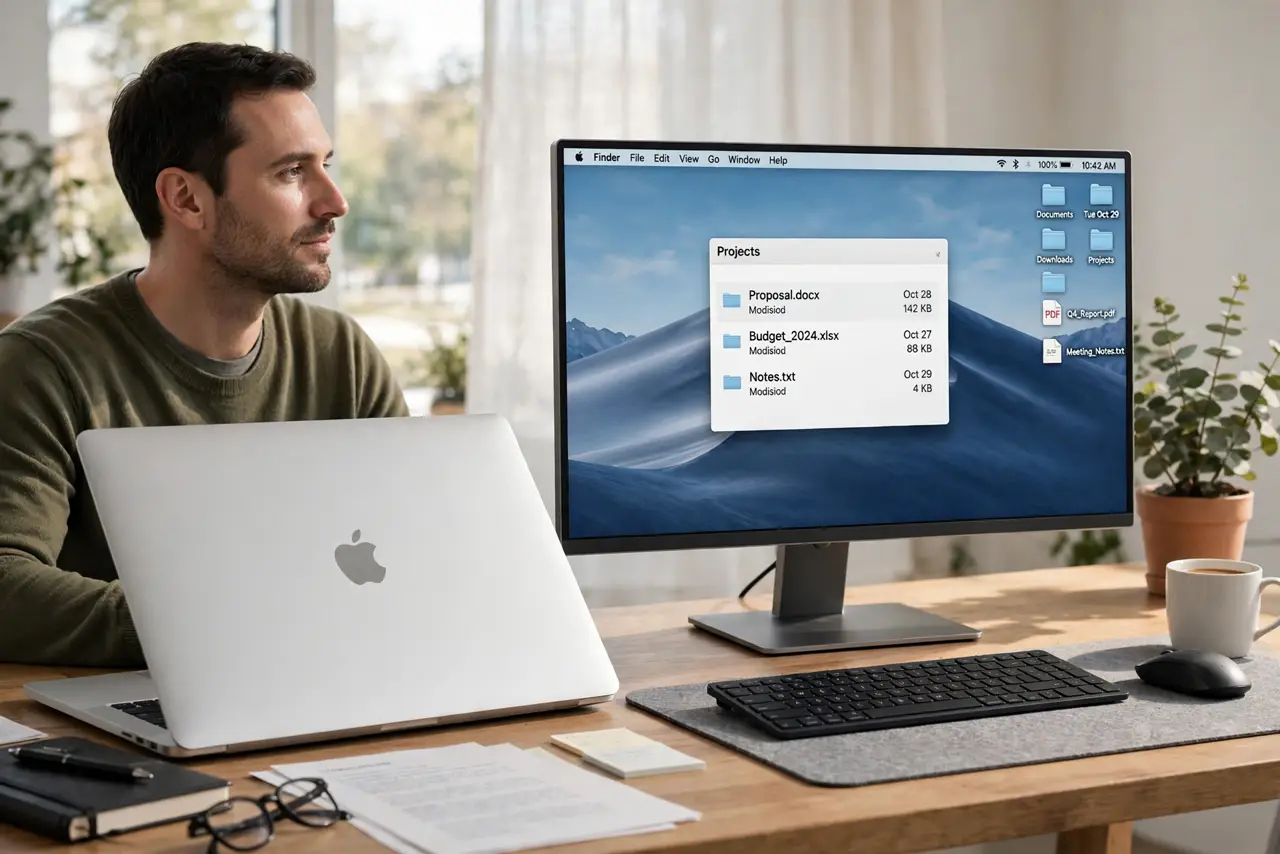
Quick fix: plug the MacBook into power, connect the external display and a keyboard or mouse, then close the lid and wake the Mac with the external keyboard or mouse. If it sleeps anyway, check that the display connection is actually recognized.
Follow these steps
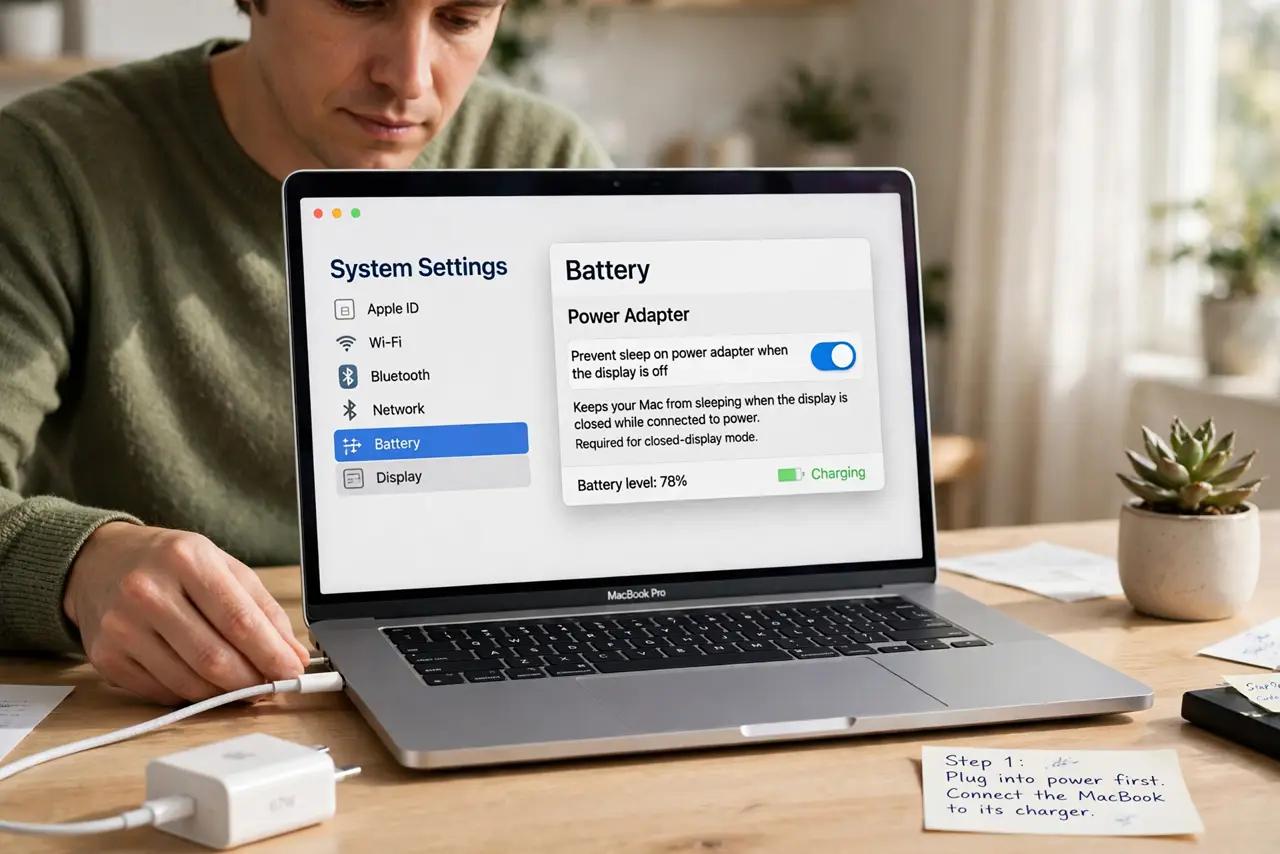
- Plug into power first. Connect the MacBook to its charger. Closed-display mode requires external power, and a MacBook on battery alone will sleep when the lid closes.
- Connect the external display. Attach the external display and confirm the MacBook recognizes it while the lid is still open. A display the Mac does not see cannot keep clamshell mode alive.
- Connect a keyboard or mouse. Attach an external keyboard or mouse, wired or wireless. Closed-display mode needs an external input device to wake and control the Mac.
- Close the lid, then wake it. Close the lid and wait a few seconds, then press a key or click the mouse. The Mac should wake to the external display instead of staying asleep.
- Check display arrangement. If it wakes but shows nothing useful, open Displays settings with the lid open and confirm the external display is arranged as the main display.
- Restart with everything attached. If it still fails, restart the MacBook with power, display, keyboard, and mouse all attached. A restart with the full setup clears detection issues that hot-plugging misses.
What NOT to do
- Do not close the lid on battery and expect clamshell mode. Power is a requirement, not a recommendation, and battery-only lid closure always sleeps the Mac.
- Do not leave a closed MacBook running hot in a bag. Closed-display mode needs airflow around the MacBook, and a bag traps heat dangerously.
- Do not assume the MacBook is broken if it sleeps once. Check power, display recognition, and external input first, since one missing piece explains the failure.
- Do not force the MacBook awake repeatedly without checking the display. A Mac awake with no visible display is still running blind, and you may miss warnings.
Frequently asked questions
What does closed-display mode need?
External power, a recognized external display, and an external keyboard or mouse. All three must be present when you close the lid.
Why does my MacBook sleep when I close the lid?
Because one requirement is missing: power, a recognized display, or an external input device. Check each one in turn.
Can I use closed-display mode on battery?
No. It requires external power by design, so a battery-only MacBook sleeps when the lid closes.