M Chips? Plain Basics
Apple's M chips -- M1, M2, M3, M4 and their Pro and Max variants -- replaced Intel processors in Macs, and the switch changed what Macs can do: far better battery life, silent cool running, and serious performance per watt. If you are buying a Mac or wondering what the letter-number soup means, this is the plain-English tour.
TL;DR / Quick Fix
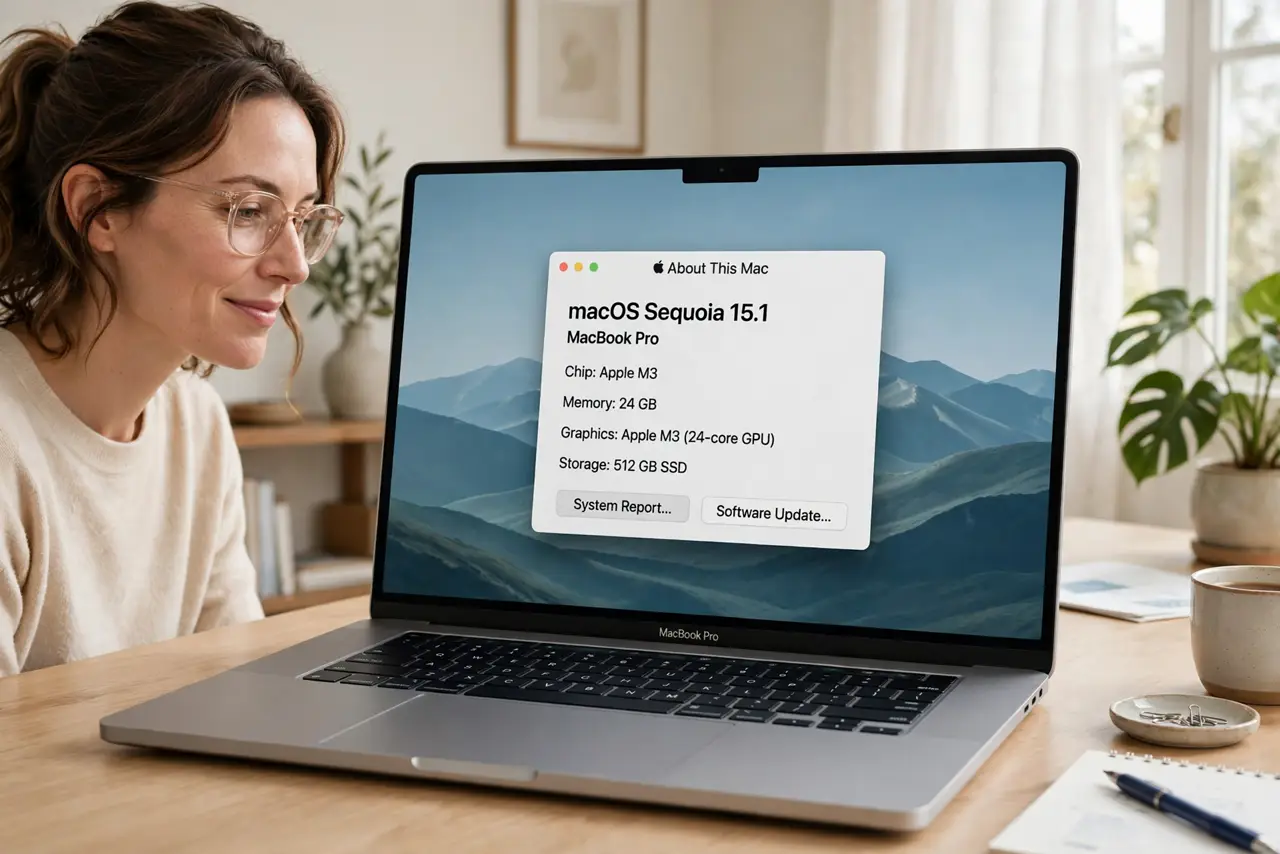
Quick fix: Apple silicon M chips replaced Intel in Macs -- they run cooler, faster, and far longer on battery. For most buyers the base M chip is plenty; Pro and Max are for video editors and developers. Check your chip in the Apple menu, then About This Mac.
Follow these steps
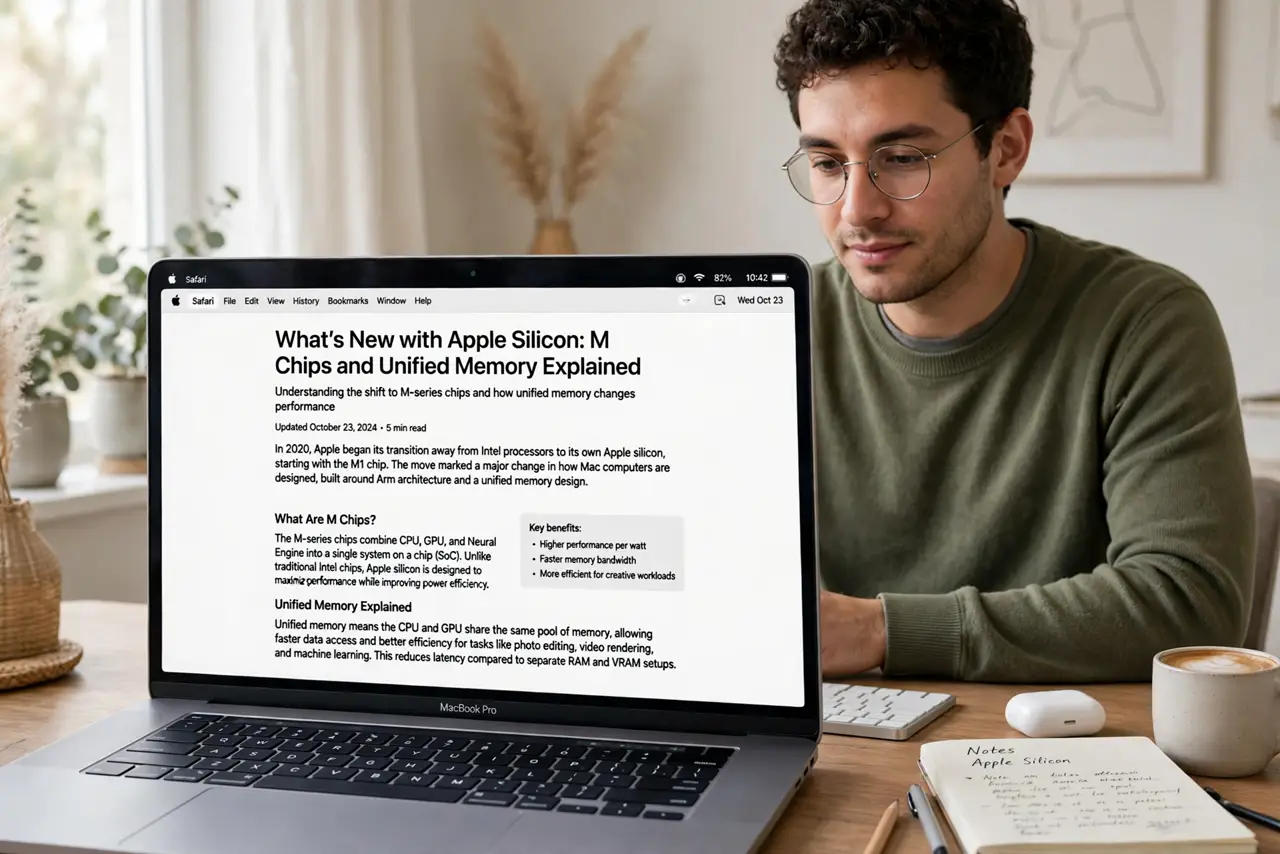
- Learn what changed with Apple silicon. M chips combine CPU, GPU, and memory on one chip -- unified memory, covered in the unified memory guide -- so data moves fast and sips power. The practical result: MacBook Airs with 15+ hour battery life and no fan noise.
- Decode the naming. M1/M2/M3/M4 are generations -- higher is newer. Pro adds CPU/GPU cores for demanding work; Max adds more for pros; Ultra (in desktops) doubles Max. Base M suits most people.
- Match the chip to your work. Web, office, photo editing, light video: base M chip, easily. 4K video editing, 3D, heavy code: Pro. The Max is for people who know they need it -- if you are unsure, you do not.
- Check app compatibility. Most apps run natively on Apple silicon now; older Intel apps run through Rosetta 2 translation, slightly slower but fine. In Activity Monitor's Kind column you can see which is which.
- Know the RAM implication. Unified memory cannot be upgraded later -- it is part of the chip package. Buy the RAM you will need for the machine's whole life, because there is no adding more in two years.
- Do not overbuy. The most common Apple silicon mistake is paying for Pro power that idles forever. A base M chip with enough RAM and storage beats a Pro chip starved of both for most real workflows.
What NOT to do
- Do not buy Intel Macs new anymore. Apple silicon outperforms them in every way that matters -- Intel is legacy now.
- Do not skimp on RAM to afford a faster chip. Unified memory is permanent; 16 GB with a base chip beats 8 GB with a Pro for longevity.
- Do not assume every old app works. Check your must-have niche software for Apple silicon support before switching -- most is fine, some is not.
- Do not confuse chip generation with size. An M3 base can beat an M1 Pro at some tasks -- generation and tier are separate axes.
Frequently asked questions
Is the base M chip enough for me?
For web, office, streaming, photo editing, and light video -- yes, comfortably. Only sustained heavy workloads (long 4K renders, big compiles) justify Pro.
Can I upgrade the RAM later?
No -- unified memory is soldered as part of the chip. Choose at purchase time for the machine's whole lifespan.
Do Intel apps work on M chips?
Yes, via Rosetta 2 automatic translation. Most users never notice; only check if you depend on obscure niche software.