Mail Drop for Big Attachments
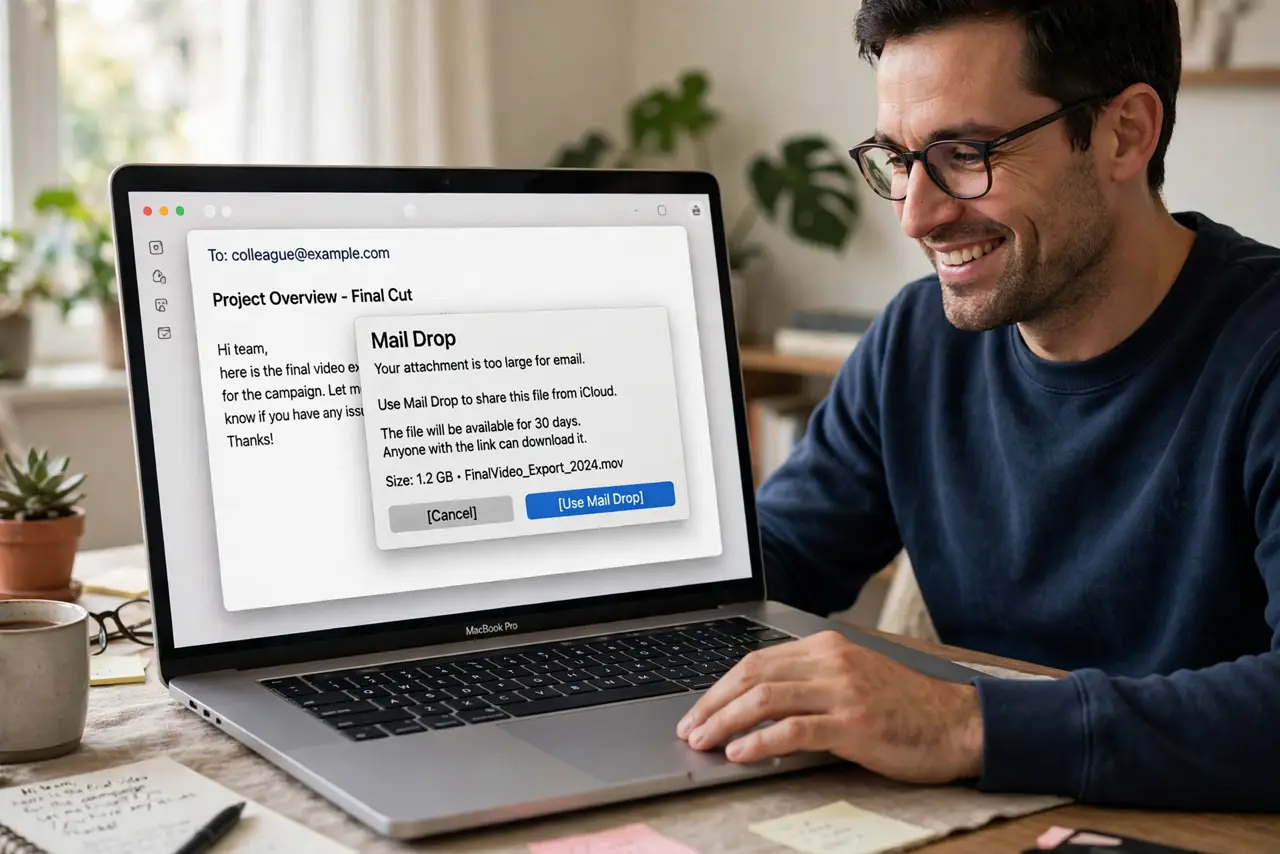
The video is 3 gigabytes and your email provider caps attachments at 25 megabytes. Mail Drop solves this Apple-to-anyone: it uploads the big file to iCloud and sends the recipient a download link, right inside the normal email. No separate file-sharing service needed.
TL;DR / Quick Fix
Quick fix: when an attachment is too big for your email provider, Mail offers Mail Drop — it uploads the file to iCloud and sends a download link instead. Enable it in Mail settings under Accounts. Recipients can download for 30 days with no iCloud account needed.
Follow these steps
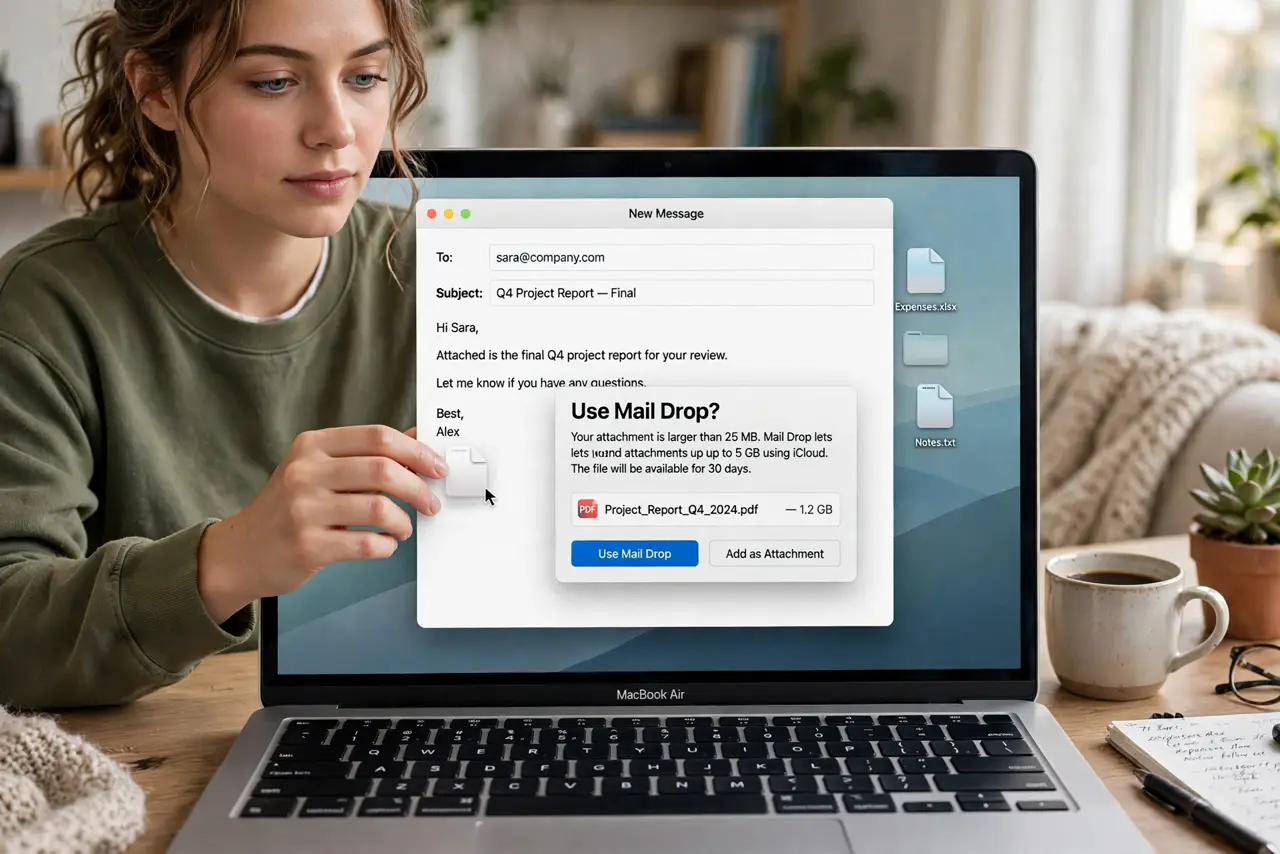
- Attach the file normally. Drag the big file into your email as usual. When it exceeds the provider's limit, Mail offers Mail Drop automatically.
- Enable Mail Drop in settings. In Mail settings, under Accounts, check Send large attachments with Mail Drop. One toggle, permanent convenience.
- Understand the 5 GB limit. Mail Drop handles files up to 5 GB each, with generous total storage. Bigger than that needs a dedicated file service.
- Tell the recipient what to expect. They receive a normal email with a download link — no Apple ID required. Links expire after 30 days.
- Check the upload finished. Large files upload in the background. The message sends only after the upload completes — do not close the Mac mid-upload.
- Use it for any recipient. Mail Drop works sending to Windows, Android, anyone. The download page is a plain web page.
What NOT to do
- Do not split files into twenty emails instead. Mail Drop exists precisely so you never do the zip-part dance again.
- Do not assume the link lasts forever. Thirty days, then it is gone — tell recipients to download promptly.
- Do not send sensitive files without thinking. The link is unguessable but not password-protected — truly sensitive files deserve encryption first.
- Do not disable it to 'save iCloud space.' Mail Drop storage does not count against your iCloud quota — it is free.
Frequently asked questions
Does the recipient need a Mac?
No — anyone with a web browser can download. The link opens a simple download page on any device.
Why didn't Mail offer Mail Drop?
The toggle may be off, or the attachment is under the provider's limit — small files send normally without it.
Is there a size limit?
5 GB per file. For anything larger, use a dedicated large-file service — email was never built for that.