Restore Missing Mac Menu Bar Icons
Menu bar icons that vanish, like Wi-Fi, battery, or sound, are usually hidden by a setting rather than gone for good. macOS lets you control which icons appear, and apps can hide their own icons too. Check the system controls before reinstalling anything.

TL;DR / Quick Fix
Quick fix: open System Settings, then Control Center, and check each module you miss. Then open the missing app's own settings and look for a Show in menu bar option. Finally, move the mouse to the top edge in case the menu bar is set to hide.
Follow these steps
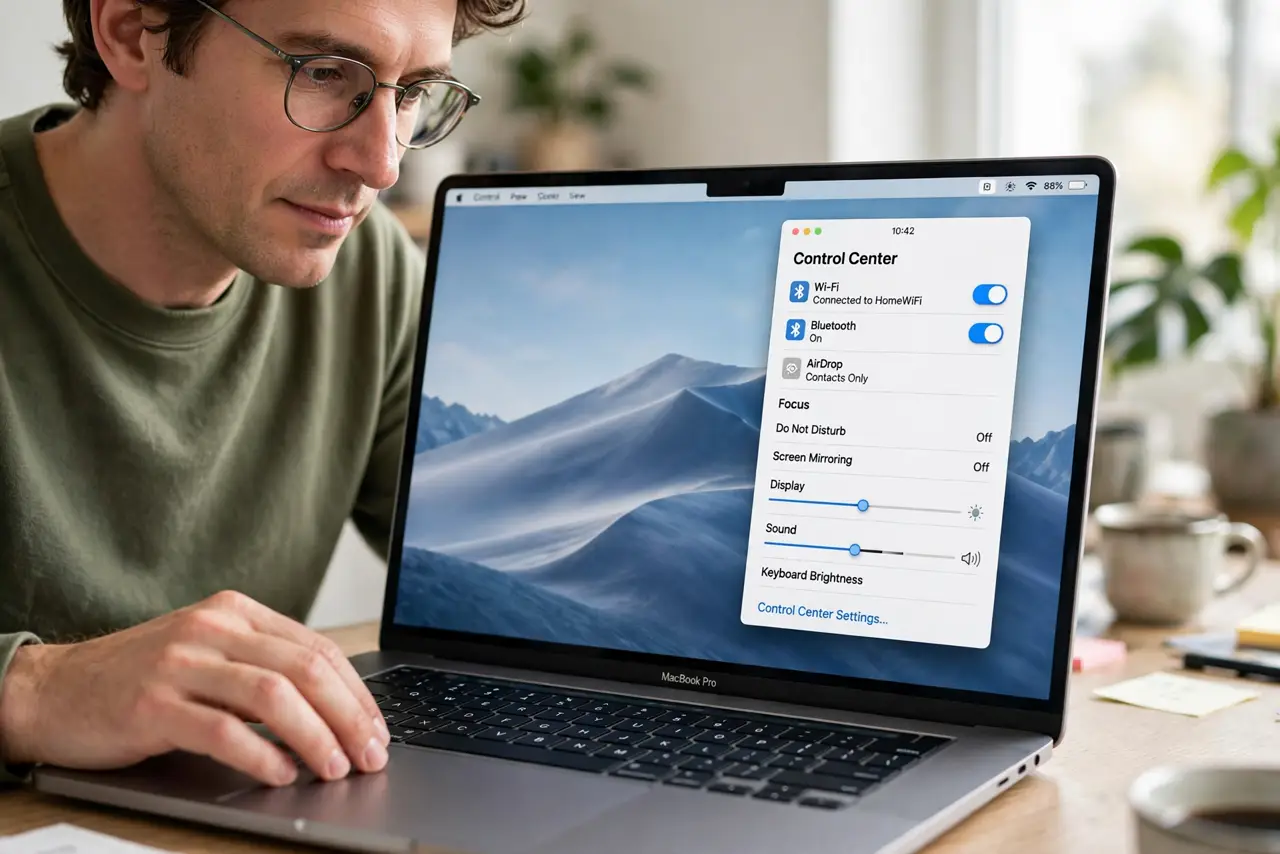
- Open Control Center settings. Click the Apple menu, then System Settings, then Control Center. This page controls which system icons appear in the menu bar.
- Turn the missing modules back on. Find Wi-Fi, Bluetooth, Sound, Battery, or the module you miss, and set it to Show in Menu Bar. The icon should return at once.
- Check the app's own setting. For third-party apps, open the app's settings or preferences and look for Show in menu bar or a similar option. Some apps hide their icon by default.
- Move the mouse to the top edge. If the whole menu bar is missing, move the mouse to the top of the screen. A menu bar set to hide automatically appears when you hover there.
- Check the setting on each display. With more than one display, the menu bar appears on the primary display. Check Displays settings if icons show on one screen but not the other.
- Restart the app or the Mac. If an icon still does not appear, quit and reopen the app, or restart the Mac once. A restart restores icons that a crashed helper process left behind.
What NOT to do
- Do not reinstall macOS to restore an icon. Menu bar visibility is a settings choice, and a reinstall would be far more disruptive than needed.
- Do not install a menu bar manager just to find one icon. Check Control Center and the app's own settings first.
- Do not assume the feature is broken. If the icon is missing but the feature still works, for example Wi-Fi still connects, the icon is simply hidden.
- Do not change settings in every app at once. Restore one icon at a time, so you know which change brought it back.
Frequently asked questions
Why did my Wi-Fi icon disappear?
Its Control Center module was probably set to not show in the menu bar, or a system update reset that choice.
Can I choose which icons appear?
Yes. Control Center settings let you show or hide each system module, and most apps offer their own menu bar option.
What if the whole menu bar is gone?
It may be set to hide automatically. Move the mouse to the top edge, or check Desktop and Dock settings for the menu bar option.