Mac Mission Control Windows Overlap? Tidy Them
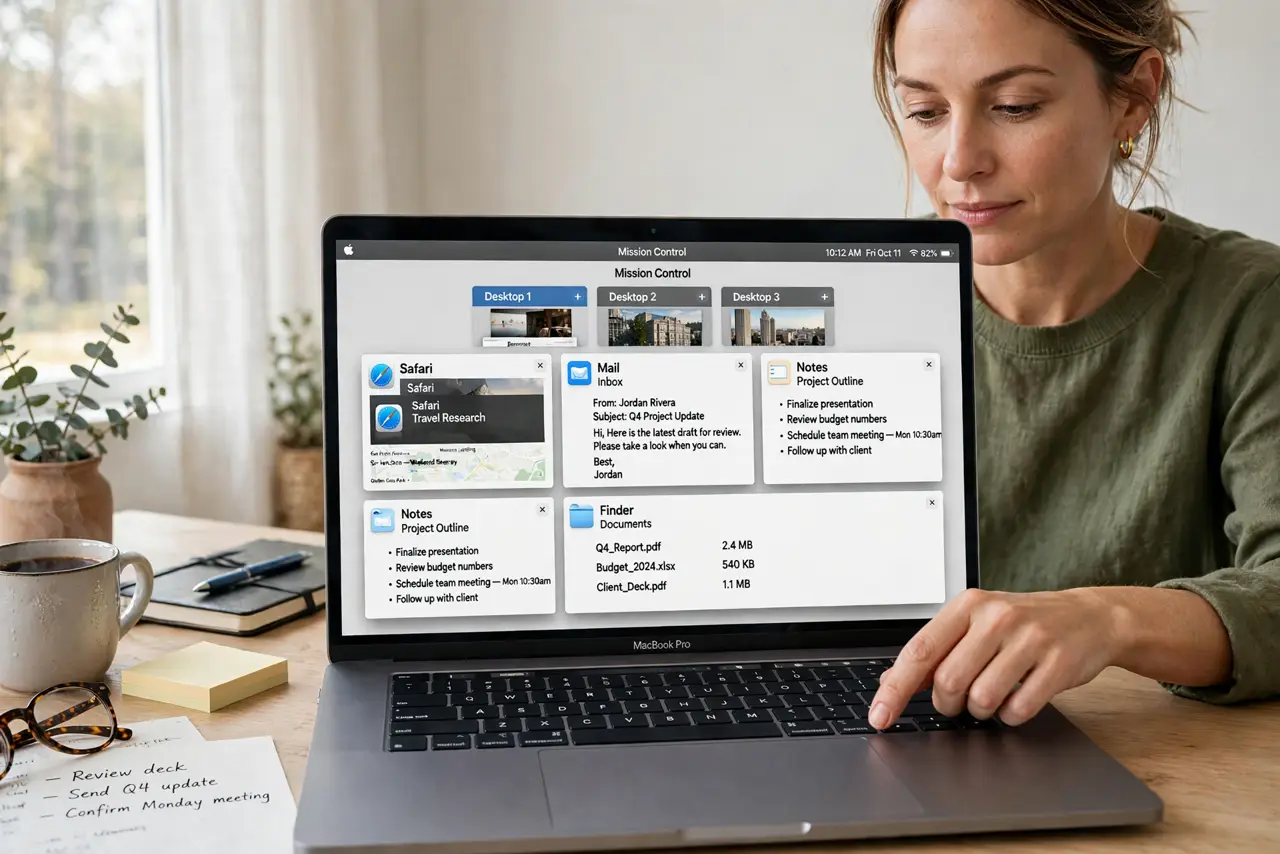
Mission Control shows a pile of overlapping windows, and finding the one you need takes forever. That is normal when many windows share one desktop. Group by app, spread across Spaces, and the pile becomes manageable.
TL;DR / Quick Fix
Quick fix: open Mission Control, drag windows into separate Spaces, and group windows from the same app together. Close windows you no longer need, then test finding one window quickly. Then test the fix for a full day before changing anything else.
Follow these steps
- Open Mission Control. Swipe up with three or four fingers, or press Control and Up Arrow, to open Mission Control. Look at how windows are grouped before changing anything.
- Group windows by app. In Mission Control, check whether windows from one app are grouped together. Grouping makes it easier to find an app, even when it has many windows open.
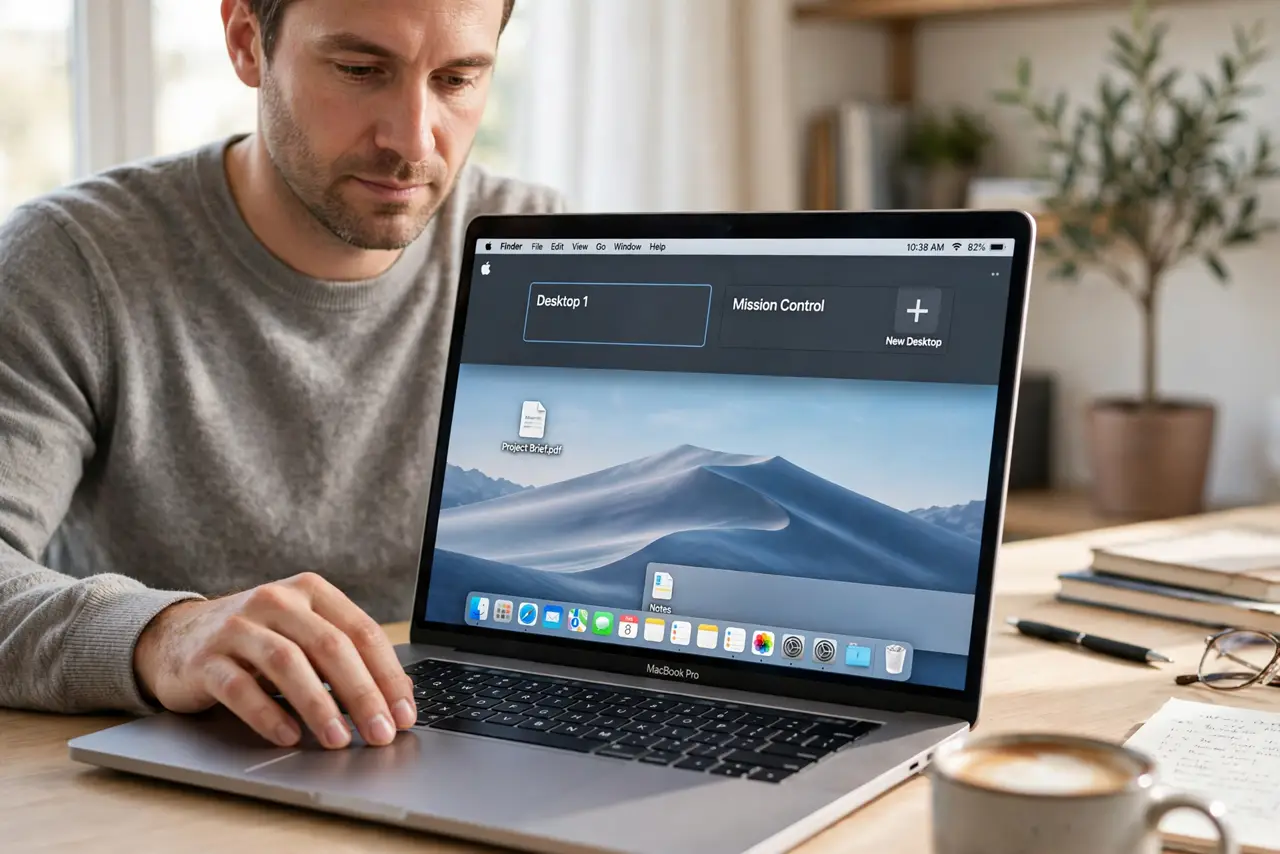
- Drag windows to new Spaces. Drag a window to the top bar in Mission Control to move it to a new Space. Put work, mail, and browsing on separate Spaces for clarity.
- Close windows you no longer need. Close documents and browser windows you finished with. Fewer windows means less overlap, whatever view you use.
- Use App Expose for one app. When one app has many windows, use App Expose to see only that app windows. This cuts through the overlap from other apps.
- Keep desktops tidy daily. At the end of the day, close finished windows and leave each Space with a clear purpose. A daily tidy prevents the pile from returning.
What NOT to do
- Do not open Mission Control and drag windows at random. Moving windows without a plan just creates a different pile.
- Do not keep every window open just in case. Closed windows can be reopened, but an endless pile cannot be searched quickly.
- Do not use a single desktop for everything. Spaces exist to separate tasks, and ignoring them guarantees overlap.
- Do not install a window manager before trying Spaces. Built-in grouping and Spaces solve most overlap on their own.
Frequently asked questions
Why do windows overlap in Mission Control?
Because many windows share one desktop. Grouping by app and spreading across Spaces reduces the pile.
What is a Space?
A Space is an extra virtual desktop. You can put different tasks on different Spaces and switch between them.
Will closing windows lose my work?
No, if you saved your documents first. Close saved work freely, and reopen it when you need it again.