Share Contacts with NameDrop
Typing a phone number digit by digit while someone dictates it is a ritual of errors. NameDrop shares contact cards by simply holding two iPhones together — tap, done, no digits. This guide triggers it reliably and controls exactly what you share.
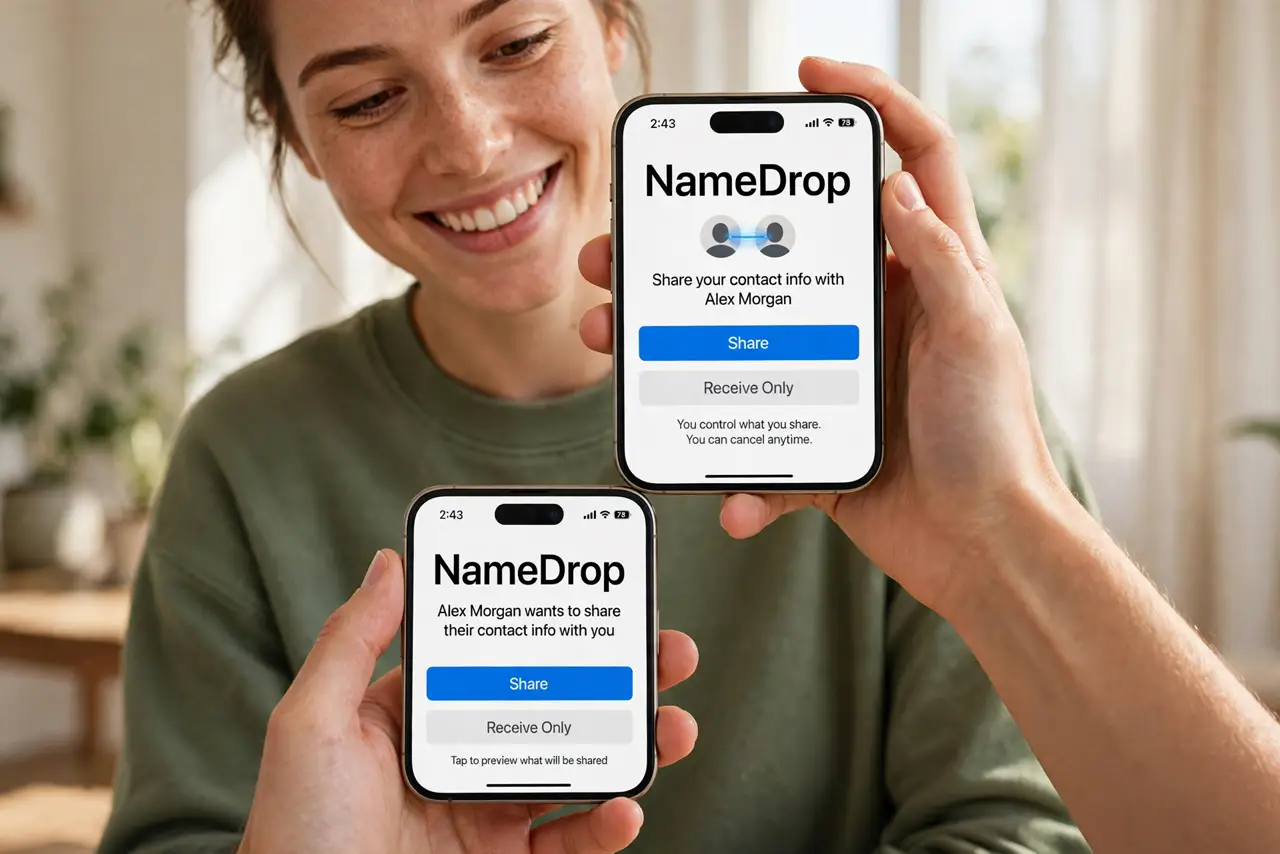
TL;DR / Quick Fix
Quick fix: NameDrop shares contact info by holding two iPhones close — choose what to share on the prompt and tap to send. It works iPhone to iPhone, and iPhone to Apple Watch. If it does not trigger, check both devices have Wi-Fi and Bluetooth on and are unlocked.
Follow these steps
- Hold the phones together. Bring the tops of two iPhones close — the NameDrop animation glows on both screens. Proximity plus intent, no menus.
- Choose what to share. The prompt lets you share your contact card or receive theirs. Pick fields deliberately — full card or just the number.
- Tap to confirm. Both sides confirm; the contact saves instantly. Faster and more accurate than any dictation.
- Try iPhone to Apple Watch. NameDrop works from iPhone to Apple Watch too — handy when the watch is the device at hand.
- Fix failures fast. Both unlocked, Wi-Fi and Bluetooth on, devices close. Most misses are a locked screen or radios off — and a recognizable AirDrop name helps you confirm you are sharing with the right person.
- Know what it does not share. NameDrop exchanges contact cards, not files or photos — AirDrop proper handles those. Right tool, right job.
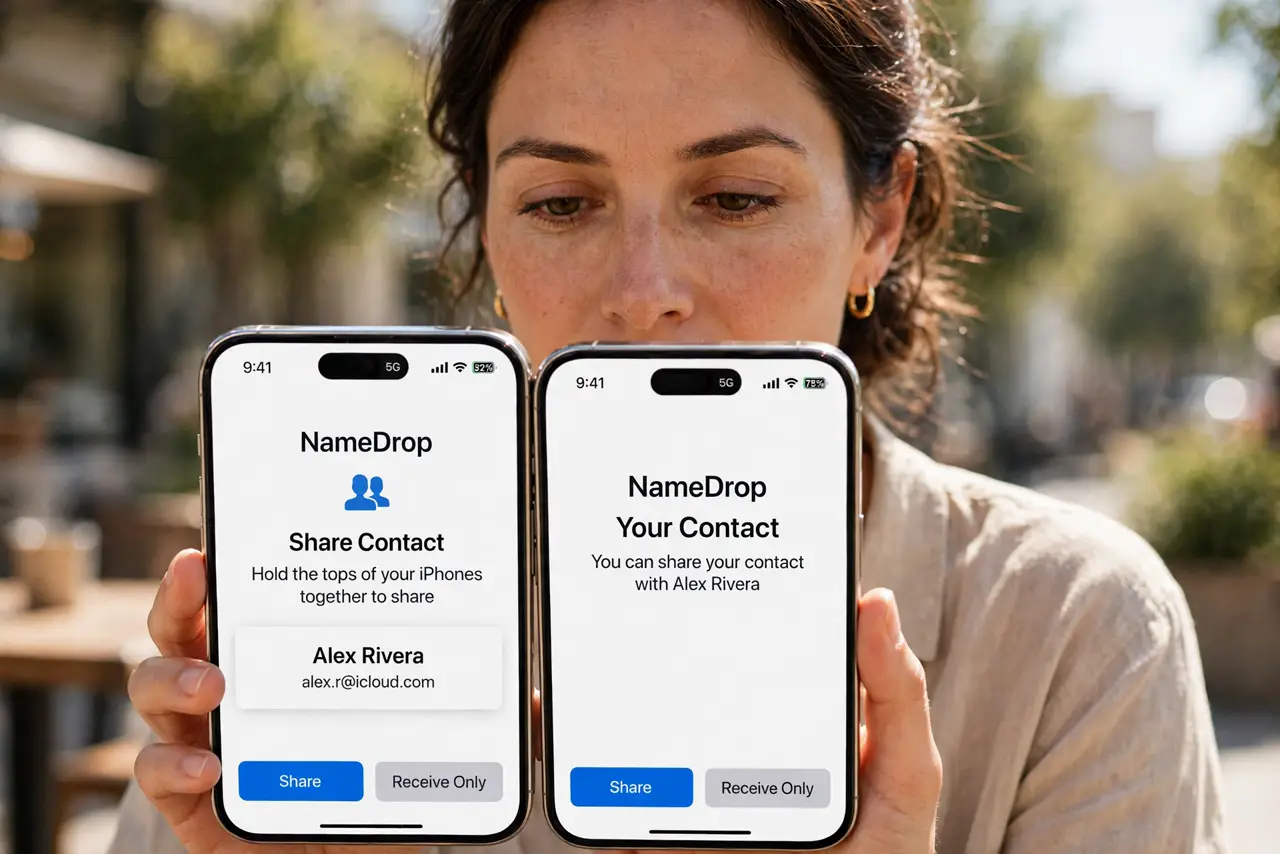
What NOT to do
- Do not share your full card with strangers. Choose limited fields for casual exchanges — full card for people you trust.
- Do not hold phones together in a crowd carelessly. Proximity sharing in packed spaces can trigger with the wrong person — confirm the name.
- Do not expect it on old iPhones. NameDrop needs recent iOS on both devices.
- Do not confuse it with AirDrop. NameDrop is contacts-only initiation; files still go through the share sheet.
Frequently asked questions
Why is NameDrop not triggering?
iOS too old, screens locked, or radios off. Update, unlock, and retry.
Can I NameDrop to Android?
No — it is Apple-only. For cross-platform, a QR code contact share works everywhere.
Does it share my photo?
Only if your contact card includes it and you choose to share it. Check your card's fields first.