Mac Pointer Disappears on One Display? Find It
The pointer vanishes when you move to one display, but works fine on the other. That usually means display arrangement, a display edge gap, or a sleeping display. Check arrangement first, then test each screen on its own.

TL;DR / Quick Fix
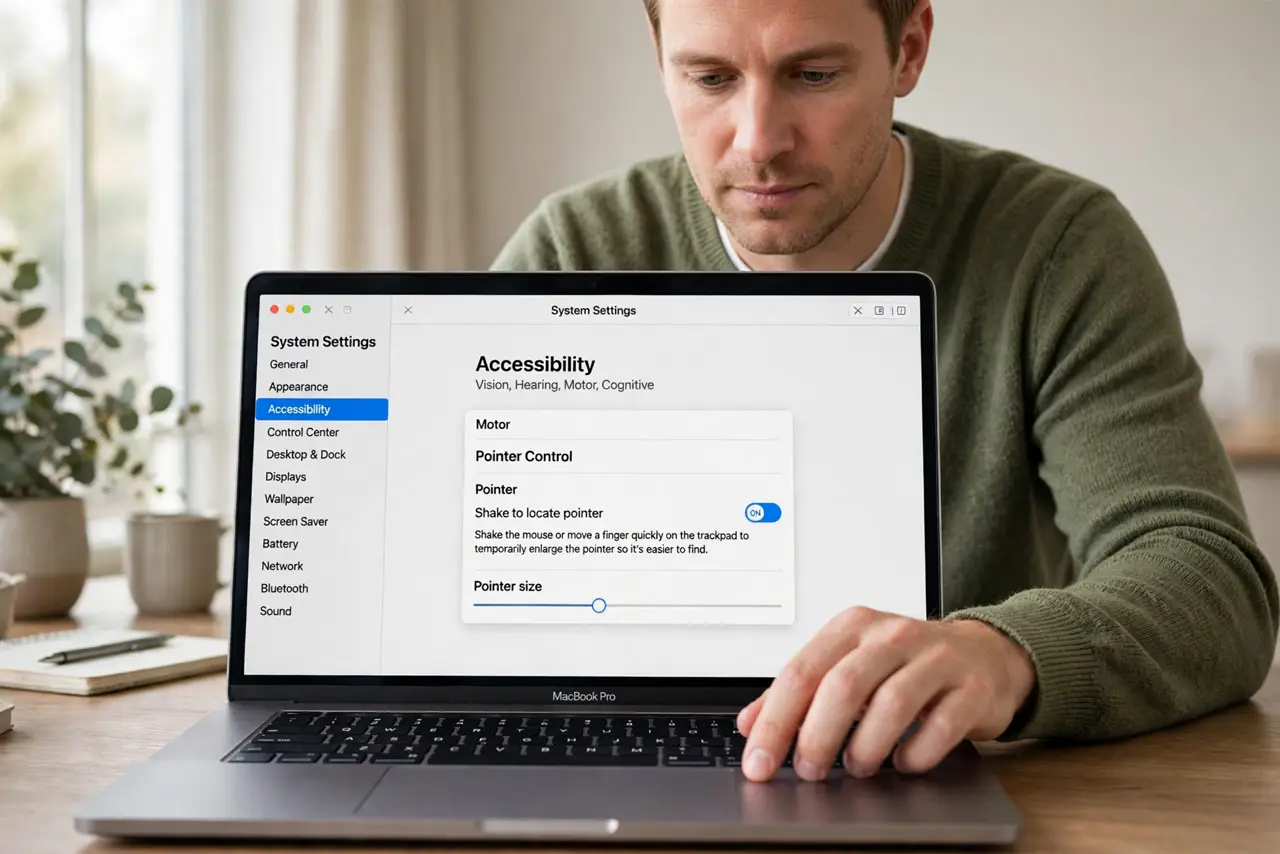
Quick fix: shake the mouse to enlarge the pointer, then open System Settings, then Displays, and check the arrangement. Drag displays so their edges align, then move the pointer across slowly. Then test the fix for a full day before changing anything else.
Follow these steps
- Shake to locate the pointer. Shake the mouse briefly to enlarge the pointer. If it appears, it was simply hard to see, not missing, and you can track where it went.
- Check display arrangement. Open System Settings, then Displays, and look at how the displays are arranged. A gap or offset between displays can trap the pointer at an edge.
- Align display edges. Drag the display icons so their edges line up where you move the pointer across. Aligned edges let the pointer cross smoothly from one screen to the other.
- Wake the missing display. Move the mouse and press a key to wake a display that may be asleep. A sleeping display shows no pointer, even though the Mac is awake.
- Test each display alone. Disconnect one display and use the other alone, then swap. If the pointer works on each display alone, the problem is arrangement, not a display.
- Restart with both displays connected. Restart the Mac with both displays attached and check pointer movement again. A restart reapplies the display arrangement cleanly.
What NOT to do
- Do not replace the mouse for a display problem. A pointer that works on one display proves the mouse itself is fine.
- Do not change display resolution to fix a missing pointer. Arrangement and wake state matter more than resolution here.
- Do not unplug displays while the Mac is writing files. Unplugging is safe for testing, but do it calmly, not mid-save.
- Do not ignore a sleeping display. A dark display with no pointer often just needs a wake, not a repair.
Frequently asked questions
Why does the pointer vanish on one screen?
Usually display edges do not align, so the pointer cannot cross, or that display is asleep.
How do I align displays?
In System Settings, then Displays, drag the display icons until their edges line up where you move across.
What if the pointer is gone on both displays?
Check the mouse battery and connection first, then restart the Mac and test again.