Make Double-Sided the Default on Mac
Every print job comes out single-sided and you have to remember the duplex checkbox each time. The Mac lets you save double-sided as the default, but the setting hides in a presets menu most people never open. This guide sets it once and forgets it.
TL;DR / Quick Fix
Quick fix: open any document, choose Print, select Layout from the options dropdown, tick Two-Sided with long-edge binding for portrait pages, then save it as a preset named Double-Sided Default. Set that preset as the default so every future job prints duplex automatically.
Follow these steps
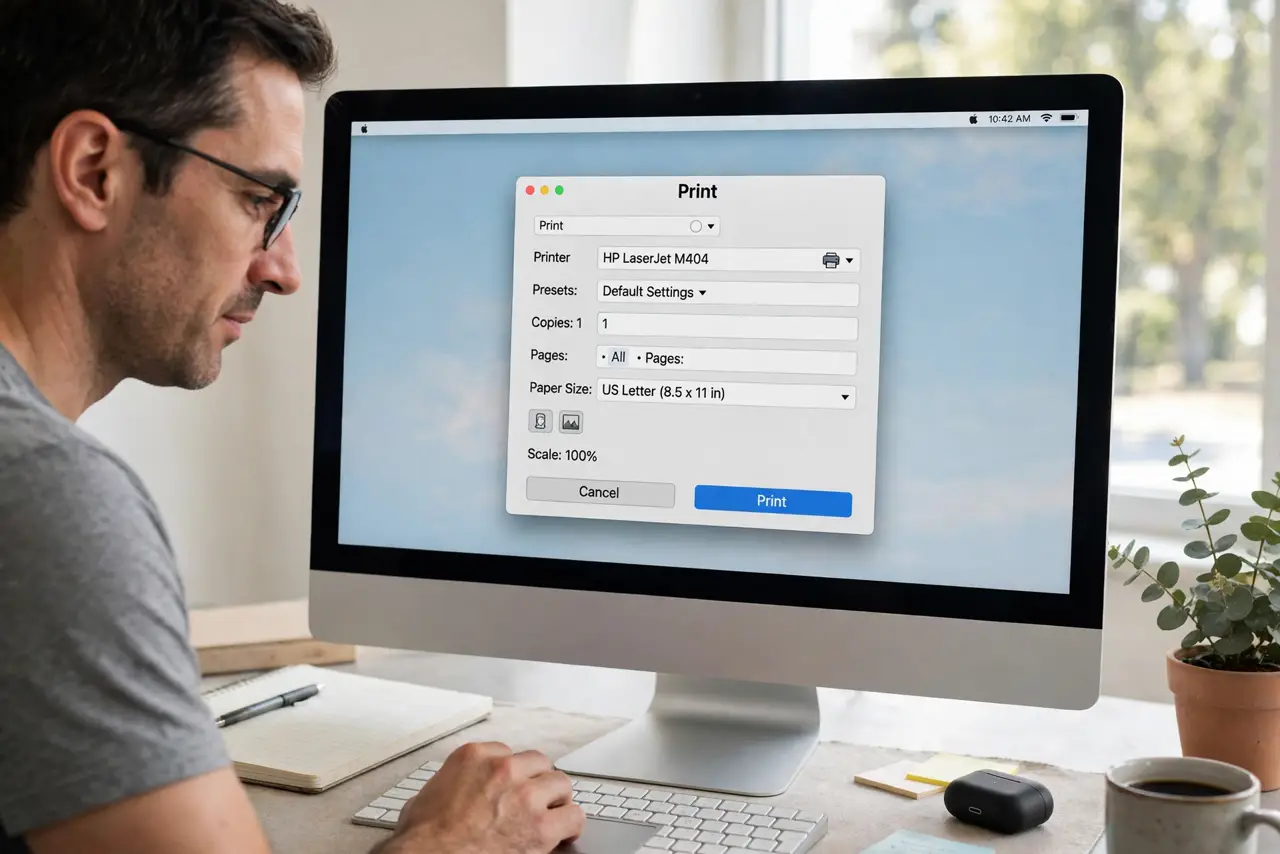
- Open the print dialog. In any app, choose File, then Print. The duplex option lives in this dialog, not in System Settings, which is why people miss it.
- Find the Layout section. In the print dialog, open the options dropdown that says Copies and Pages or similar, and choose Layout. The Two-Sided checkbox lives there.
- Tick Two-Sided and choose the binding. Check Two-Sided and pick Long-Edge or Short-Edge binding. Long-edge suits portrait documents; short-edge suits landscape.
- Save it as a preset. In the Presets dropdown at the top, choose Save Current Settings as Preset. Name it clearly, like Double-Sided Default.
- Set the preset as default. Choose that preset in the Presets dropdown and print once. The Mac remembers the last-used preset per printer, making duplex the new normal.
- Check the queue if nothing prints. If jobs stall after the change, make sure the printer queue is not paused. A paused queue looks exactly like a settings failure.
What NOT to do
- Do not change the driver to fix duplex. The standard driver already supports it; the preset is the missing piece.
- Do not expect duplex on every printer. Some basic printers lack the hardware, and no setting can add it.
- Do not forget which preset is active. A single-sided preset chosen once stays chosen until you switch back.
- Do not test with a 50-page document. Print two pages first to confirm the binding edge is correct.
Frequently asked questions
Why does my Mac forget the duplex setting?
Because the setting lives in the print preset, not as a global default. Saving a preset makes it stick.
What is long-edge vs short-edge binding?
Long-edge flips pages like a book; short-edge flips them like a notepad. Match it to your document orientation.
Can I make single-sided the default again?
Yes. Save a single-sided preset the same way and select it whenever you need it.