Stop Your Mac Screen Dimming by Itself
A screen that dims on its own, even while you are using the Mac, usually follows an automatic brightness or energy setting, not a failing display. The ambient light sensor, battery settings, and display options all interact. Check them in order.
TL;DR / Quick Fix
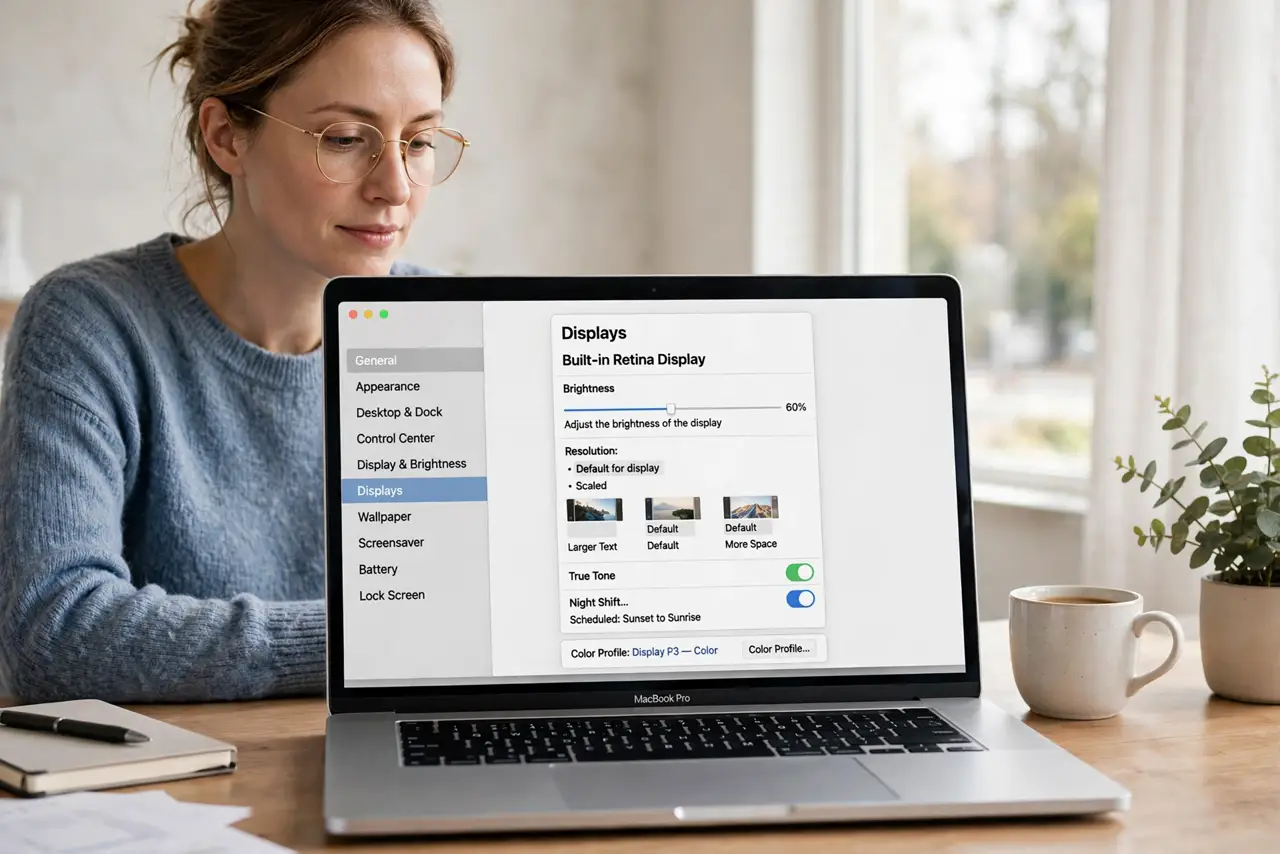
Quick fix: open System Settings, then Displays, and turn off Automatically adjust brightness. Then check Battery settings for dimming while on battery, and make sure nothing covers the camera area where the light sensor sits, and test the screen on power and on battery.
Follow these steps
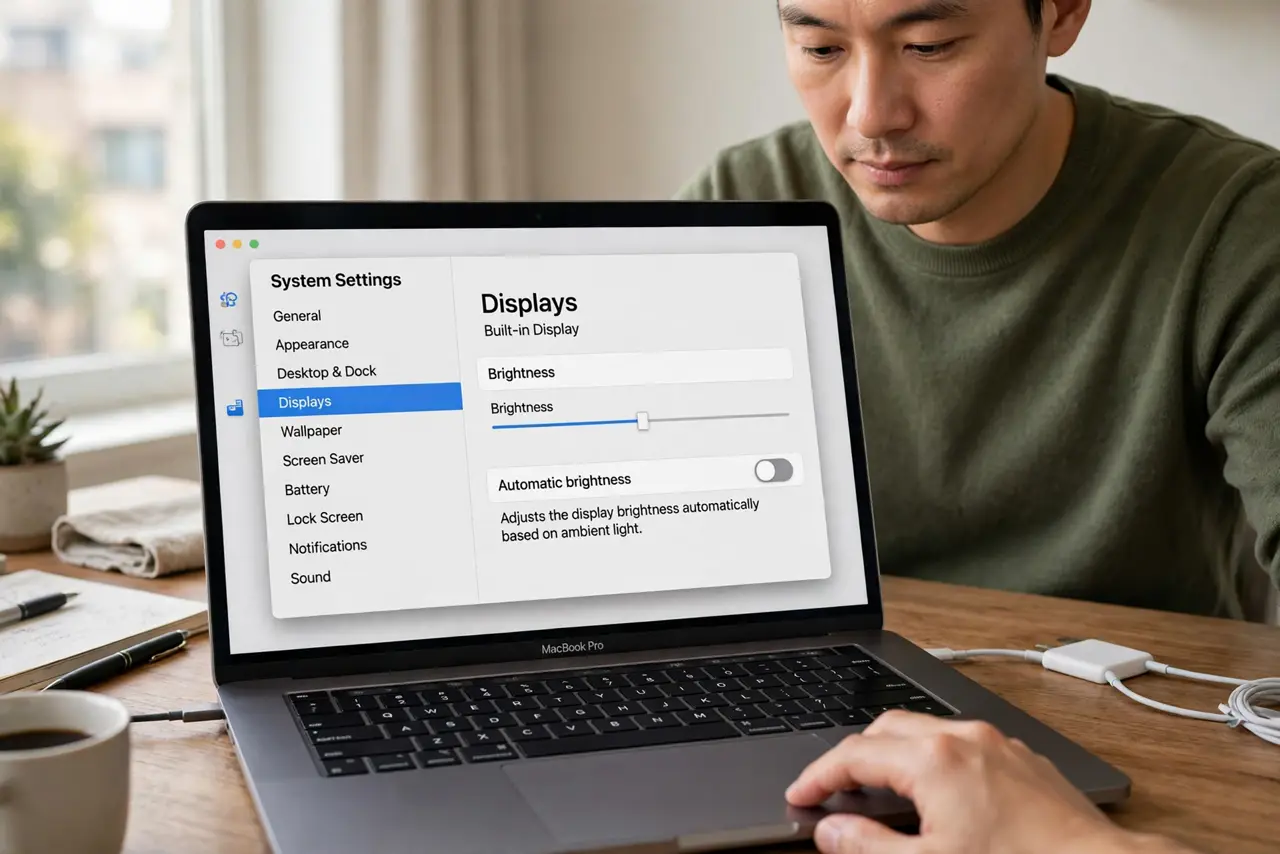
- Turn off automatic brightness. Open System Settings, then Displays, and turn off Automatically adjust brightness. Test the screen for a while to see whether dimming stops.
- Check battery dimming settings. Open System Settings, then Battery, and check options for dimming the display while on battery power. Adjust them if the screen dims only when unplugged.
- Uncover the light sensor. Make sure no sticker, case edge, or hand covers the camera area at the top of the screen. The ambient light sensor lives there and dims the screen in dim rooms.
- Set brightness by hand. Use the brightness keys or the Displays slider to set a comfortable level. If the screen stays at your level after automatic brightness is off, the sensor was the cause.
- Test on power and on battery. Test the screen while plugged in and while on battery. Dimming that happens only on battery points to an energy setting, not the display.
- Restart if dimming persists. If the screen still dims with automatic brightness off, restart the Mac and test again. A stuck display process can hold an old brightness level.
What NOT to do
- Do not set brightness to maximum permanently. Maximum brightness drains the battery fast and strains your eyes, so pick a comfortable middle level.
- Do not cover the camera to test the sensor. Covering it makes the sensor think the room is dark, which dims the screen further.
- Do not reset display settings blindly. Automatic brightness and battery dimming are two simple toggles, and a reset would change more than needed.
- Do not assume the display is failing. Dimming that follows a setting or the light sensor is normal behavior, not a hardware fault.
Frequently asked questions
Why does my screen dim in a dark room?
The ambient light sensor lowers brightness to match the room. Turning off automatic brightness stops that behavior.
Why does it dim only on battery?
Battery settings dim the display to save power when unplugged. Adjust those settings if the dimming bothers you.
What if it dims while I am typing?
Check automatic brightness and battery settings first. Dimming during active use usually follows a setting, not inactivity.