Mac Sound Only From One Speaker? Fix Balance
Sound comes from only one speaker, and music and calls sound lopsided. The cause is often balance, output choice, or a loose connection, not a dead speaker. Check those in order before booking a repair.
TL;DR / Quick Fix
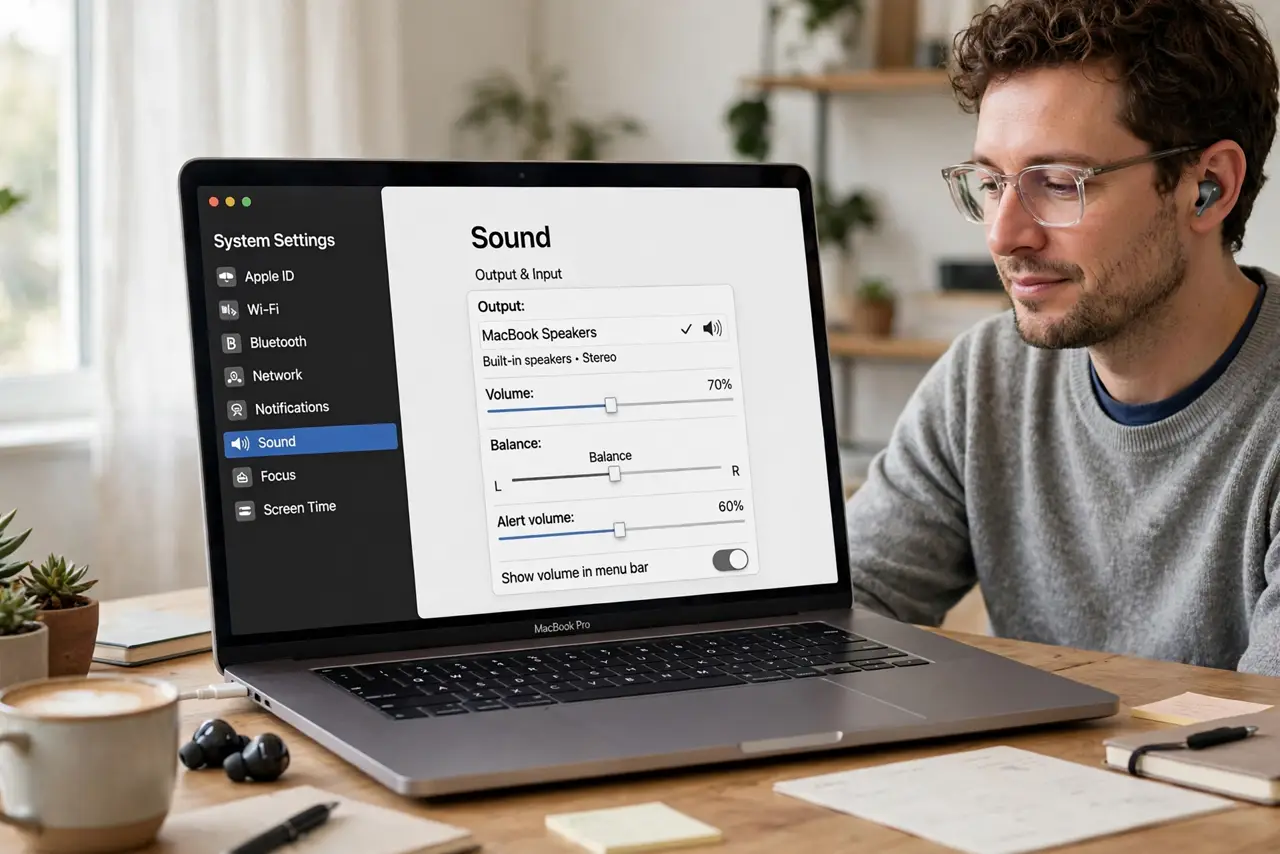
Quick fix: open System Settings, then Sound, then Output, and confirm the right device is selected. Center the balance slider, then test with a different cable or speaker if needed. Then test the fix for a full day before changing anything else.
Follow these steps
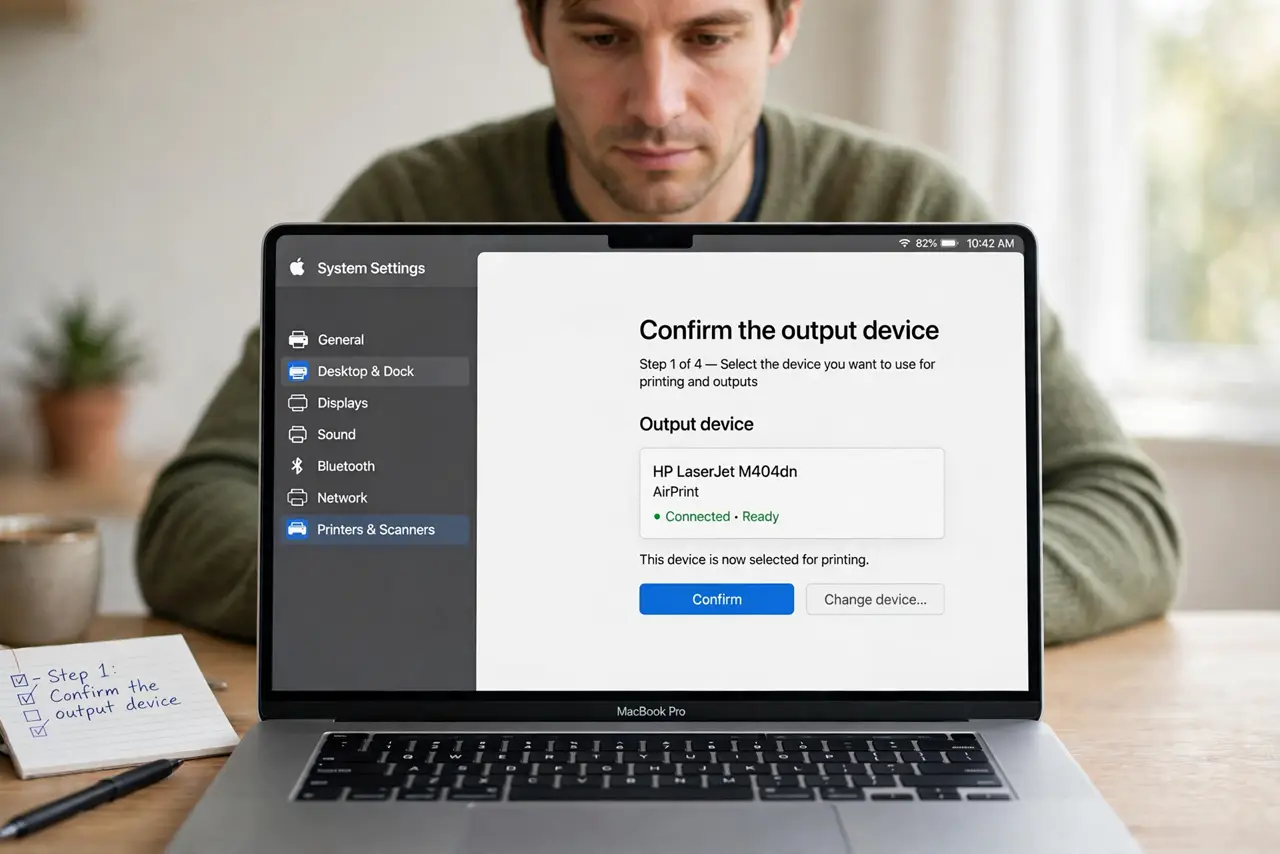
- Confirm the output device. Open System Settings, then Sound, then Output, and select the speakers or headphones you actually want. Sound may be going to a different device than you expect.
- Center the balance slider. In the same Output pane, drag the balance slider to the center. A balance pushed to one side sends sound to only that speaker.
- Test with known good audio. Play a song or video you know well and listen on both sides. If both sides work here, the problem is in the first app or file, not the Mac.
- Check cables and plugs. Unplug and firmly reconnect the speaker cable or headphone plug. A plug that is only halfway in can silence one channel.
- Test another output. Try built-in speakers, then headphones, then the external speakers. If only one output fails, the fault is in that device or cable.
- Restart audio apps and the Mac. Quit the audio app, reopen it, and test again. If sound is still one-sided everywhere, restart the Mac before assuming hardware damage.
What NOT to do
- Do not turn the volume to maximum to compensate. Loud one-sided sound can damage hearing and the working speaker without fixing the cause.
- Do not replace speakers before testing balance and cables. Most one-sided sound is settings or connection, not hardware failure.
- Do not ignore a balance slider pushed to one side. That single slider explains many one-speaker complaints on its own.
- Do not open the Mac or speakers to fix sound. Internal repairs need proper service and can void coverage if done at home.
Frequently asked questions
Why is sound only on the left?
Usually the balance slider sits to one side, or a cable is loose. Center the balance and reseat the plug first.
What if headphones work but speakers do not?
The speaker device or its cable is the suspect. Test another cable and another speaker before blaming the Mac.
Can an app cause one-sided sound?
Yes. Some apps have their own balance or mono settings, so test the same audio in a second app.