Calculate in Spotlight
Opening the Calculator app for 15% of 240 is a small waste of time you repeat a hundred times a year. Spotlight — the search bar on every Mac — does math instantly as you type, no app needed. Once this becomes a habit, the Calculator app starts gathering dust.

TL;DR / Quick Fix
Quick fix: press Command+Space and just type the math — Spotlight calculates instantly with no calculator app needed. Use * for multiply, / for divide, and % for percent. It handles parentheses and decimals too, and the result stays in the search field ready to copy.
Follow these steps
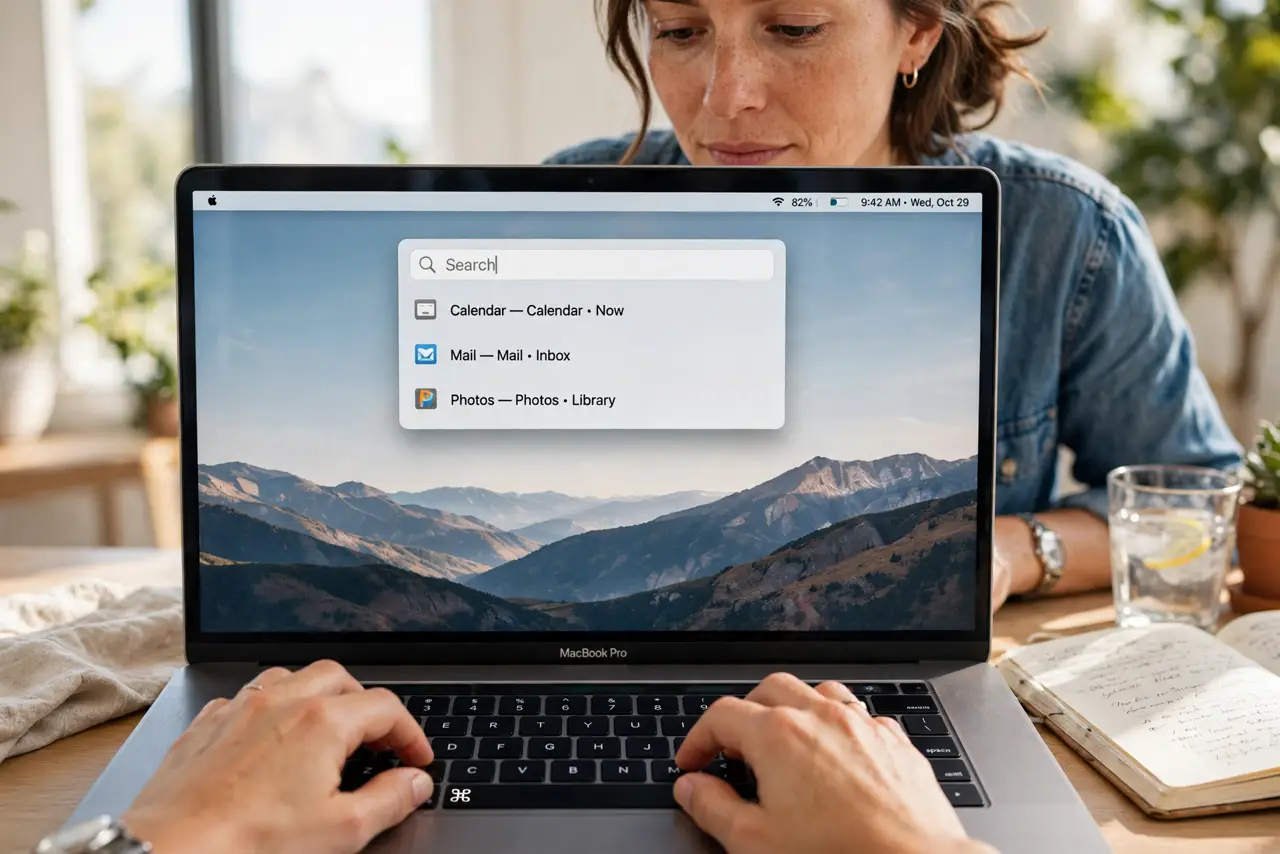
- Open Spotlight. Press Command+Space anywhere — in any app, on the desktop, mid-task. The search bar appears; you do not need to open anything else first.
- Type the expression plainly. Just type it: 240*0.15 or (12+8)/4. Spotlight evaluates as you type, showing the result live beneath the search field.
- Learn the operator symbols. Use * for multiply, / for divide, + and - as usual, % for percent, and ^ for powers. Parentheses control order exactly like in school math.
- Copy the result. Press Command+C with the result showing, or press Enter to open it in Calculator for longer chains. The quick copy is the move for pasting into documents and messages.
- Chain calculations. Do one step, copy the result, paste it into the next expression. For anything longer than three steps, press Enter to continue in the full Calculator app instead.
- Explore Spotlight’s other tricks. The same bar converts units, looks up words, and more — see Spotlight tricks and try unit conversions next.
What NOT to do
- Do not open the Calculator app for simple math. Spotlight is faster for anything under ten seconds — reserve the app for long chains.
- Do not forget the order of operations. Spotlight follows standard math rules, so 2+3*4 is 14, not 20 — use parentheses when unsure.
- Do not type currency symbols into calculations. For money math, use plain numbers here and currency conversion-style tools for exchange rates.
- Do not assume it works offline for everything. Basic math is local and instant; some smart results need a connection.
Frequently asked questions
Can Spotlight do percentages?
Yes — type 15% of 240 or 240*15% and it answers directly. Tip math is the classic use case.
Does it handle scientific calculations?
Basic powers and roots, yes. For logarithms and trigonometry, press Enter to open the full Calculator app in scientific mode.
Why is my result wrong?
Almost always operator order — add parentheses to force the grouping you mean. Spotlight calculates exactly what you typed.