The Stocks App? Basics
The Stocks app on Mac is Apple's clean, calm way to watch markets — your watchlist, business news, and simple charts in one uncluttered window. It will not replace a trading terminal, but for keeping an eye on a few holdings it is excellent. It syncs with your iPhone, and the built-in news is genuinely useful. Here is the plain tour.
TL;DR / Quick Fix
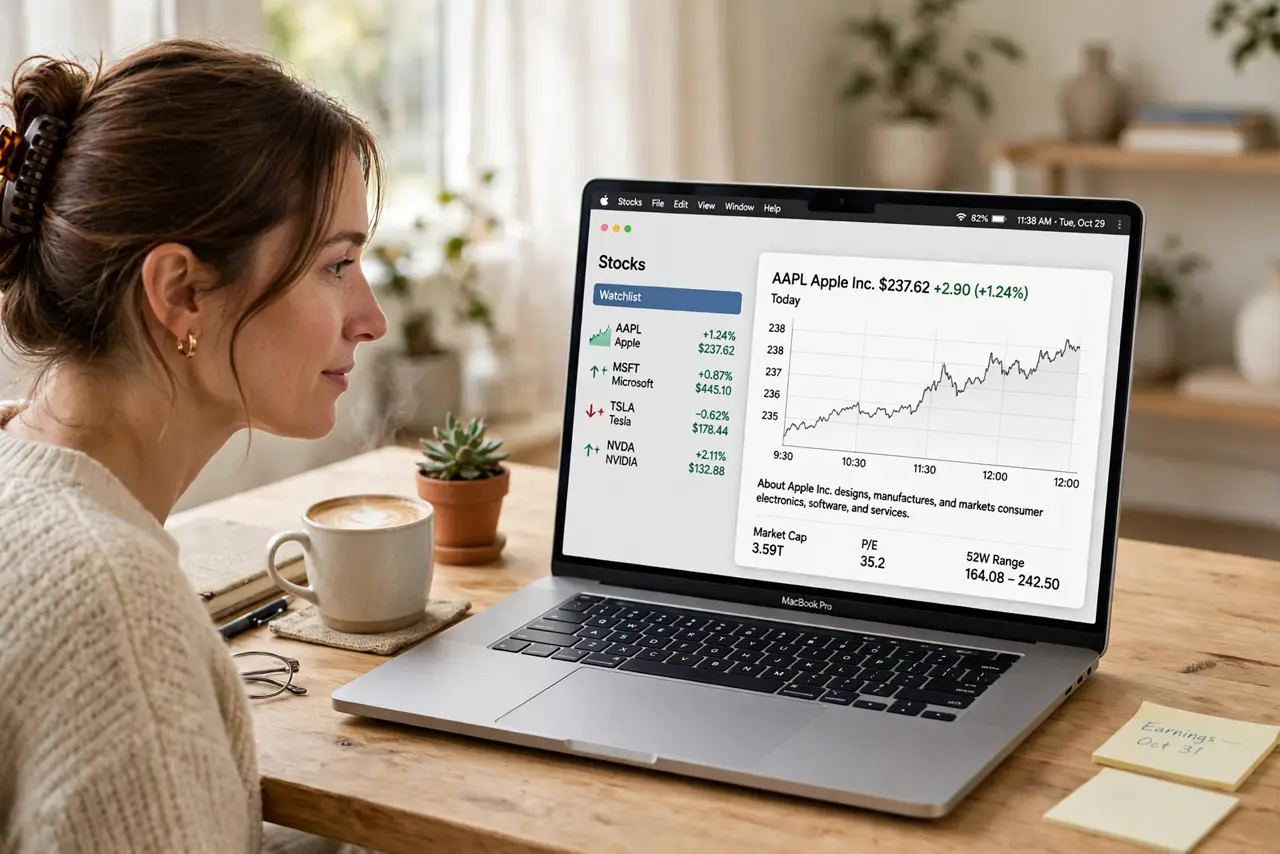
Quick fix: open the Stocks app and sign in with your Apple ID to sync your watchlist with your iPhone. Add symbols with the plus button — tap any stock for its chart and business news. Switch chart ranges from 1D to 5Y. You cannot buy or sell here.
Follow these steps
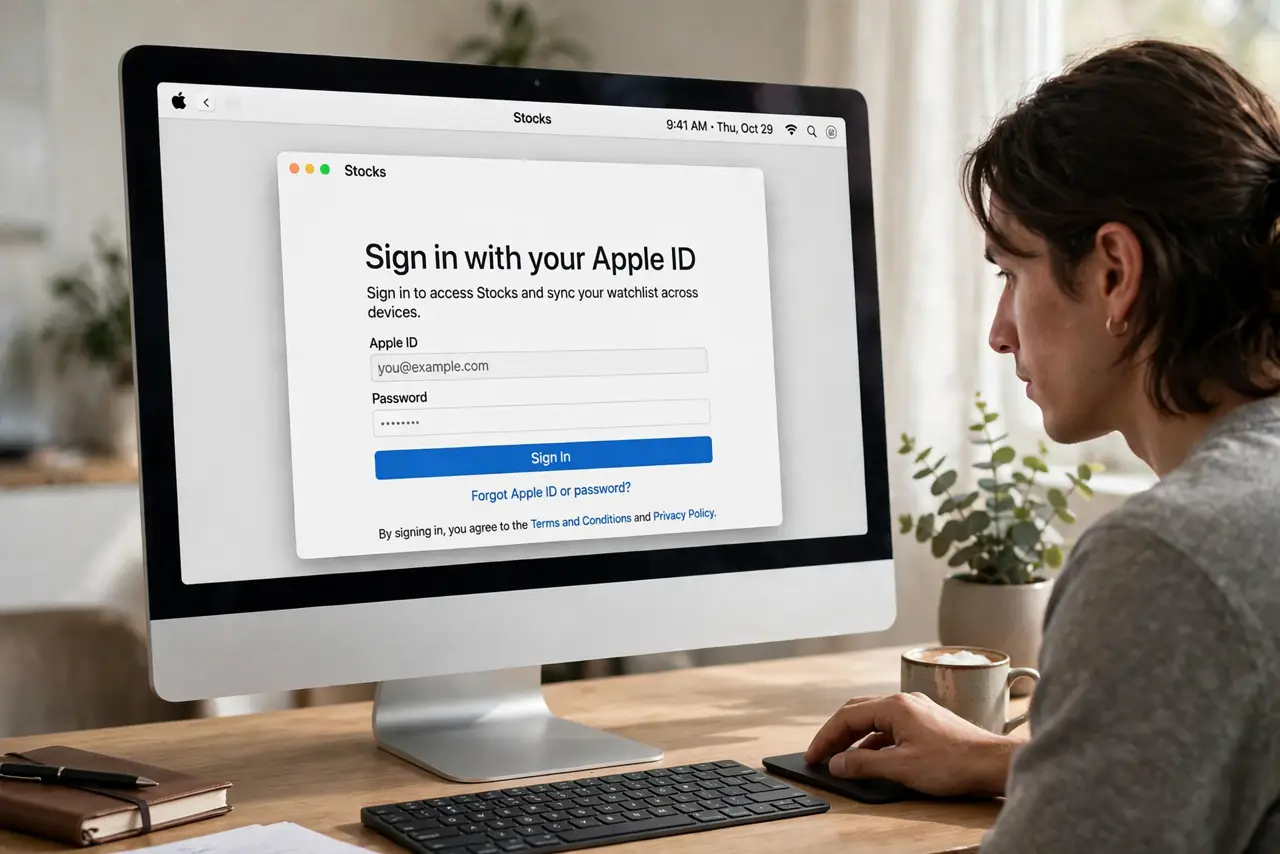
- Open the app and sign in. Find Stocks in Applications or Launchpad. Sign in with your Apple ID so the watchlist syncs with your iPhone — set it up once, see it everywhere.
- Build your watchlist. Click the plus or Edit, then add ticker symbols for stocks, funds, and indexes you follow. Keep it to what you actually own or watch — a fifty-symbol list is noise, not information.
- Read the charts. Click any symbol for its price chart. Switch ranges from 1D to 5Y to separate daily noise from real trends. A one-day dip means little; a one-year slope means a lot.
- Use the business news. Below the chart, Apple shows relevant business stories. It is a decent morning briefing for your holdings — pair it with the News app for the wider picture.
- Understand the limits. The Stocks app shows prices and news — it cannot trade. Buying and selling happen in your broker's app. Also note prices can lag real time by minutes on the free tier.
- Manage notifications. In System Settings, Notifications, choose whether price alerts may interrupt you. Most people are calmer with them off — the market does not need your minute-by-minute attention.
What NOT to do
- Do not day-trade off this app. Delayed quotes and no trading make it a watching tool — real trading belongs in your broker's platform.
- Do not watchlist fifty symbols. A bloated list is anxiety, not information — keep it to holdings and genuine interests.
- Do not panic on red days. A 1D chart is noise; check the 1Y view before any emotional decision.
- Do not treat it as financial advice. It shows data and news, not recommendations — your decisions need your own research.
Frequently asked questions
Can I buy stocks in the Stocks app?
No. It is a tracking and news tool only. Trading happens in your brokerage app — Apple shows the data, brokers take the orders.
Are the prices real-time?
Mostly near-real-time, but free quotes can lag by minutes. For trading decisions, use your broker's live data.
Why is a stock missing?
Some exchanges and tickers are not covered. Search by company name as well as symbol — and check the symbol is correct.