Brighten Your Face on Calls
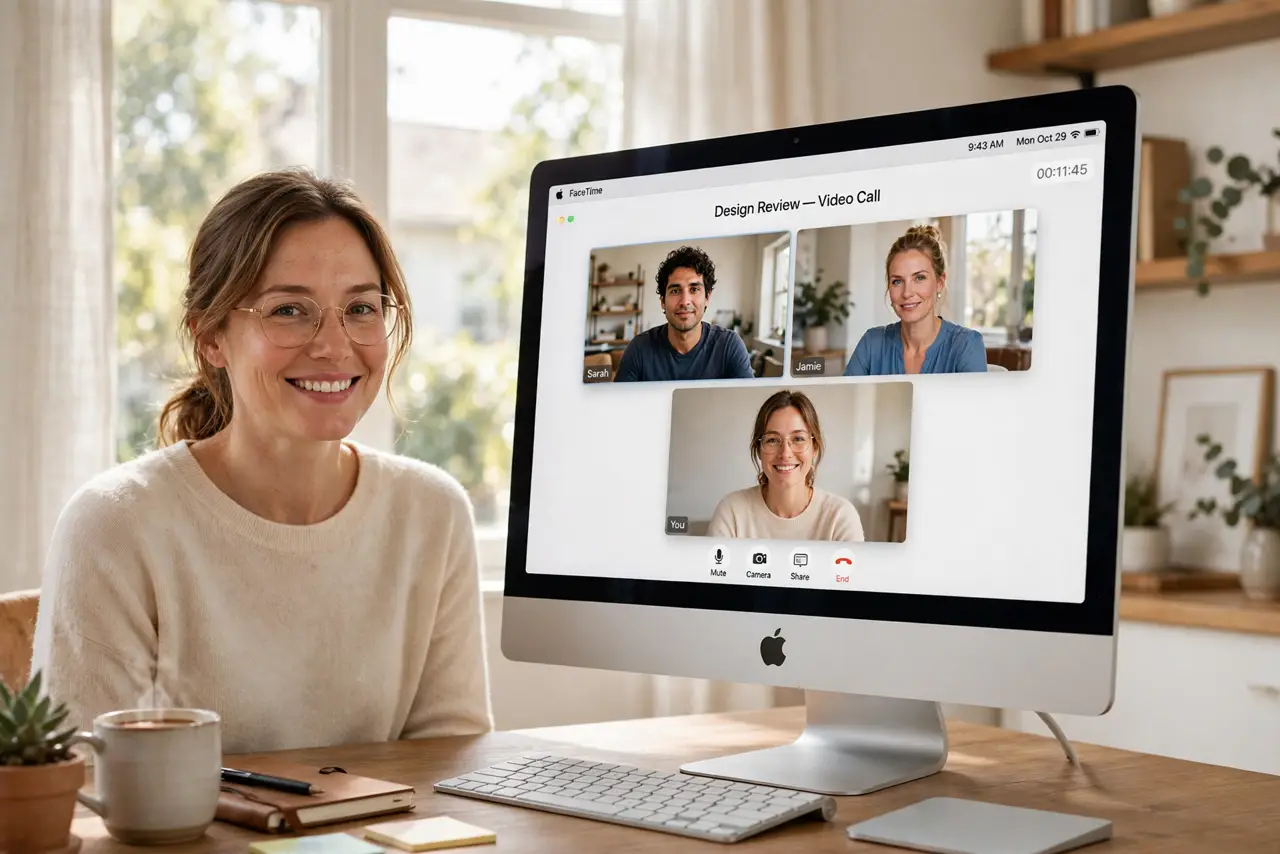
You join a video call and your face is a dim silhouette while the window behind you glows — classic bad call lighting. The camera can only work with the light it gets, and overhead room lights plus a bright background are the worst combination. The fix is embarrassingly simple: put the light in front of you, not behind you. Pair it with a clean desk backdrop and you will look like a different person on calls.
TL;DR / Quick Fix
Quick fix: face a window or put a lamp behind your monitor aimed at your face at eye level — light belongs in front of you, never behind. Close blinds behind you so the camera exposes for your face. Check the preview, soften harsh light, and wipe the camera lens.
Follow these steps
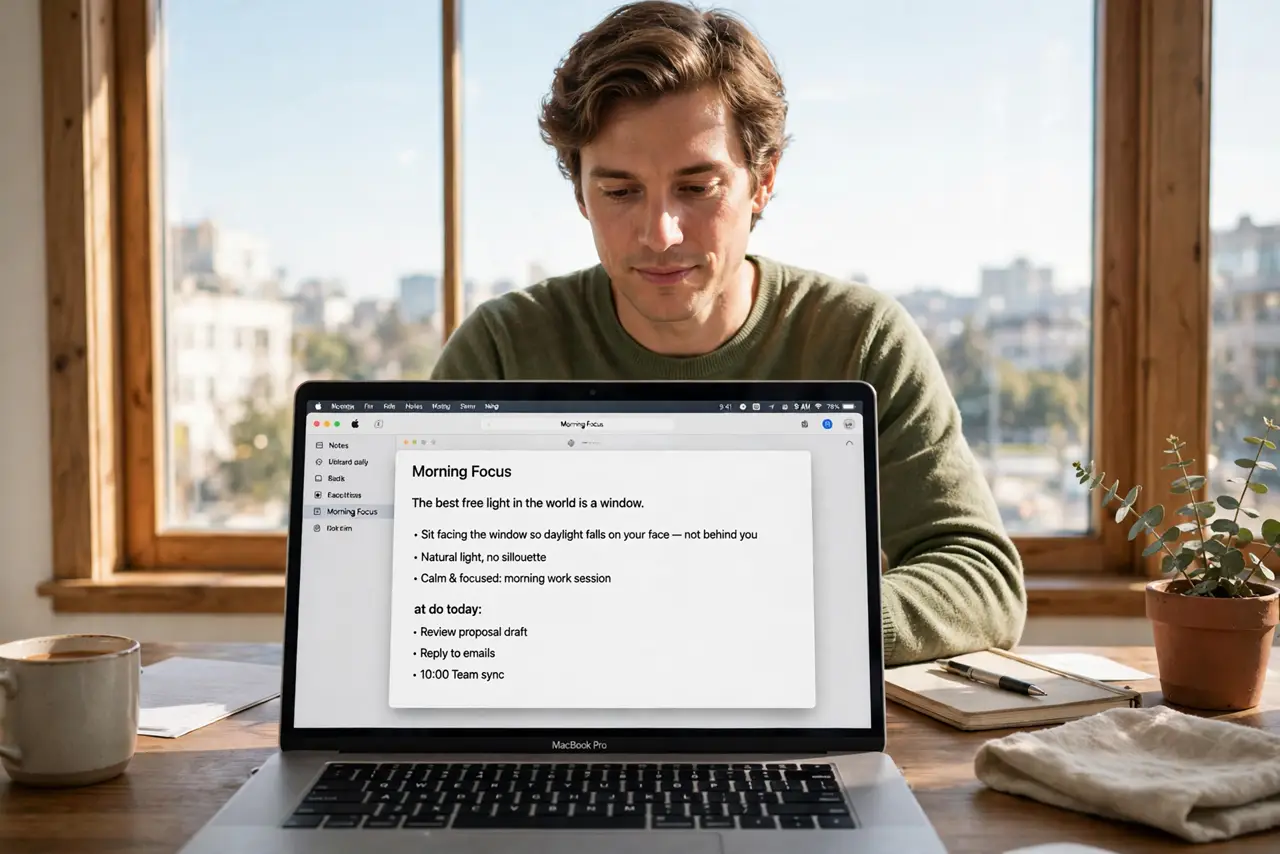
- Face a window. The best free light in the world is a window. Sit facing it so daylight falls on your face — not behind you, where it turns you into a silhouette, and not to the side, where it lights half your face.
- Put a lamp in front of you. No good window? Place a desk lamp or floor lamp behind your monitor, aimed at your face, roughly at eye level. Light from the front flatters; light from above hollows your eyes.
- Kill the backlight. Close blinds behind you or move so bright windows and lamps are not in the frame. The camera exposes for the brightest thing it sees — if that is the window, your face goes dark.
- Use a neutral, diffused light. A bare bulb glares; a lampshade softens it. Aim for even, soft light — harsh shadows age you ten years on camera.
- Check yourself in the preview. Open the camera preview before the call and actually look. Adjust the lamp angle and distance until your face is evenly lit with no harsh shadows or glare on glasses.
- Clean the camera lens. A smudged lens fogs everything. One wipe with a soft cloth before important calls is the cheapest upgrade there is.
What NOT to do
- Do not sit with a bright window behind you. It is the single most common call-lighting mistake and the easiest to fix.
- Do not rely on the ceiling light alone. Overhead light casts shadows under your eyes and brow — it is built for rooms, not faces.
- Do not crank screen brightness as your light source. It tints your face blue and strains your eyes; use a real light.
- Do not buy a ring light before trying a window and a lamp. Free light first — gadgets second.
Frequently asked questions
What color light is best for calls?
Neutral white, close to daylight. Very warm light looks orange on camera; very cool light looks clinical.
My glasses glare on calls. Help?
Raise the light higher and angle it down, or move it to the side. Reflected glare is about angle — small moves fix it.
Does macOS have any lighting fix built in?
Studio Light in newer macOS versions digitally brightens your face in video calls. It helps, but it cannot replace real light — think of it as polish, not foundation.