Mac Time Zone Changes on Travel? Set It Right
Your Mac time zone shifts when you travel, and meetings suddenly show at the wrong hours. That is automatic time zone doing its job, but it may not match how you work. Choose automatic or manual deliberately, and check calendar times after.
TL;DR / Quick Fix
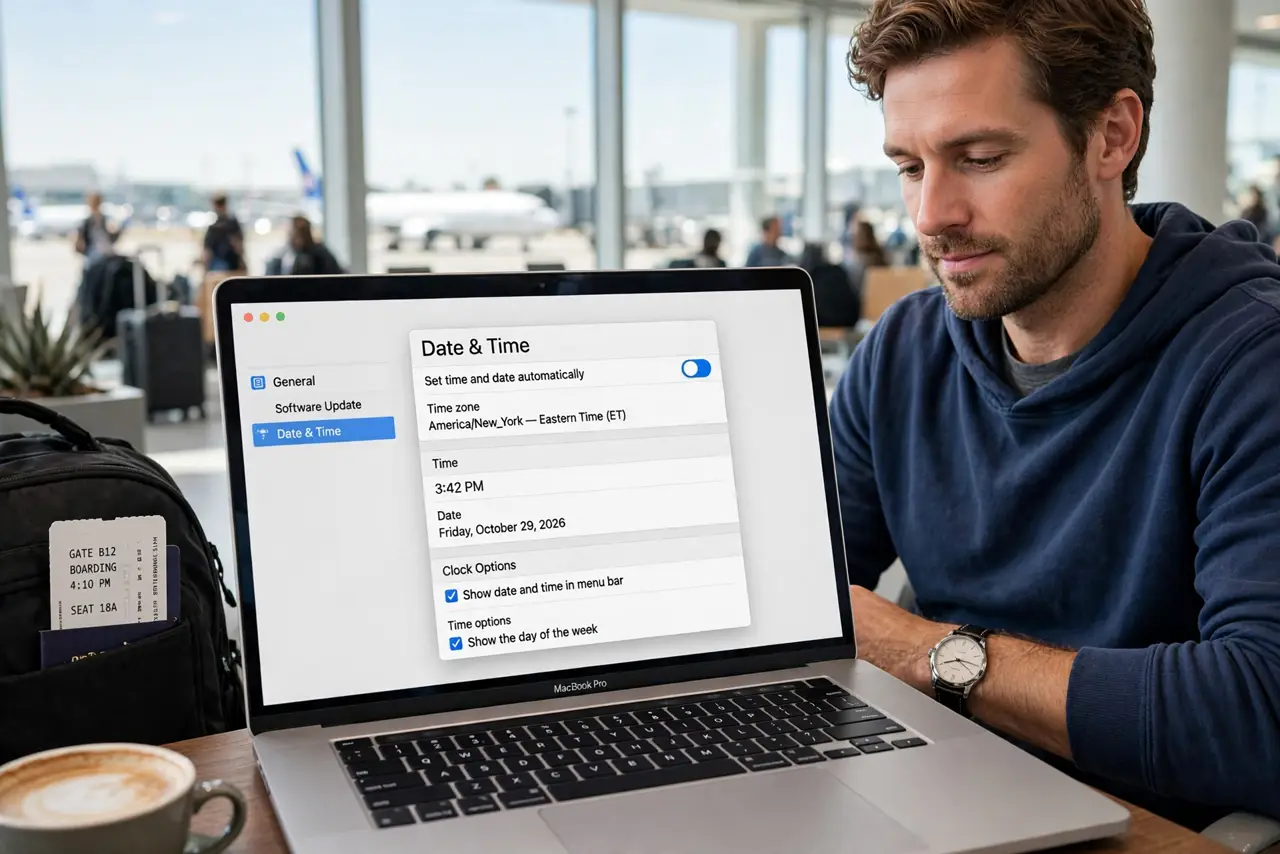
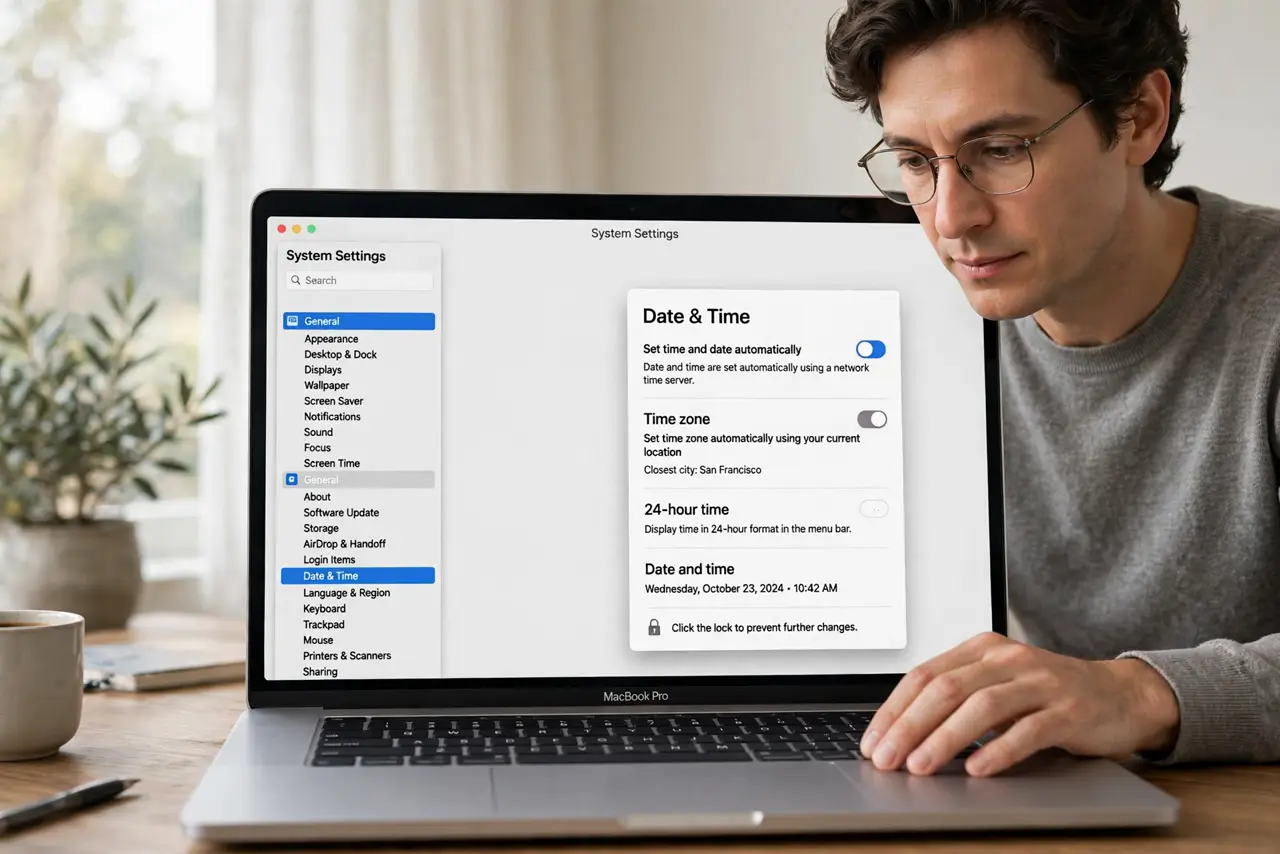
Quick fix: open System Settings, then General, then Date and Time, and decide whether Set time zone automatically using current location stays on. Turn it off and pick your home zone if you work on home time. Test again tomorrow and confirm the fix still holds.
Follow these steps
- Open Date and Time settings. Open System Settings, then General, then Date and Time. Look at the current time zone before changing anything, so you can restore it.
- Decide automatic or manual. Keep automatic on if you want local time wherever you travel. Turn it off if you work on one home time zone and want meetings stable.
- Pick your working zone manually. With automatic off, choose the time zone you actually work in. Pick the city closest to your working zone if your exact city is not listed.
- Check calendar event times. Open Calendar and check a few meetings after the change. Events should now show at the times you expect for your working zone.
- Check the clock display. Confirm the menu bar clock shows the time you expect. If it still looks wrong, the zone choice itself may be wrong, not the clock.
- Recheck after you return home. When travel ends, revisit Date and Time and restore your home zone or turn automatic back on. A travel setting left on causes confusion later.
What NOT to do
- Do not change the time itself to fix a zone problem. Changing the clock breaks calendar times instead of fixing the zone.
- Do not leave automatic on and complain about shifting meetings. Automatic zone is a choice; manual zone is the alternative.
- Do not pick a random city in the right offset. Daylight saving rules differ by city, so pick your actual working city when possible.
- Do not ignore calendar times after a zone change. A zone change only helps if your meetings actually display correctly afterwards.
Frequently asked questions
Why does my Mac change time zones when I travel?
Automatic time zone uses your location to set local time. Turning it off keeps one zone wherever you are.
Will manual zone break calendar invites?
No, if you pick your working zone. Calendar converts event times to the zone you display.
What if meetings still look wrong?
Check the event time zone in Calendar. An event created in another zone may display differently than you expect.