Trackpad Force Click Fires Too Easily
Force Click fires when you press a little harder than a normal click, so a light touch that leans too hard can trigger previews and lookups you never wanted. The fix is usually a firmer pressure setting, or simply turning Force Click off.
TL;DR / Quick Fix
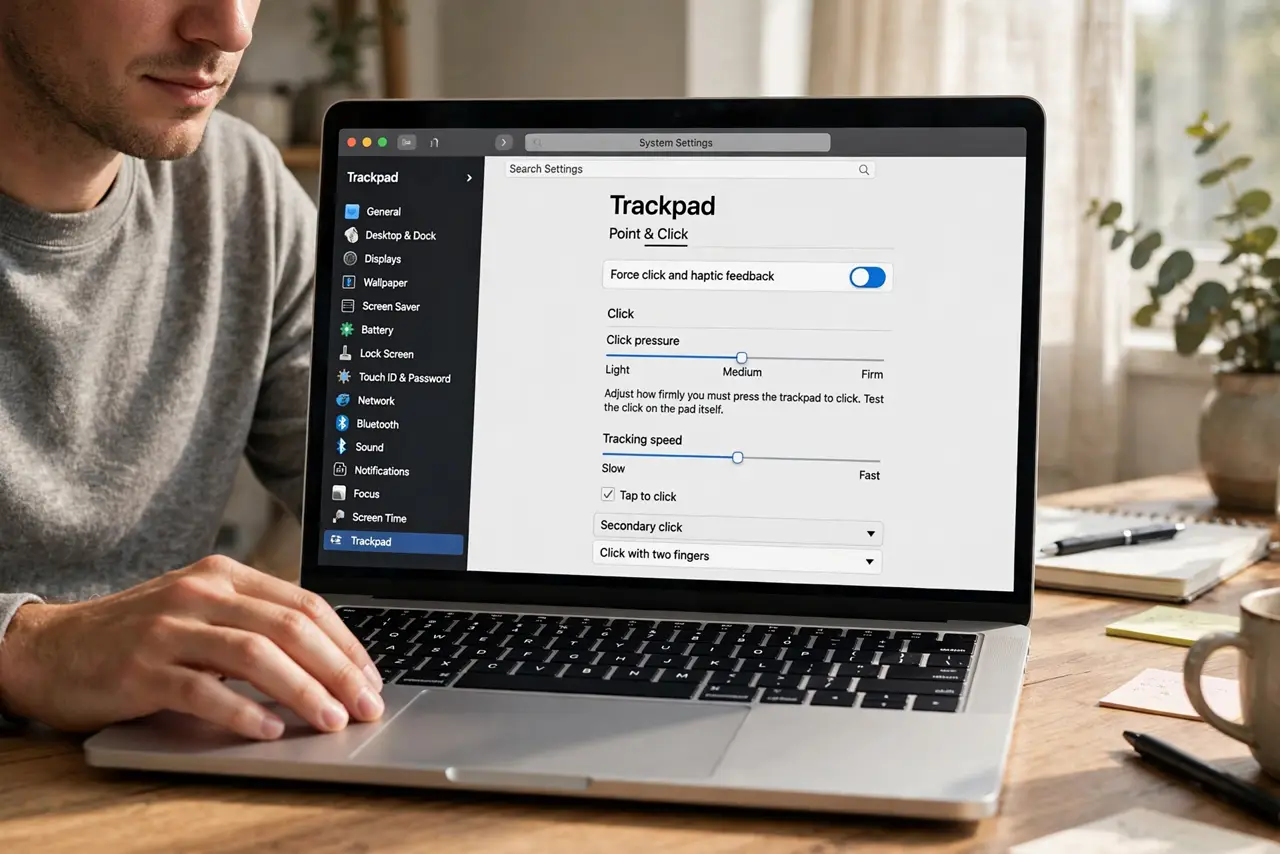
Quick fix: open System Settings, then Trackpad, and raise the click pressure to Firm, or turn off Force Click entirely. Test with normal clicks afterwards, and keep the setting that stops accidental triggers without making clicks feel stiff. Test the fix, then keep the setting that works.
Follow these steps
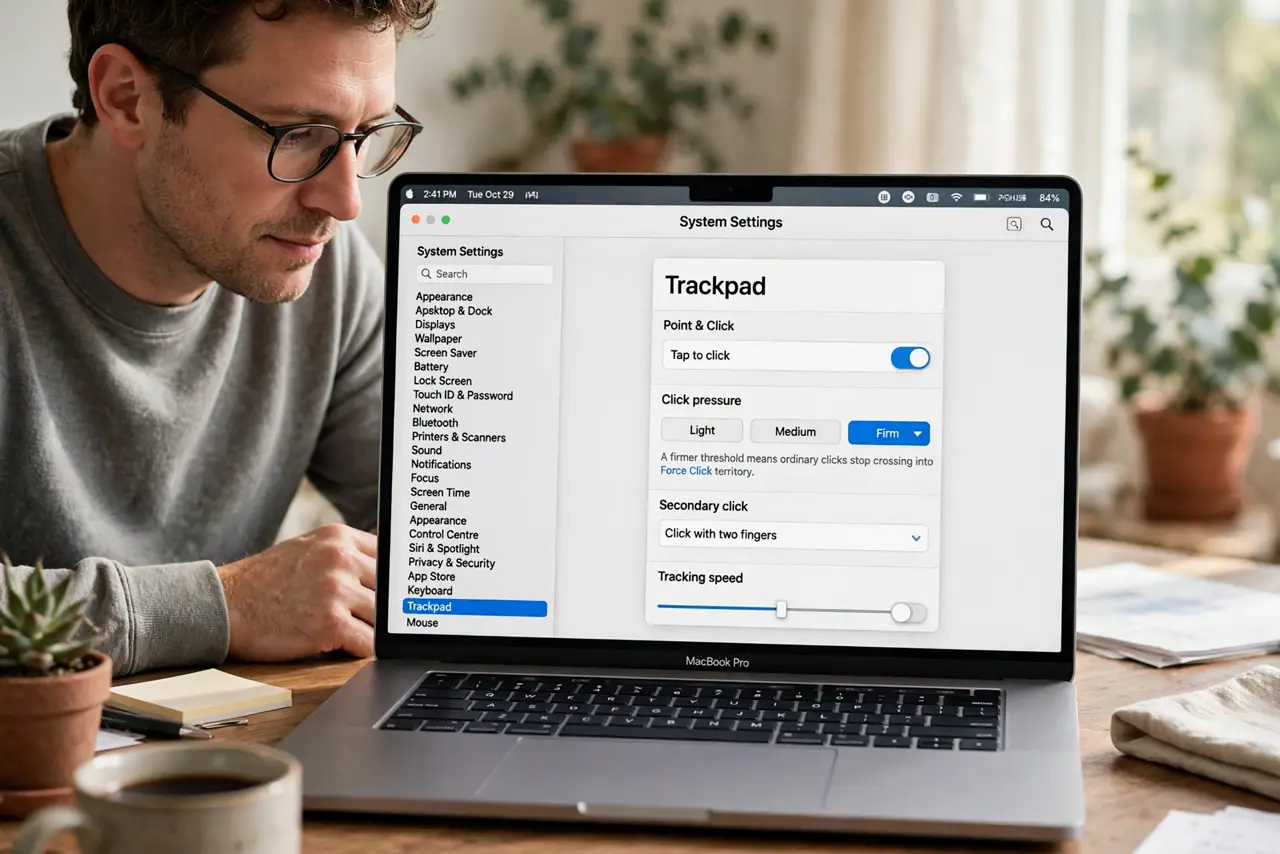
- Raise click pressure. Open System Settings, then Trackpad, and set click pressure to Firm. A firmer threshold means ordinary clicks stop crossing into Force Click territory.
- Turn Force Click off. If firm pressure still triggers it, turn Force Click off in the same Trackpad settings. You lose pressure previews, but you gain a trackpad that never surprises you.
- Test normal clicking. Click around normally in a document and a browser after each change. Real clicking is the test, since a setting that feels fine in the panel can still misfire in use.
- Check for a heavy hand. Notice whether you rest weight on the trackpad while typing or reading. A resting palm or heavy finger can press hard enough to fire Force Click without a deliberate click.
- Clean the trackpad. Wipe the trackpad clean and dry. Grime or moisture can change how the trackpad senses pressure and make clicks feel inconsistent.
- Check other click settings. Confirm tap to click and other trackpad options match how you actually use the Mac. A combination of sensitive settings can feel like one over-sensitive feature.
What NOT to do
- Do not keep Force Click on if you trigger it constantly. A feature you fight is worse than a feature you turn off, and you can re-enable it anytime.
- Do not press harder to test every change. Test with your normal touch, since a test press harder than real use proves nothing.
- Do not assume the trackpad is broken. Pressure sensitivity explains most accidental Force Clicks, and the setting fixes them in seconds.
- Do not change every trackpad setting at once. Change one setting, test it, and then decide, so you know which change actually helped.
Frequently asked questions
What is Force Click?
It is a deeper press on the trackpad that triggers previews, lookups, and extra actions, beyond an ordinary click.
Why does Force Click fire when I only meant to click?
Because your press crossed the pressure threshold. Raising the threshold to Firm, or turning Force Click off, stops the accidental triggers.
Will I lose anything by turning it off?
Only pressure-based previews and lookups. Ordinary clicking, tapping, and gestures all keep working normally.