Look Up Words With a Tap
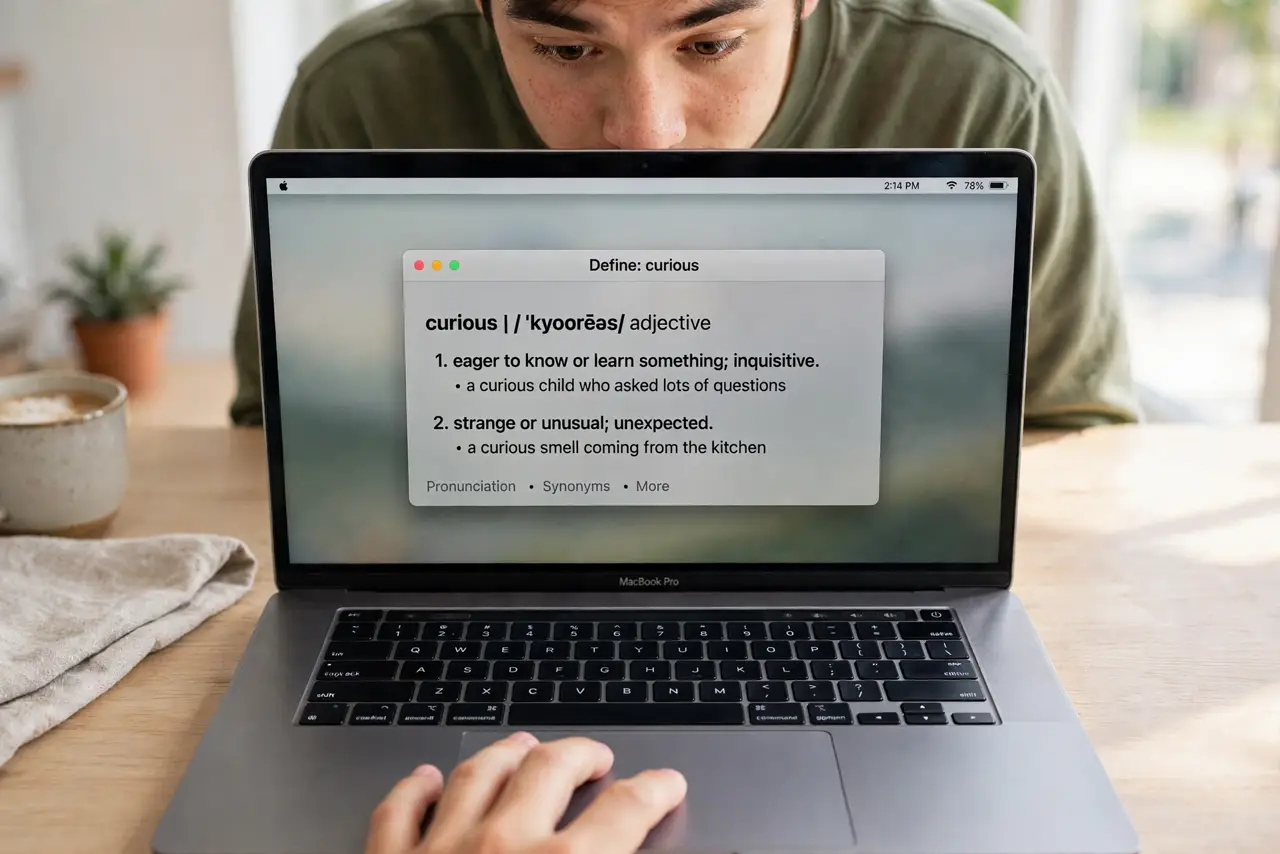
Reading an article, an unknown word appears — and the dictionary is one tap away. Look Up turns a three-finger tap on any word into an instant definition, no browser, no copy-paste. It is on by default for most, but updates and new Macs sometimes leave it off.
TL;DR / Quick Fix
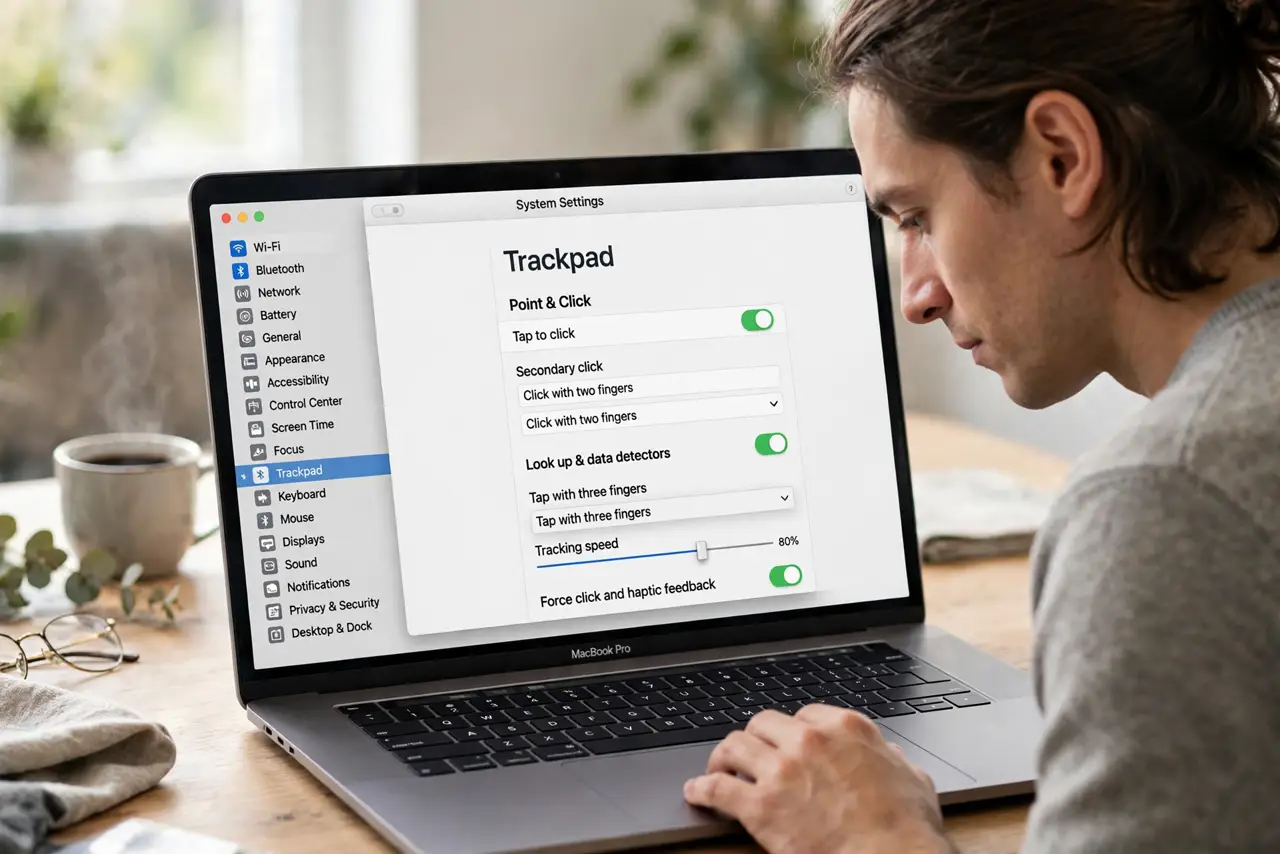
Quick fix: open System Settings > Trackpad > Point & Click and make sure Look up & data detectors is set to tap with three fingers. Then tap any word with three fingers — the definition pops up instantly on screen.
Follow these steps
- Open the Trackpad pane. System Settings > Trackpad > Point & Click. The Look up & data detectors row controls this gesture.
- Set it to tap with three fingers. Choose Tap with Three Fingers. The Force Click alternative works too, but the tap is faster and quieter.
- Try it on any word. Three-finger tap a word in Safari, Mail, or a PDF — the definition card appears with dictionary, thesaurus, and web options.
- Check it in the app you use. A few apps override the gesture. If it fails in one app but works elsewhere, that app grabbed the three-finger tap for itself.
- Add more dictionaries. In the Dictionary app, open Settings and tick the dictionaries you want — Spanish, synonyms, Apple terms — and Look Up searches them all.
- Use it on trackpad plus [[three-finger drag|mac-three-finger-drag]] together. Both gestures share the three-finger input and coexist fine — tap for lookup, rest-and-move for dragging.
What NOT to do
- Do not force-click expecting a definition. A hard press triggers a different action — the lookup is a light three-finger tap.
- Do not tap with two fingers. Two fingers is right-click; three is lookup — the count matters more than the pressure.
- Do not assume it works in every language. Dictionaries cover major languages; an untranslated word may return only web results.
- Do not disable it to 'simplify' the trackpad. It is the fastest dictionary on the Mac — most people miss it only after turning it off.
Frequently asked questions
Why does the tap do nothing?
Either the gesture is off in Trackpad settings, or the app captured three-finger taps. Test in TextEdit — if it works there, it is the app.
Can I look up phrases, not just words?
Yes — select the phrase first, then three-finger tap the selection. The card searches the whole phrase.
Does it work offline?
The built-in dictionaries work offline. Wikipedia and web results need a connection.