Make Trackpad Clicks Silent
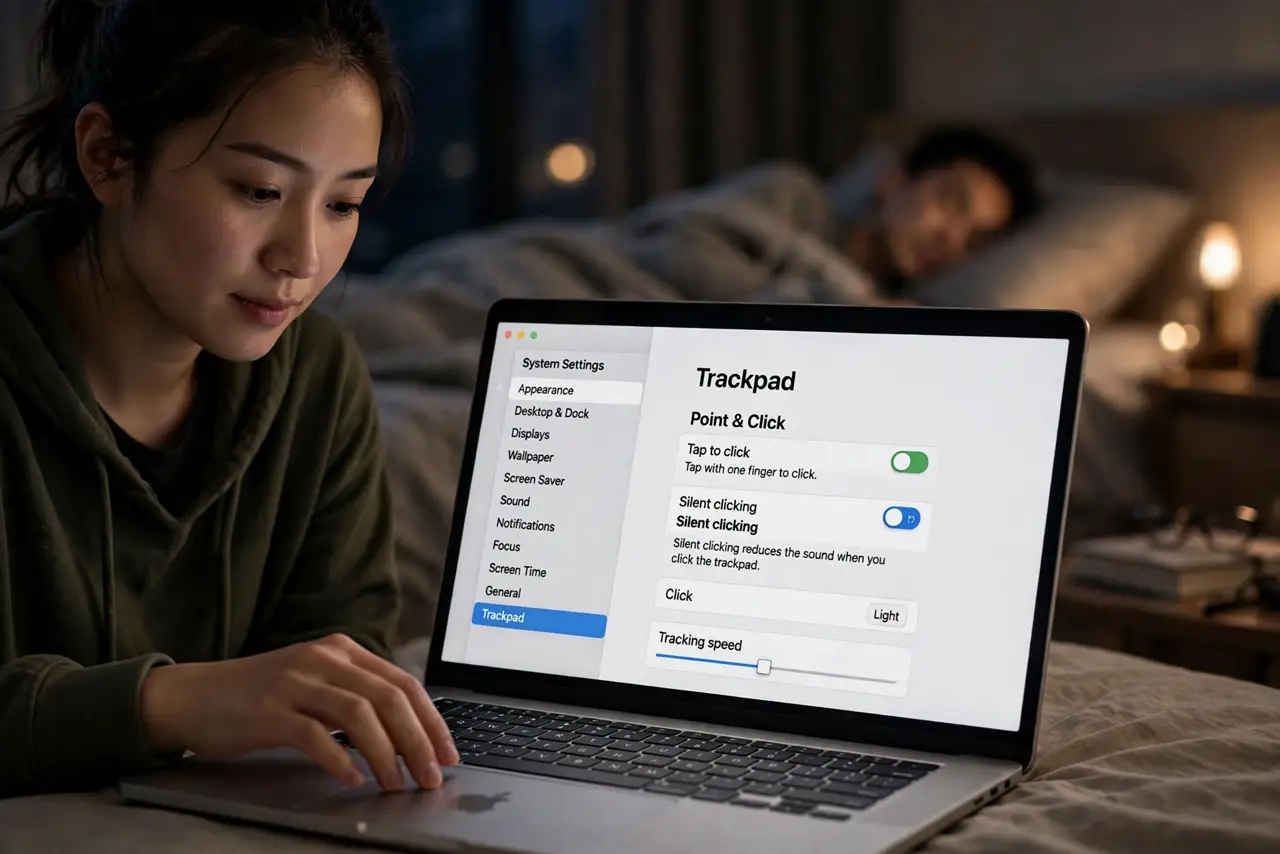
The MacBook trackpad click is a confident little thock — charming at noon, less so at 2 a.m. next to a sleeping partner. Silent clicking swaps the audible click for a near-silent haptic tap. Same feel under the finger, a fraction of the noise.
TL;DR / Quick Fix
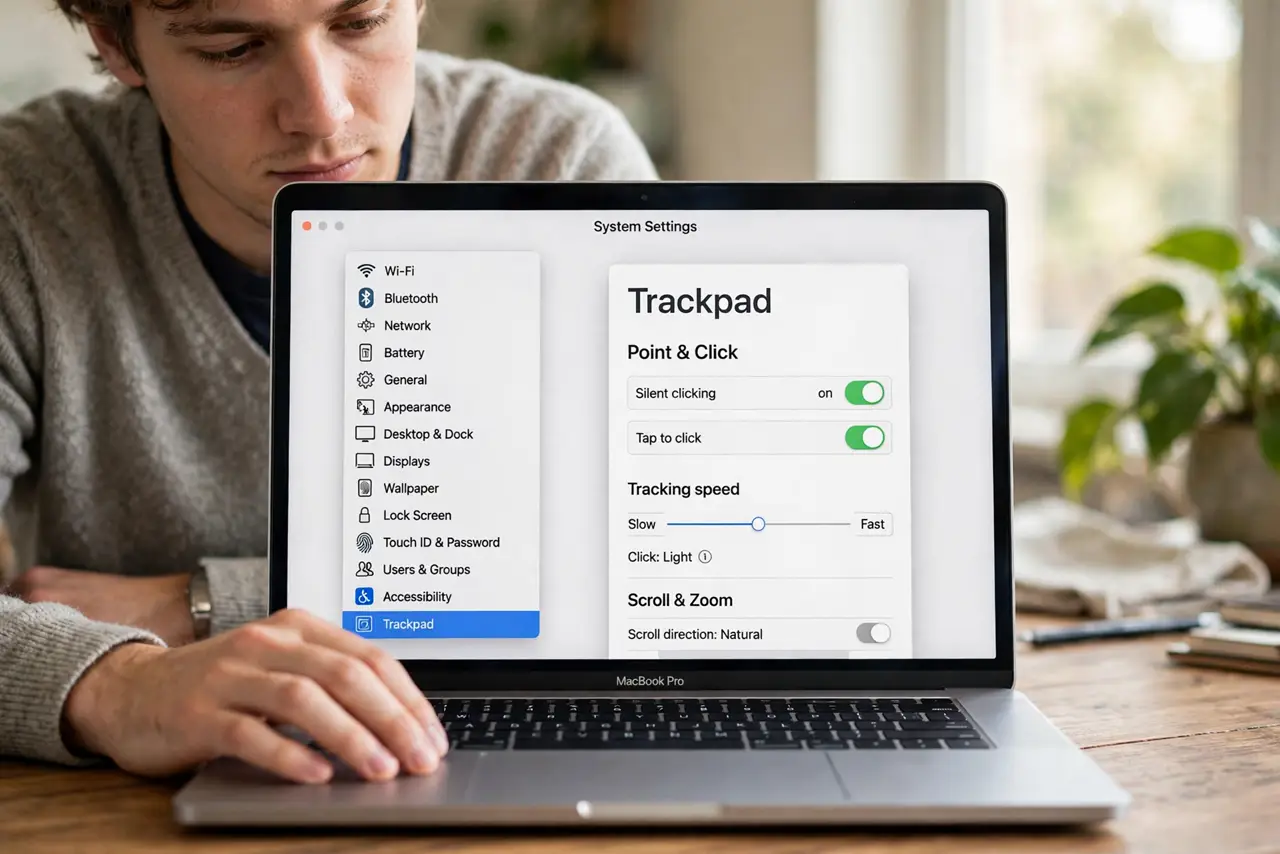
Quick fix: open System Settings > Trackpad > Point & Click and turn on Silent clicking. The trackpad keeps its haptic feel but drops the click sound. Pair it with tap to click for a fully silent late-night trackpad setup.
Follow these steps
- Open the Trackpad settings. System Settings > Trackpad > Point & Click. Silent clicking sits right in the main list.
- Turn on Silent clicking. One toggle. The physical-feeling click stays — only the sound goes. Test a few clicks to feel the difference.
- Add tap to click for full silence. In the same pane, turn on Tap to click. Now a light tap registers without any click mechanism at all.
- Check click pressure still suits you. Silent clicking does not change the Click pressure setting — Light, Medium, Firm still apply to the haptic feel.
- Remember it is per-Mac, not per-user. The setting follows the machine. A shared Mac keeps your silent preference for the next person too.
- Combine with [[three-finger drag|mac-three-finger-drag]] for quiet work. Silent clicks plus drag-without-clicking makes late-night trackpad use essentially noiseless.
What NOT to do
- Do not expect total silence. Silent clicking removes the click sound, not the faint tap of your finger landing — physics still applies.
- Do not turn it on and assume clicks broke. The haptic feedback is subtler — click deliberately until your finger recalibrates.
- Do not confuse it with a muted Mac. Silent clicking only affects the trackpad; system sounds and media are separate settings.
- Do not forget external trackpads. The Magic Trackpad has its own Silent clicking toggle when connected.
Frequently asked questions
Why can I still hear a faint click?
That is your fingertip on glass, not the speaker — the electronic click is gone. Tap to click removes even that.
Does silent clicking change how clicks feel?
Barely — the haptic engine still fires. Most people cannot tell the feel apart, only the sound.
Will it help in a quiet office?
Noticeably. The trackpad thock carries in silent rooms; silent clicking drops it below conversation level.