Empty a Mac Trash That Will Not Empty
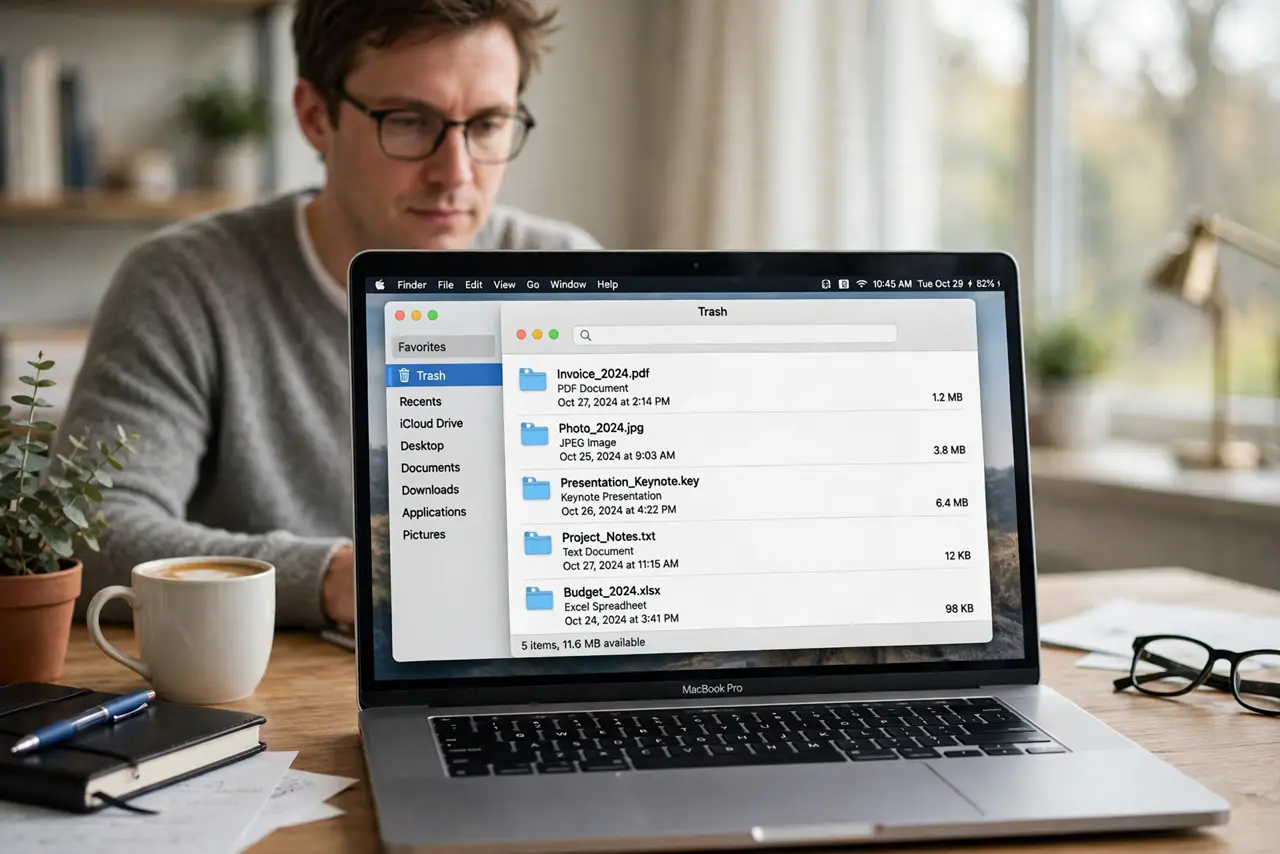
A Trash that refuses to empty usually holds a file that is still in use, locked, or waiting on a process that has not finished. Forcing it can cause errors, so work through the gentle steps first. Most stubborn Trash problems clear with a restart.
TL;DR / Quick Fix
Quick fix: close any app that might be using a file in the Trash, then restart the Mac and choose Empty Trash again. If it still fails, note which file remains, check whether it is locked in Get Info, and unlock only that file before trying again.
Follow these steps
- Close apps using Trash files. Quit apps that may still hold a trashed file open, like document, photo, or media apps. A file in use cannot be deleted until its app releases it.
- Restart the Mac and try again. Restart once, then open Trash and choose Empty Trash. A restart clears stuck processes that can hold files in Trash.
- Identify the file that remains. If most files delete but one stays, note its name. The problem is usually that one file, not the whole Trash, so focus on it.
- Check whether the file is locked. Select the remaining file, choose Get Info, and check the Locked box. If it is locked, untick Locked, then try emptying Trash again.
- Move the file out and test it. If the file still will not delete, drag it to the desktop, restart, and try deleting it from there. This separates a Trash problem from a problem with that file.
- Check an external drive's Trash. If the file came from an external drive, empty Trash with that drive connected. Each drive has its own Trash, and it only empties while connected.
What NOT to do
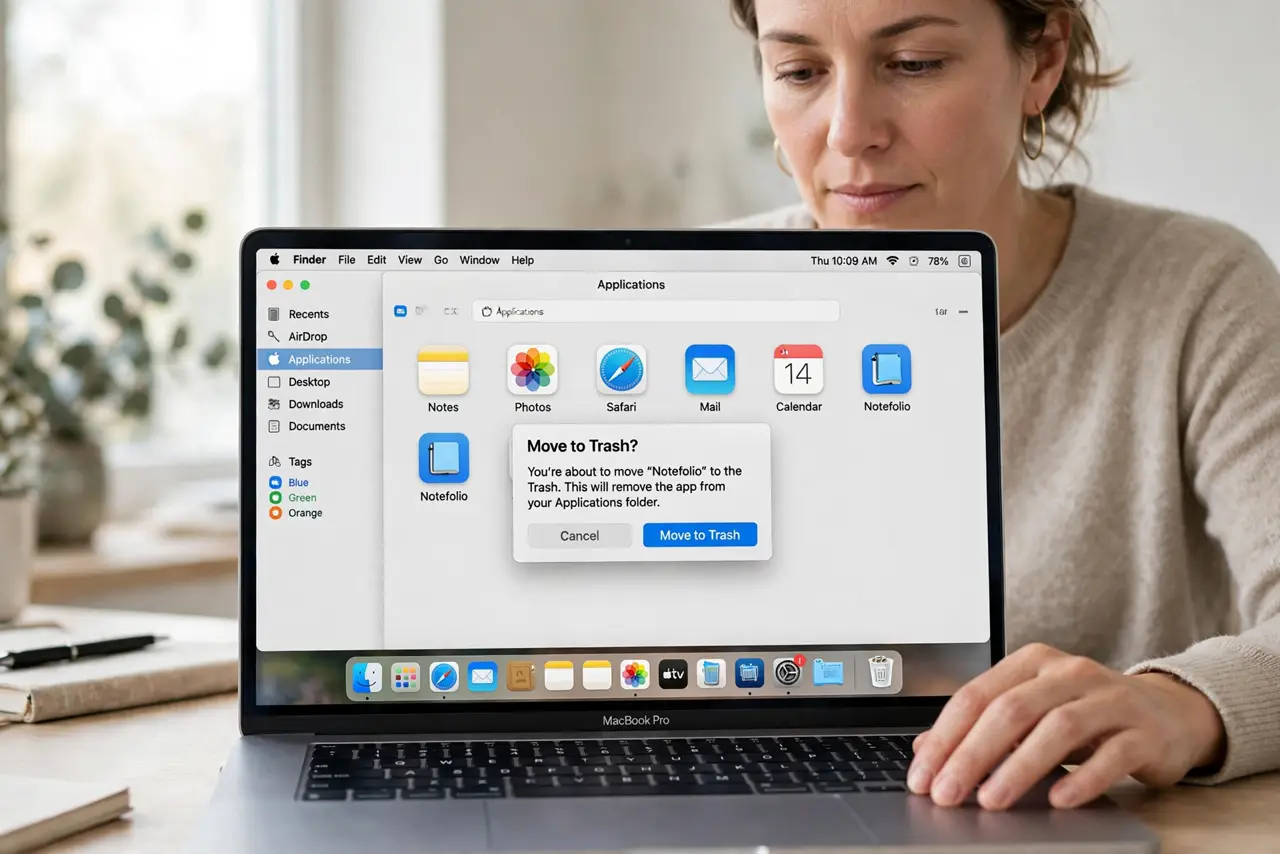
- Do not force-delete Trash with a terminal command as a first step. A wrong command can delete files you meant to keep.
- Do not keep clicking Empty Trash rapidly. Repeated failed attempts can lock files further, so restart between attempts instead.
- Do not ignore a file that will not delete. Check whether an app still uses it or it is locked, rather than leaving Trash full indefinitely.
- Do not erase a whole drive to empty its Trash. Emptying Trash with the drive connected solves the drive Trash problem without wiping the drive.
Frequently asked questions
Why won't Trash empty?
A file is usually still in use, locked, or on a disconnected external drive, so macOS cannot finish deleting it.
Does an item stay in Trash forever if I ignore it?
It stays until deleted, and it keeps taking up disk space, so it is worth fixing rather than ignoring.
What if the file is on an external drive?
Reconnect that drive, then empty Trash. Each drive keeps its own Trash, which only empties while the drive is connected.