What Is Wi-Fi 6E on Mac?
You bought a shiny Wi-Fi 6E router, ran a speed test, and… nothing changed. Same speeds, same dead corners. Wi-Fi 6E's big trick is a brand-new 6 GHz band — but your Mac only benefits if it actually has a 6E radio, connects to the 6 GHz network, and sits close enough for the short-range band to reach. Here is the reality check.
TL;DR / Quick Fix
Quick fix: Wi-Fi 6E adds a fast, uncongested 6 GHz band — but only Macs with a 6E radio can use it, and the band is short-range. Check your Mac's specs for 6E support, join the router's 6 GHz network name, and stay in the same room as the router.
Follow these steps
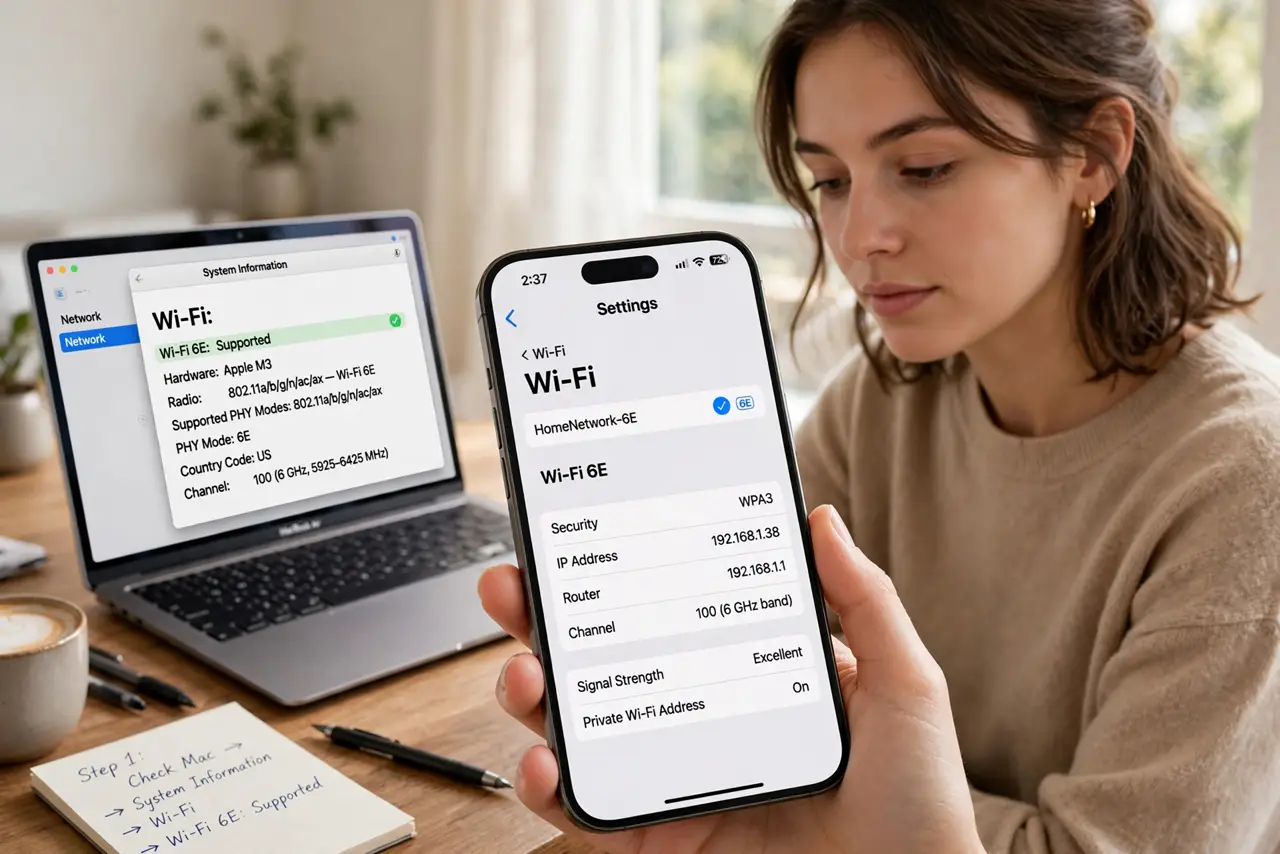
- Check your Mac actually supports 6E. Only recent Apple-silicon Macs have 6 GHz radios — Intel Macs do not, ever. Check the specs for 'Wi-Fi 6E'; without it, the new router behaves like your old one for that Mac.
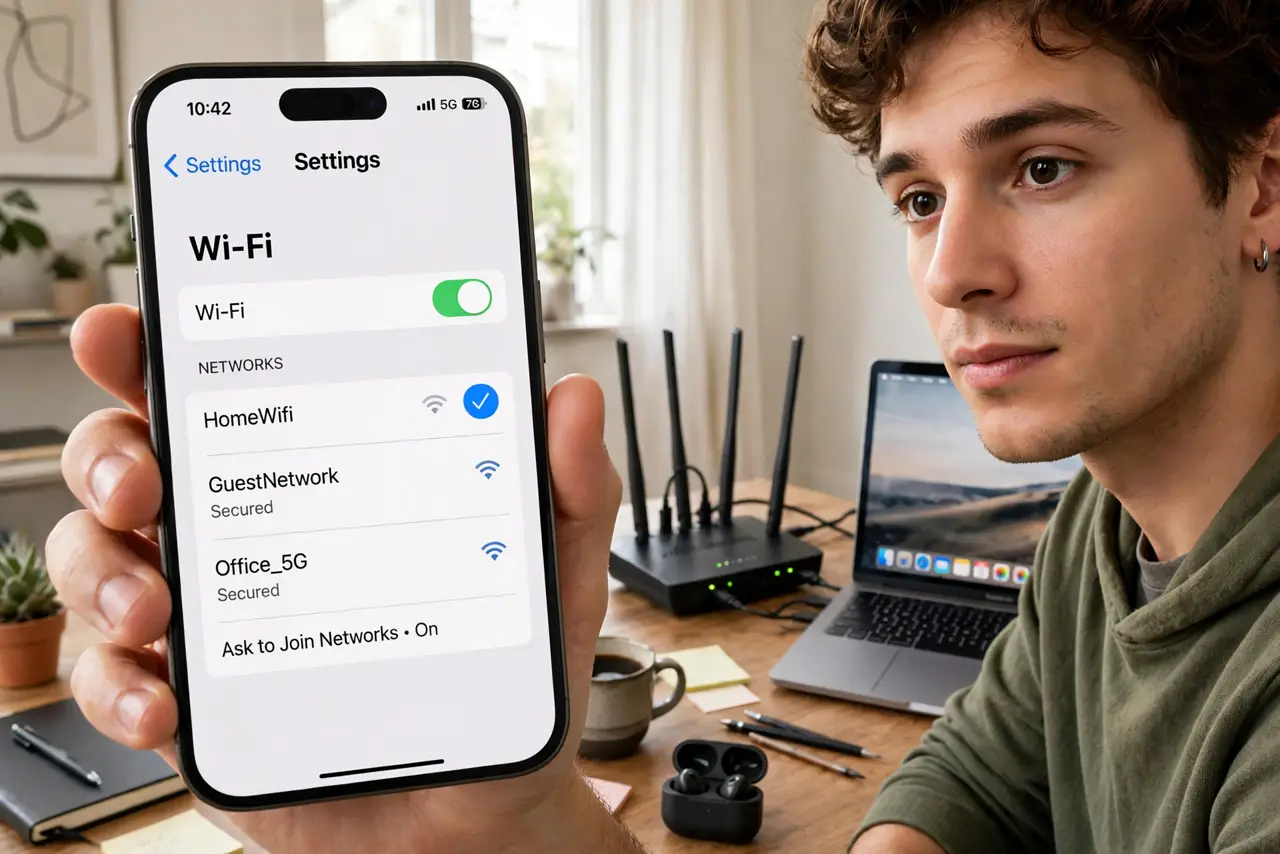
- Join the 6 GHz network. Many routers broadcast separate network names per band. If you joined the familiar 5 GHz name, you are not using 6E at all — connect to the 6 GHz SSID explicitly.
- Stay close to the router. The 6 GHz band is fast but short-range and bad at penetrating walls. Same room: excellent. Two rooms away: your Mac will sensibly prefer 5 GHz — that is correct behavior, not a bug.
- Update router firmware. Early 6E firmware was rough — band-steering bugs and dropped 6 GHz clients were common. Update the router before concluding anything about the technology.
- Test properly. Stand near the router, join 6 GHz, and run a speed test. Compare against 5 GHz from the same spot — that comparison is the honest measure of what 6E buys you.
- Diagnose drops, not just speed. If the Mac keeps falling off the network entirely, that is a different problem — run the wireless diagnostics to separate band issues from general Wi-Fi instability.
What NOT to do
- Do not expect 6E to fix dead corners. The 6 GHz band reaches less far than 5 GHz — range problems need placement or mesh, not a new band.
- Do not buy a 6E router for an Intel Mac. The Mac cannot see the 6 GHz band at all — the money buys nothing for that machine.
- Do not judge 6E from two rooms away. Testing the short-range band at long range and calling it slow is testing it wrong.
- Do not leave band-steering on if it misbehaves. Some routers shove clients onto the wrong band; separate SSIDs give you control.
Frequently asked questions
Is Wi-Fi 6E faster than Wi-Fi 6?
On the 6 GHz band with a clear channel, yes — noticeably, at close range. At distance it falls back to behaving like Wi-Fi 6.
Do I need new devices for 6E?
Yes — both the router and the device need 6 GHz radios. One without the other gets you nothing new.
What about Wi-Fi 7?
It is the next step, adding wider channels and multi-band operation. Same rule applies: both ends need the new radio.