2.5G vs 10G Networking?
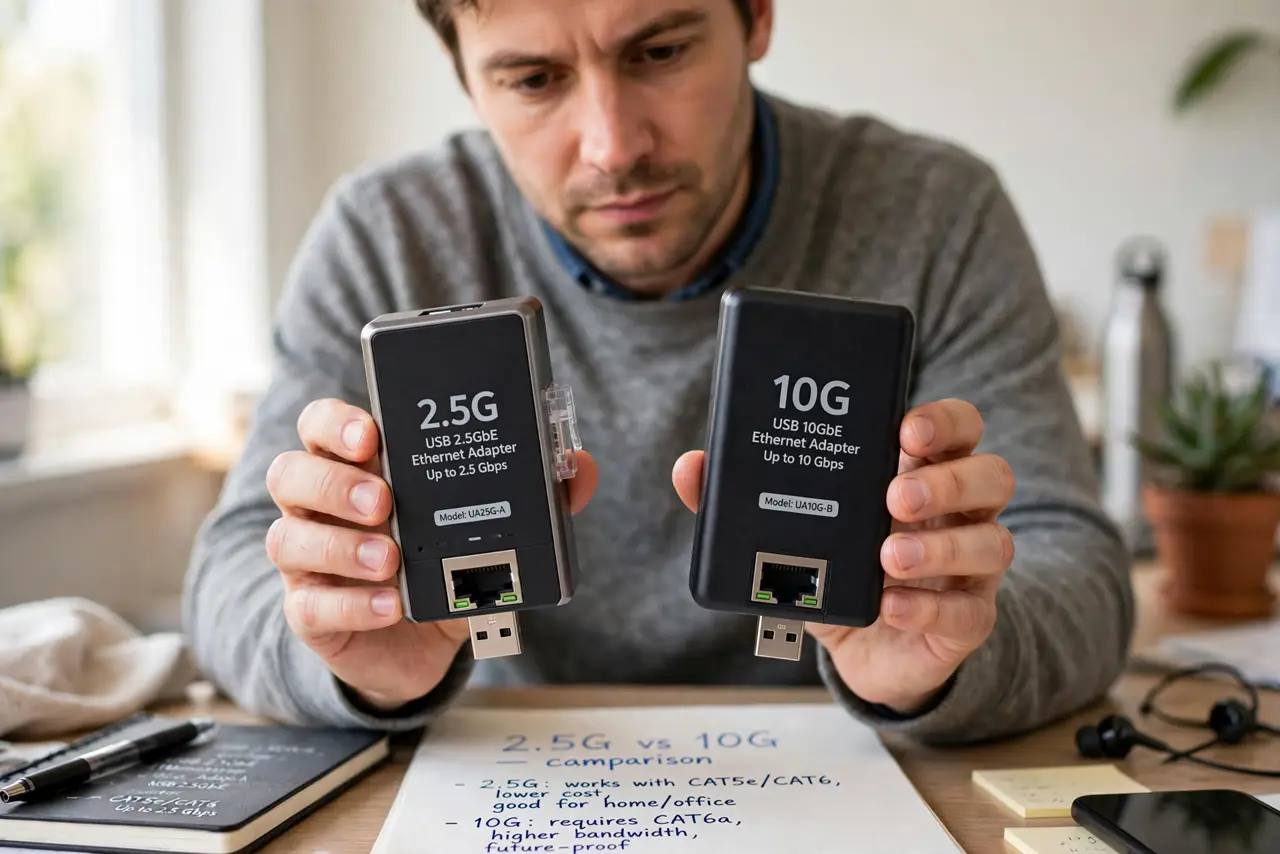
Your internet plan now offers speeds past a gigabit, or your NAS feels sluggish, and suddenly you are shopping for ‘2.5G’ and ‘10G’ gear with a 4x price gap. The two are not just ‘faster and fastest’ — they have different cabling needs, different costs, and different audiences. Here is the honest breakdown.
TL;DR / Quick Fix
Quick fix: 2.5G networking is the sweet spot — it triples gigabit speed over your existing Cat5e cables with affordable switches. 10G is for NAS boxes and pros moving huge files; it needs pricier gear and better cabling. Upgrade only the link that is actually slow, not the whole house.
Follow these steps
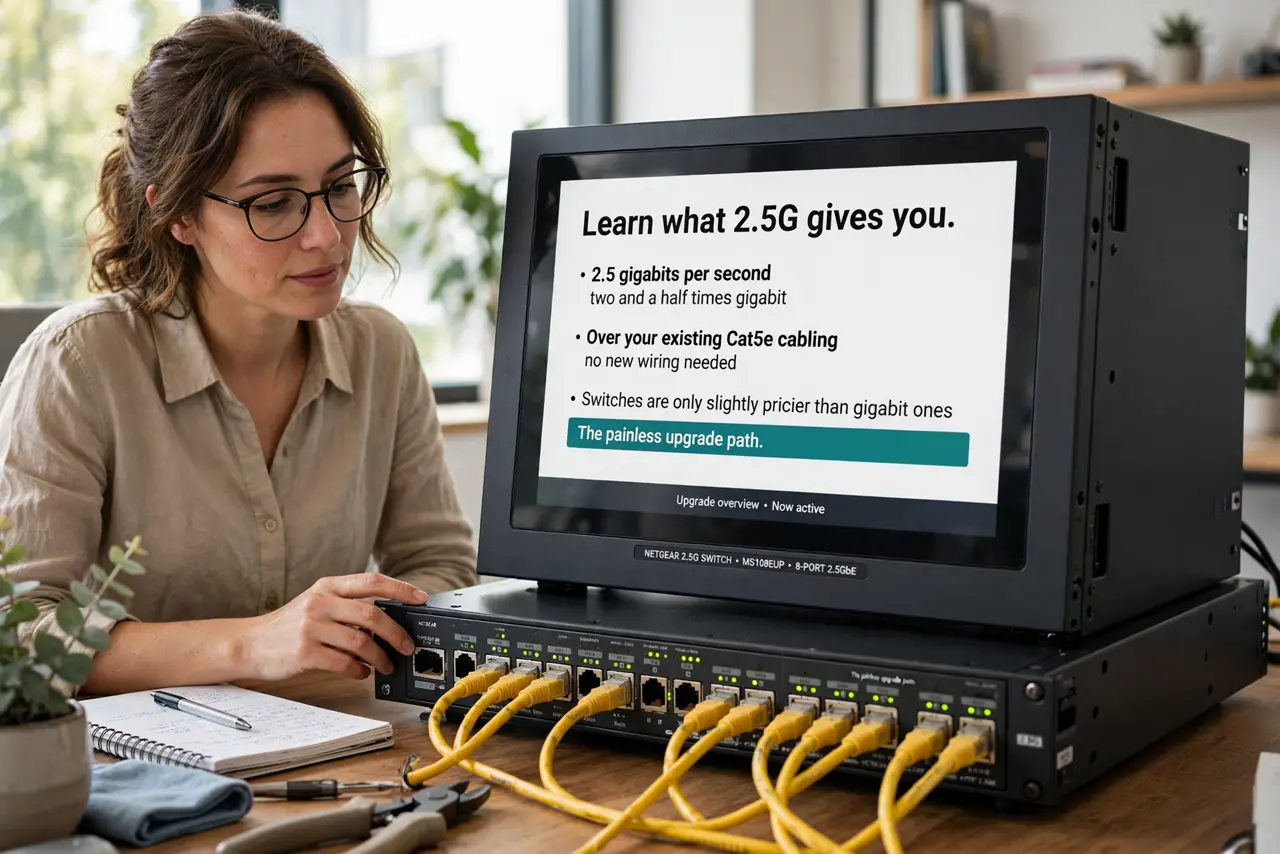
- Learn what 2.5G gives you. 2.5 gigabits per second — two and a half times gigabit — over your existing Cat5e cabling, with switches only slightly pricier than gigabit ones. It is the painless upgrade path.
- Learn what 10G demands. 10 gigabits needs better cabling (Cat6a for distance), pricier switches and adapters, and often runs hot and loud. It is infrastructure, not an accessory — see cable differences before buying wire.
- Find your actual bottleneck. If your internet plan is 1 Gbps, a 10G home network changes nothing online — the internet is the ceiling. 10G pays off for NAS transfers and between-PC file moves, not for Netflix.
- Check your router first. An old gigabit router caps everything at 1 Gbps no matter what switches you buy. The router is the first upgrade; the switch fabric comes second.
- Upgrade one link, not the house. Put 2.5G between your PC and NAS only — a two-port upgrade, not a whole-home rewiring. Targeted upgrades beat blanket ones on cost every time.
- Budget for adapters per machine. Most PCs and Macs lack multi-gig ports — budget for USB or PCIe adapters per machine. The switch is only half the purchase.
What NOT to do
- Do not buy 10G for a 1 Gbps internet plan. The internet is your ceiling — a faster LAN does not speed up the web.
- Do not run 10G over old Cat5e at distance. It may link, then flake under load — cable properly or stay at 2.5G.
- Do not upgrade everything at once. One slow link is the usual reality; find it with a speed test before spending.
- Do not ignore heat and noise. 10G gear runs warm and some switches have fans — fine in a closet, annoying on a desk.
Frequently asked questions
Is 2.5G worth it over gigabit?
If your internet exceeds 1 Gbps or you move big files to a NAS, yes — cheap and painless. On a 500 Mbps plan with no NAS, you will never notice.
Can my existing cables handle 2.5G?
Cat5e and up, yes, at full 100-meter distance. That is the beauty of 2.5G — no rewiring.
When does 10G make sense at home?
Video editors pulling 4K footage off a NAS, or households moving terabytes weekly. For everyone else, it is future-proofing without a present use.