App Badge Count Is Wrong? Fix It
The app icon says 47 unread, but you have read everything — or it shows no badge when messages pile up. Badge counts come from the app's own counter, and they desync. This guide resyncs the number, including when the dot won't clear either.
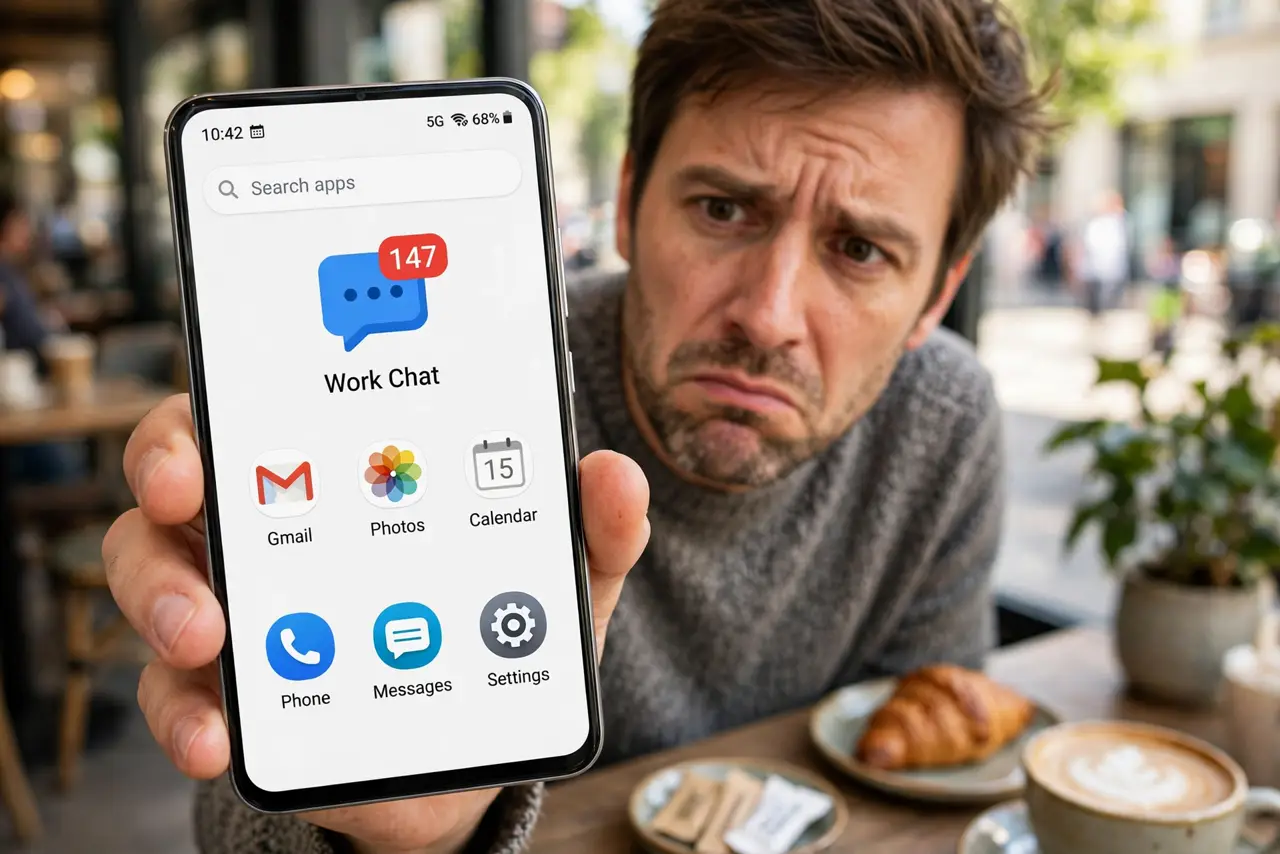
TL;DR / Quick Fix
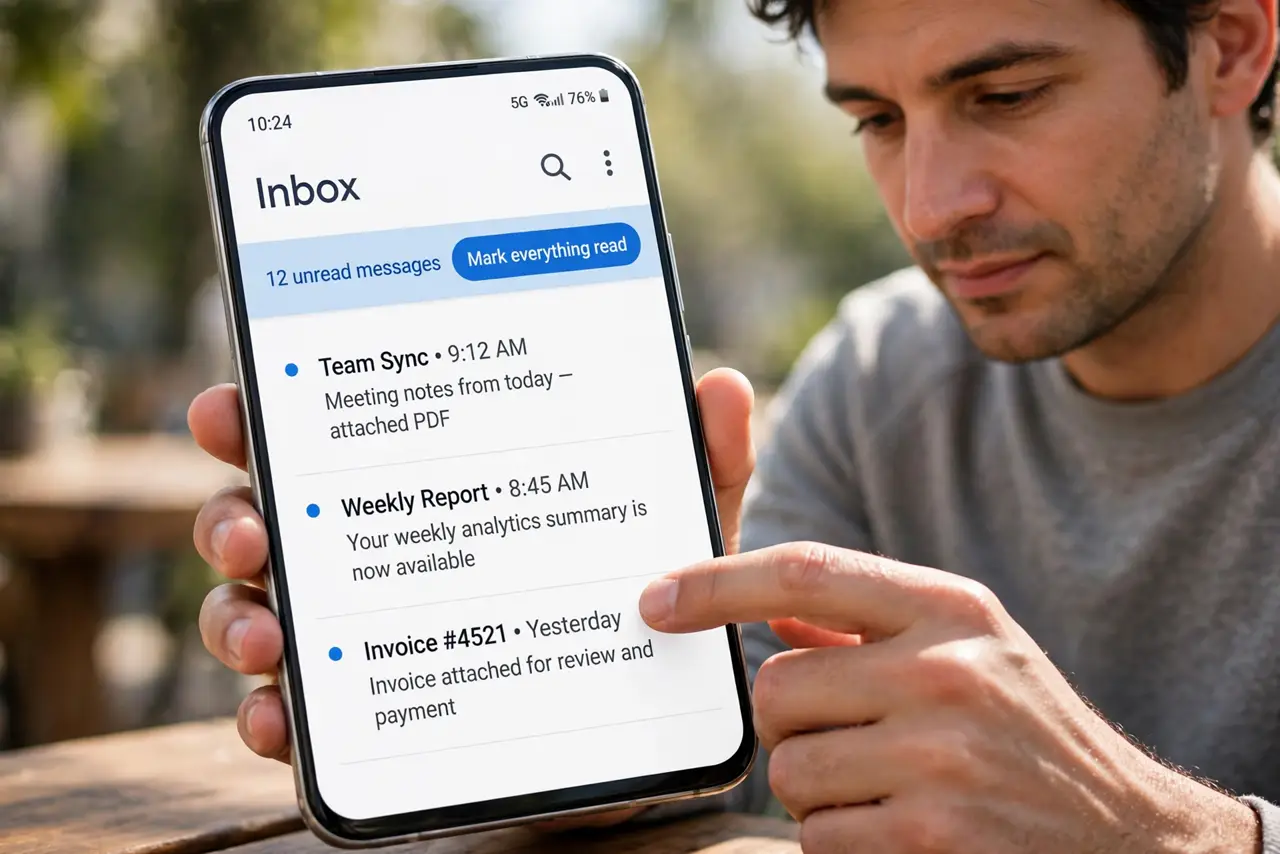
Quick fix: open the app and mark everything as read, including archived and spam folders. Then restart the phone to force the launcher to re-read the counters. If the count is still wrong, clear the app's cache — never its data — and check for an app update.
Follow these steps
- Mark everything read inside the app. Open the app and mark all as read, checking archive, spam, and muted sections. The badge mirrors the app's unread counter — fix the counter, fix the badge.
- Restart the phone. A restart forces the launcher to re-query every app's badge count. Stale numbers often correct themselves here.
- Clear the app's cache. In app settings, clear the problem app's cache. Corrupted cache can freeze the counter the badge reads.
- Check the launcher's badge settings. Some launchers let you choose between dots, counts, or nothing per app. Confirm the badge style is set the way you want.
- Update the app. Badge bugs get fixed in updates. If the wrong count started recently, an update may already contain the fix.
- Toggle the app's notifications off and on. Disable the app's notifications, restart, then re-enable. This resets the notification channel the badge depends on.
What NOT to do
- Do not clear the app's data to fix a badge. You will lose logins and settings over a cosmetic number.
- Do not trust the badge as your only unread check. Open the app — the badge is a hint, not a ledger.
- Do not reinstall before trying cache and restart. Reinstalling is the last resort, not the first.
- Do not expect badges on every launcher. Some launchers simply do not support numeric badges — dots may be all you get.
Frequently asked questions
Why is the badge count wrong?
The app's internal unread counter desynced from what you have actually read, or the launcher cached a stale number.
Can I turn off badge counts but keep dots?
On many launchers, yes — the badge style setting lets you pick dots, numbers, or nothing per app.
The badge shows zero but I have unread messages — why?
The app's notifications may be restricted, or the launcher lost the badge permission. Check both.