'Not Enough Storage' to Update iPhone? Fix It
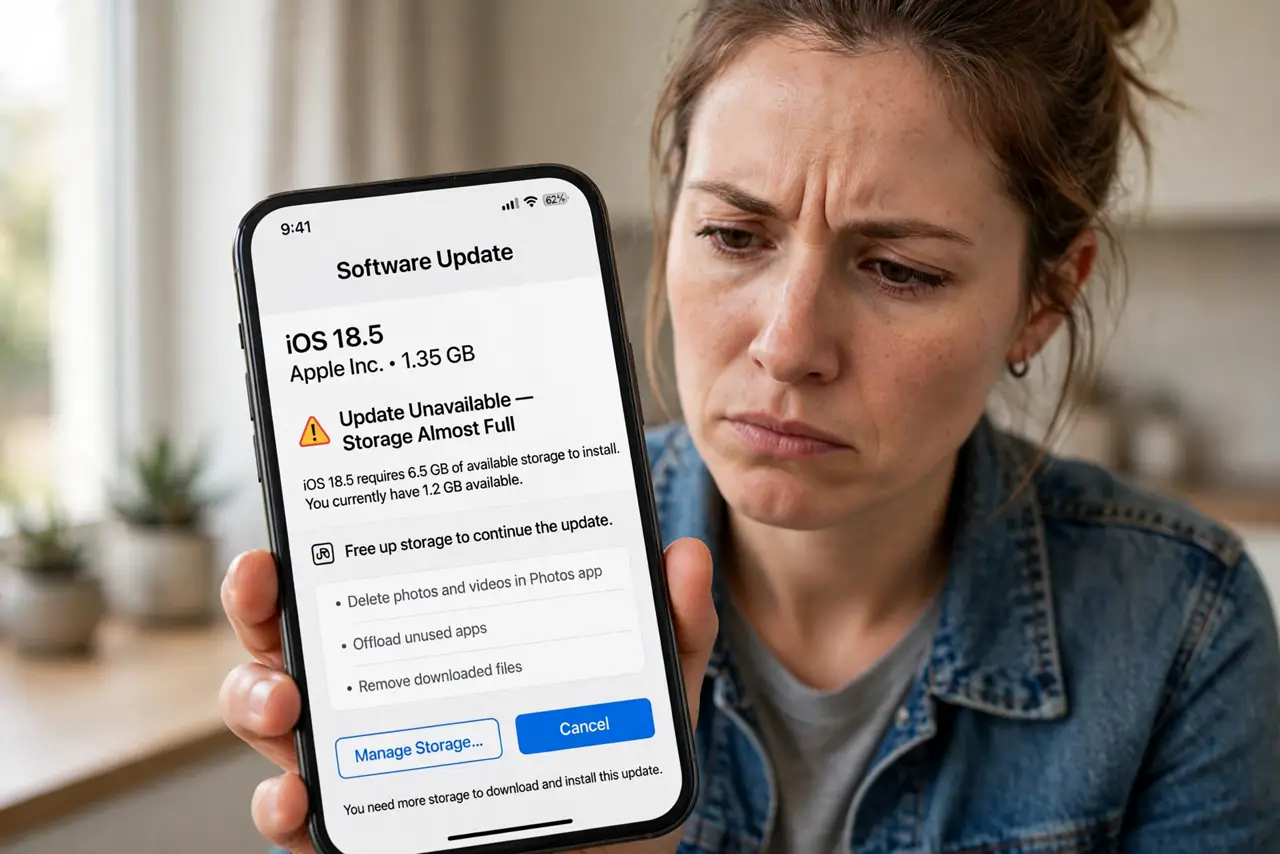
The iPhone refuses to install an update for lack of space, even though you only need a little room. Updates download the full package before installing, so they need temporary space beyond the final size. This guide carves out that room safely.
TL;DR / Quick Fix
Quick fix: offload two or three large unused apps in Settings, General, iPhone Storage — that usually frees enough. Delete downloaded streaming videos first, then retry the update. Updating through a computer needs almost no free phone space at all.
Follow these steps
- See what the update needs. The error tells you roughly how much room is missing. Updates need download space plus working room, so free a bit more than the stated number.
- Offload large unused apps. In Settings, then General, then iPhone Storage, offload the biggest apps you rarely open. This is different from the iPhone full with iCloud room confusion; here the phone disk genuinely needs room.
- Delete downloaded media. Streaming apps hoard downloads. Clear downloaded movies, shows, and music you already watched; they re-download in seconds later.
- Clear Safari and app caches. Offload and reinstall the hungriest social apps if their Documents and Data ballooned. A fresh install keeps your login but drops the bloat.
- Update through a computer instead. Connect to a Mac or PC and update via Finder or iTunes. Computer-based updates need almost no free space on the phone itself.
- Watch for a stuck app update too. If an app update is stuck rather than the system update, that is a separate queue with its own fix.

What NOT to do
- Do not delete photos blindly to make room. Offloading apps and clearing downloads frees space without risking memories.
- Do not interrupt the update once it starts. A half-installed update is worse than a delayed one, so start only with stable power and Wi-Fi.
- Do not use a beta profile to dodge the space need. Betas need just as much room and add instability on top.
- Do not ignore the computer-update option. It is the easiest path when the phone is genuinely packed.
Frequently asked questions
How much free space does an iPhone update need?
Typically several gigabytes beyond the update size for download and unpacking. The error message states the current shortfall.
Can I update with almost no free space?
Yes, through a computer. Finder or iTunes handles the download, leaving the phone nearly untouched.
Why do I need space if the update replaces files?
Because the phone downloads the full package first, verifies it, then installs. The old and new coexist briefly.