Tether Internet via Bluetooth
No USB cable, weak Wi-Fi hotspot battery, and a laptop that needs internet — Bluetooth tethering is the overlooked third option. It sips battery compared to Wi-Fi hotspot, works over the Bluetooth you already have paired, and handles email and browsing fine. It is slow, but slow internet beats no internet.
TL;DR / Quick Fix
Bluetooth tethering shares your phone's data over Bluetooth — far easier on battery than Wi-Fi hotspot, though much slower. Pair the phone and laptop first, then enable Bluetooth tethering in the phone's hotspot settings and connect from the laptop. With a cable handy, USB tethering is the better pick.
Follow these steps
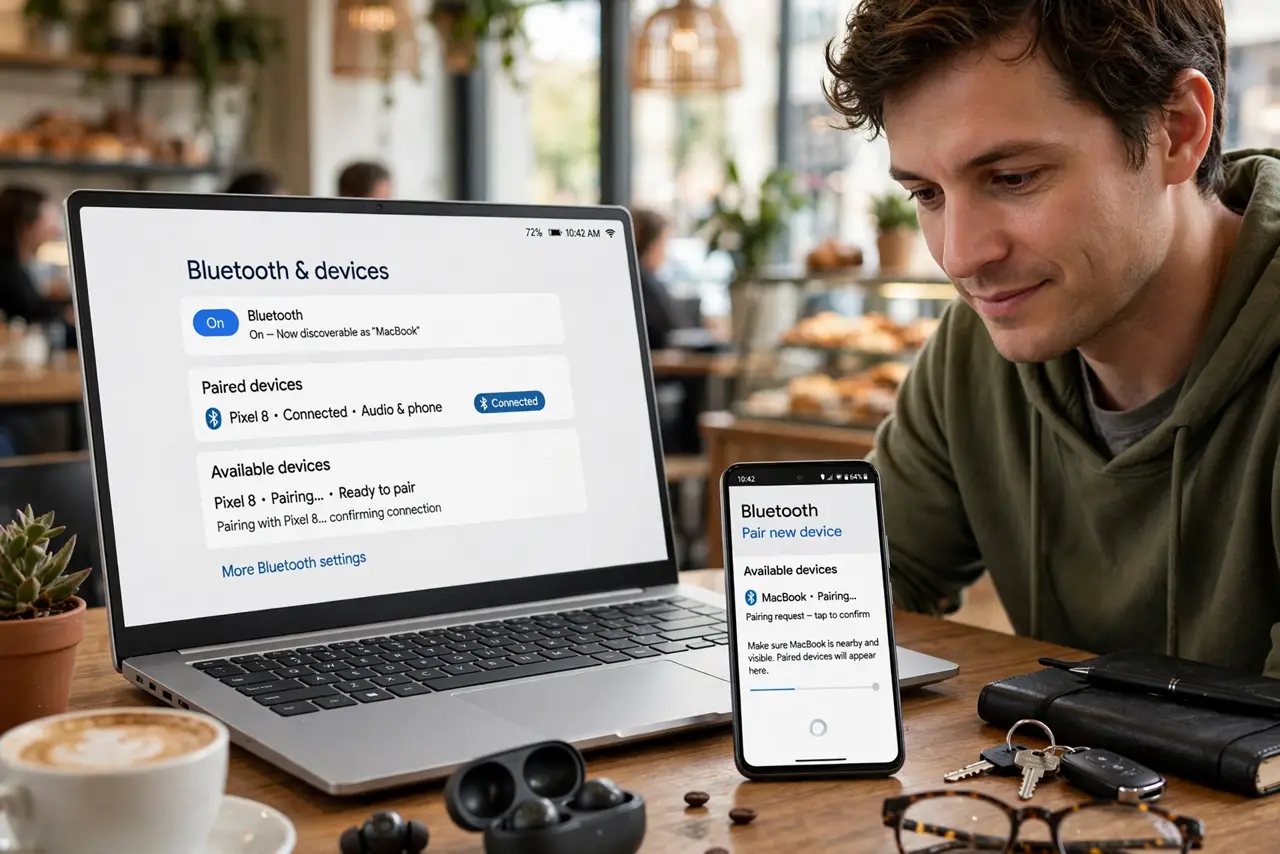
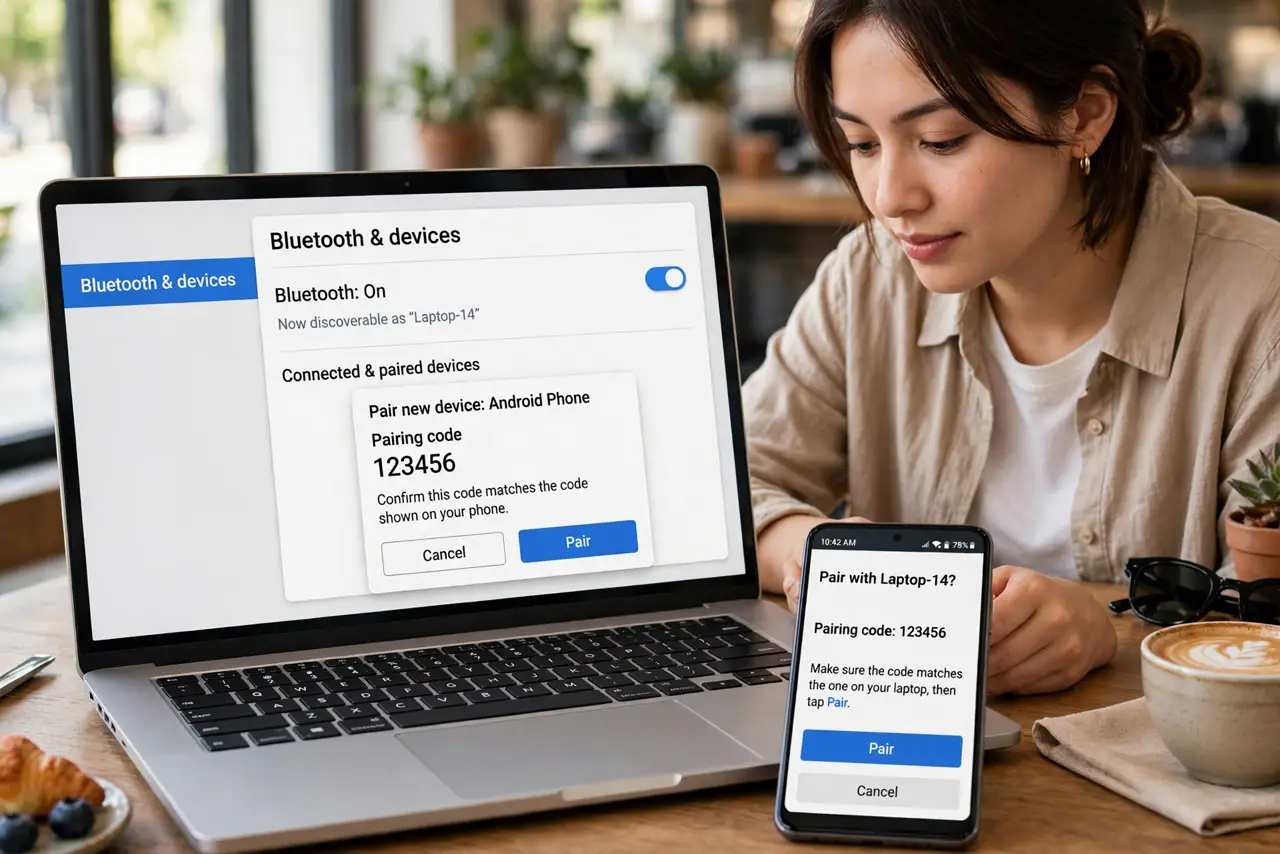
- Pair the phone and laptop over Bluetooth. Put the phone in pairing mode and add it from the laptop's Bluetooth settings. Confirm the pairing code on both sides — an established pair is required before tethering appears as an option.
- Enable Bluetooth tethering on the phone. On Android: Settings, Network, Hotspot and tethering, then turn on Bluetooth tethering. On iPhone, Personal Hotspot covers Bluetooth automatically once paired.
- Connect from the laptop's Bluetooth menu. On the laptop, open the paired phone's Bluetooth options and choose to connect via access point or PAN. The laptop should then show a new network connection.
- Test with a light page first. Load a simple page to confirm the link works. Bluetooth tethering runs at a fraction of Wi-Fi speeds — fine for email and docs, painful for video.
- Keep expectations modest. Think of it as emergency internet: messaging, email, light browsing. Do not plan a video call or a big download over it.
- Turn it off when done. Disable tethering on the phone afterward. Leaving it on advertises an open data path and keeps the Bluetooth radio working harder than needed.
What NOT to do
- Do not expect hotspot speeds. Bluetooth bandwidth is a fraction of Wi-Fi — video calls and large downloads will stutter or crawl.
- Do not leave Bluetooth tethering on indefinitely. It is an open door to your data connection; switch it off when the session ends.
- Do not forget data limits. Tethering still uses mobile data, and laptops sync aggressively in the background.
- Do not troubleshoot for an hour before checking the pair. Nine times out of ten, re-pairing the Bluetooth connection fixes a tethering failure instantly.
Frequently asked questions
Bluetooth vs Wi-Fi hotspot — which uses less battery?
Bluetooth wins by a mile on battery but loses badly on speed. Choose Bluetooth for longevity, Wi-Fi hotspot when you need real bandwidth.
Why is Bluetooth tethering so slow?
Bluetooth was designed for accessories, not internet backhaul. Its maximum throughput is inherently low — the tradeoff for the tiny power draw.
Can I tether a tablet the same way?
Yes — any device that pairs over Bluetooth and supports PAN/DUN profiles can use it, including tablets and some e-readers.