Stop Apps Reading Clipboard
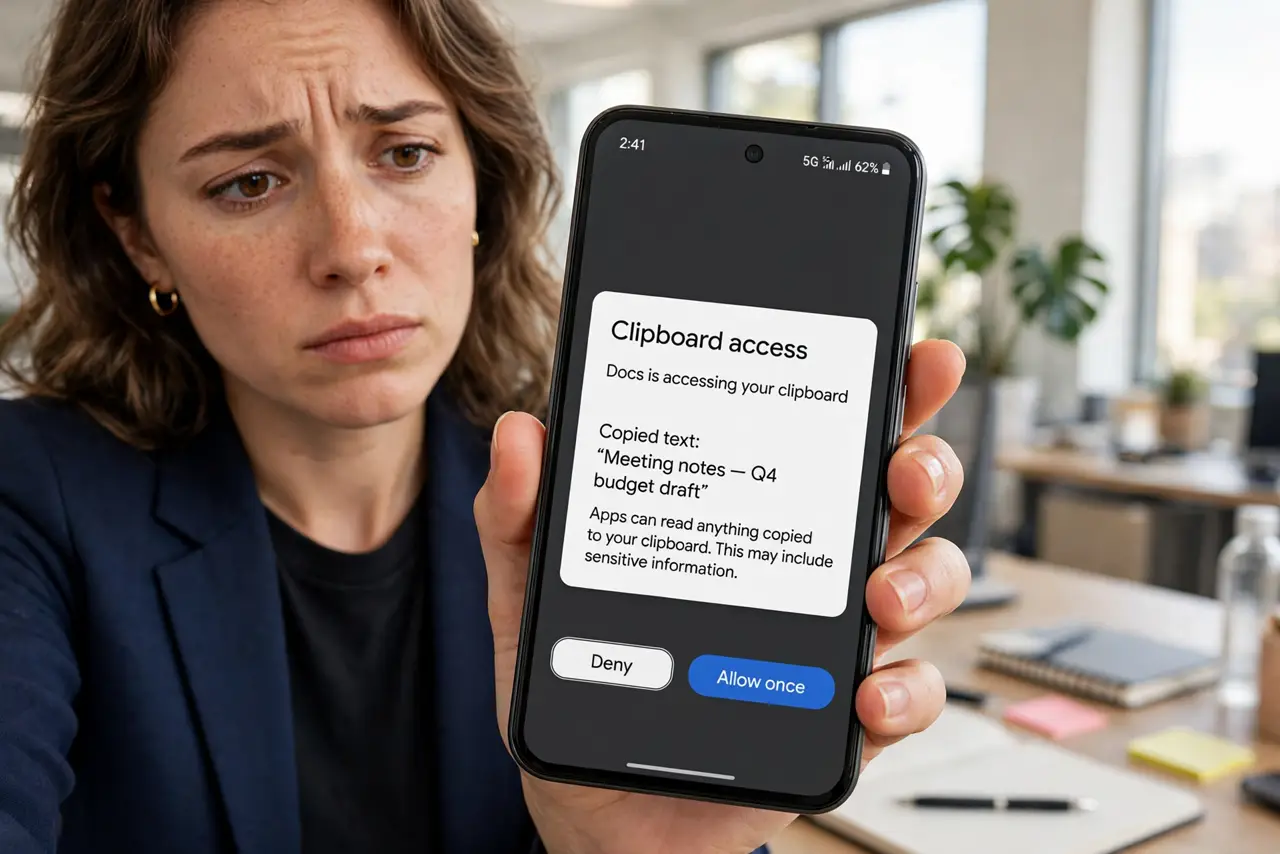
You copy a password, switch apps, and Android pops up: 'App pasted from your clipboard.' That alert exists because apps used to read your clipboard silently — every copied password, address, and message, harvested in the background. Both Android and iPhone now expose and restrict this behavior. This guide shows you how to see which apps snoop, cut off the nosy ones, and stop putting sensitive text on the clipboard in the first place. Check your broader permission history while you are at it.
TL;DR / Quick Fix
Quick fix: stop apps from reading your clipboard — Android 12 and up alerts you whenever an app reads copied text, and iPhone shows a banner on paste. Revoke clipboard access for snoopy apps in Settings. Avoid copying passwords; use your password manager's autofill instead.
Follow these steps
- Notice the alerts when they appear. Android 12+ shows a toast every time an app reads your clipboard; iPhone shows a paste banner. Do not dismiss these reflexively — each one names an app that just looked at your copied text.
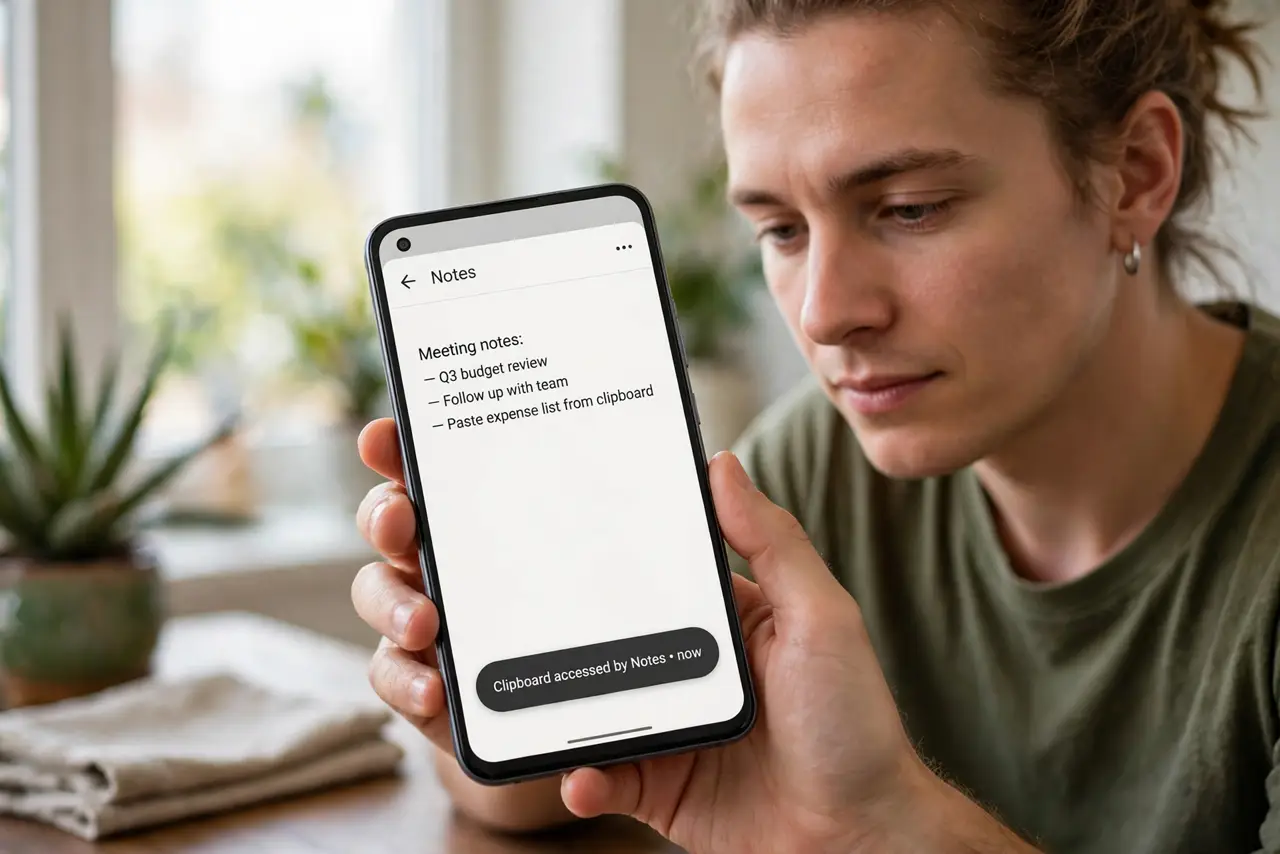
- Ask whether the access was legitimate. A notes app pasting when you tap Paste is normal. A shopping app reading your clipboard on launch, unprompted, is snooping — context decides which is which.
- Revoke clipboard access on Android. Go to Settings, then Privacy, then Permission Manager (or the app's info page) and deny clipboard-related access for apps that do not need it. System apps and keyboards you trust can keep theirs.
- Limit paste access on iPhone. iPhone prompts when apps request paste access — choose 'Don't Allow' for apps with no business reading your clipboard. Review past decisions in Settings under the app's entry.
- Stop copying passwords entirely. The real fix is behavioral: use your password manager's autofill instead of copy-paste. No password on the clipboard means nothing sensitive for a snooping app to find.
- Clear the clipboard after sensitive copies. When you must copy something sensitive, copy a harmless word afterward to overwrite it. A one-second habit that empties the snooping window.
What NOT to do
- Do not copy passwords into the clipboard 'just this once.' Once is all a background reader needs — autofill exists for exactly this.
- Do not grant paste access to every app that asks. An app's request is not a requirement — deny first, allow only with a reason.
- Do not ignore repeated clipboard alerts from one app. One alert is a notice; ten is a pattern — revoke and consider replacing the app.
- Do not assume clearing fixes past snooping. Clearing protects the future; anything already read is already read — which is why autofill matters going forward.
Frequently asked questions
Can apps read my clipboard in the background?
On modern Android and iOS, background clipboard access is heavily restricted — apps generally only get it while in the foreground. The alerts you see are the system enforcing exactly that.
Do keyboard apps see everything I copy?
A keyboard you installed can see what you type and paste through it — that is how keyboards work. Use only keyboards you deeply trust, and prefer the system keyboard for passwords.
Is the clipboard shared between my devices?
Universal clipboard features (Apple, some Android/Windows pairs) sync copied text across your devices — convenient, and one more place sensitive text can linger. Disable it if you copy secrets.