Data Saver Blocks Background Sync? Fix It
With Data Saver on, your apps stop syncing in the background — emails arrive late, messages stall, and backups wait. That is Data Saver doing exactly what it promises. This guide whitelists the apps that matter so delayed notifications arrive on time without abandoning the savings.
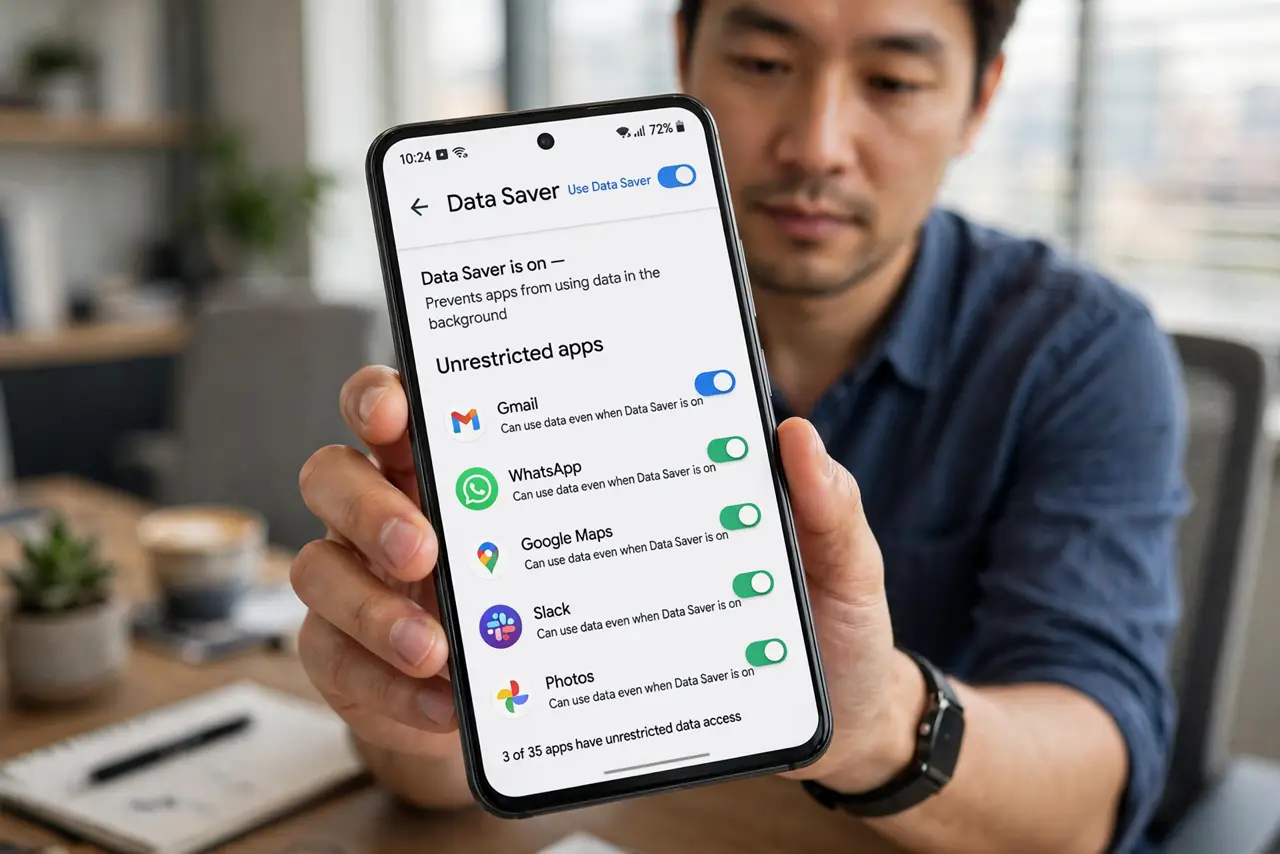
TL;DR / Quick Fix
Quick fix: open Data Saver settings and set your messaging, email, and important apps to Unrestricted. Leave Data Saver on for everything else. If sync problems started the day you enabled it, the saver — not the apps — is the cause, and whitelisting fixes it in minutes.
Follow these steps
- Confirm Data Saver is the cause. If sync issues started when you enabled Data Saver, that is your answer. Turn it off briefly — if sync resumes, the saver was blocking it.
- Open the unrestricted apps list. In Data Saver settings, find the list of apps allowed unrestricted data. This whitelist is the surgical fix.
- Whitelist messaging and email. Set your messaging, email, and authenticator apps to Unrestricted. These need background data to do their jobs.
- Whitelist work-critical apps. Add your work chat, calendar, and any app whose delayed sync costs you something. Be deliberate — every whitelist entry spends data.
- Leave the rest restricted. Keep Data Saver on for social media, games, and streaming apps. They sync fine when you open them and save data the rest of the time.
- Test with the screen off. Lock the phone for ten minutes, then check whether messages arrived. Background sync is the real test — foreground sync always works.
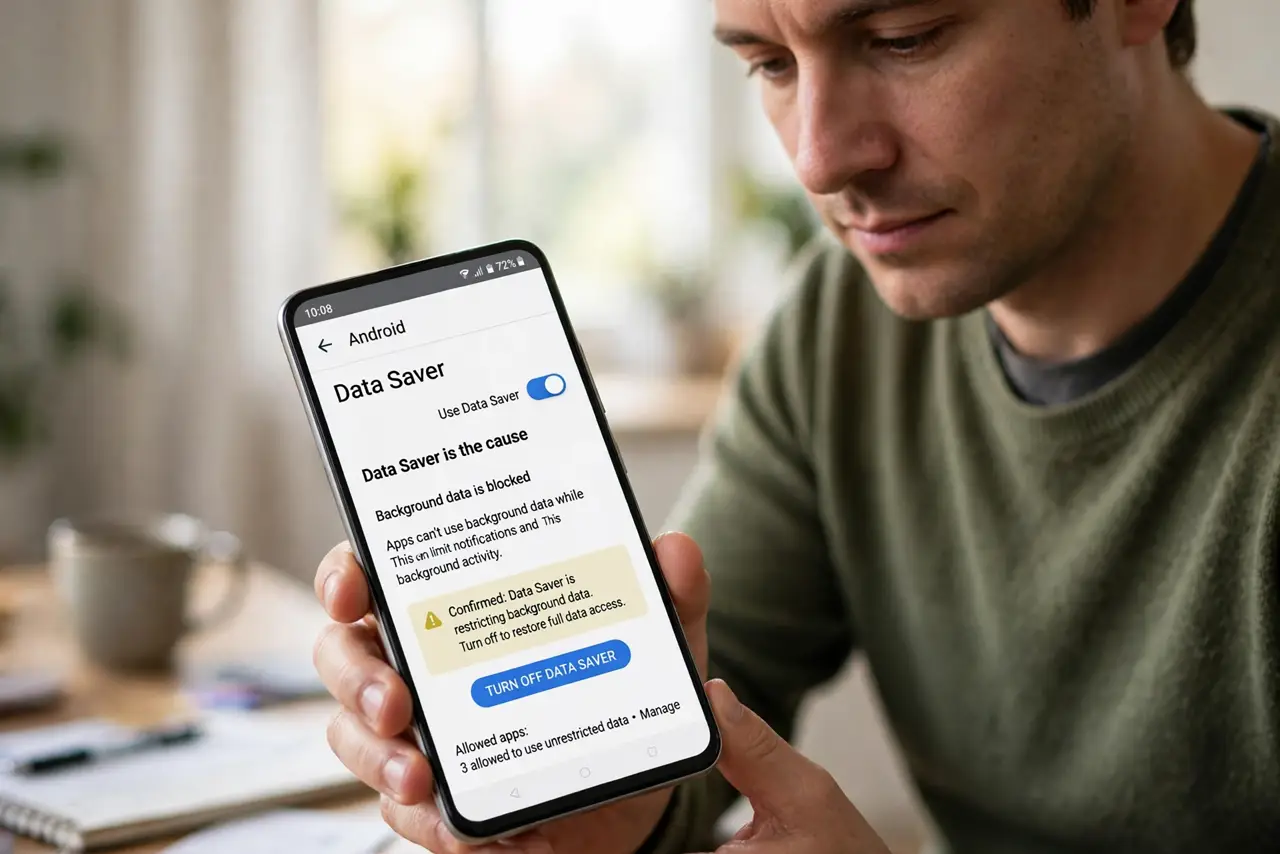
What NOT to do
- Do not turn off Data Saver entirely in frustration. Whitelisting the important apps keeps most of the savings.
- Do not whitelist everything 'to be safe.' A whitelist with every app on it is just Data Saver turned off with extra steps.
- Do not forget the saver also affects roaming. Check the unrestricted list before traveling — delayed two-factor codes abroad are miserable.
- Do not blame the app developer first. When five apps all stop syncing at once, the common cause is the system setting, not five separate bugs.
Frequently asked questions
Why did my apps stop syncing?
Data Saver restricts background data. Apps cannot fetch new messages or emails until you open them, unless whitelisted.
Will whitelisting apps use a lot of data?
Messaging and email use very little. The big data users are video and backups — keep those restricted.
Is Data Saver worth keeping on?
Yes, if you have a limited plan. With a good whitelist, you keep the savings and lose almost none of the convenience.