The Default Assistant Changes by Itself
You set your preferred assistant, and weeks later a different one answers. App updates and setup wizards can quietly reclaim the default — but the setting is still yours to lock in.
TL;DR / Quick Fix
Quick fix: open Settings, then Apps, then Default apps, then Digital assistant app, and reselect your preferred assistant. Disable the rival assistant app if you never use it. Check again after major app updates, which sometimes reset the choice. Reselecting takes seconds and sticks until the next reset.
Follow these steps
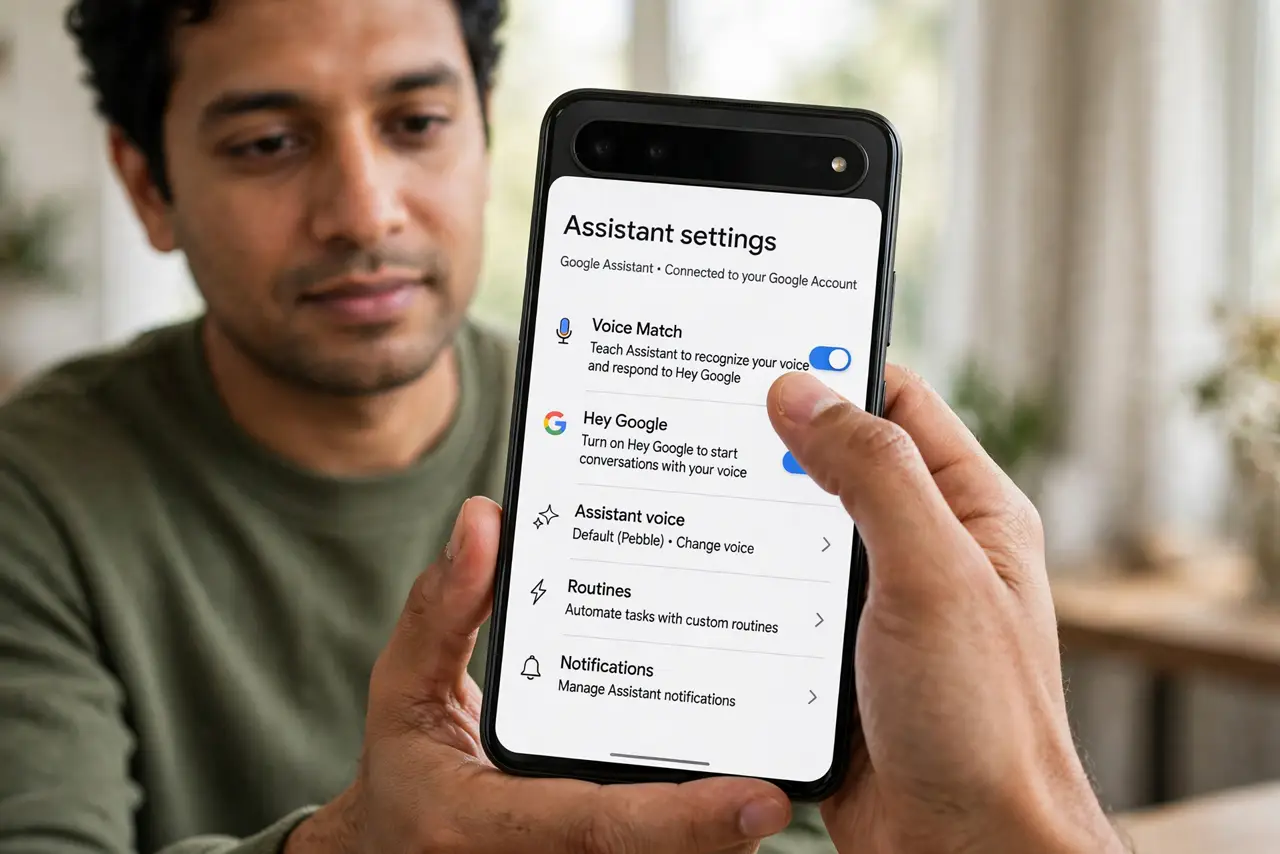
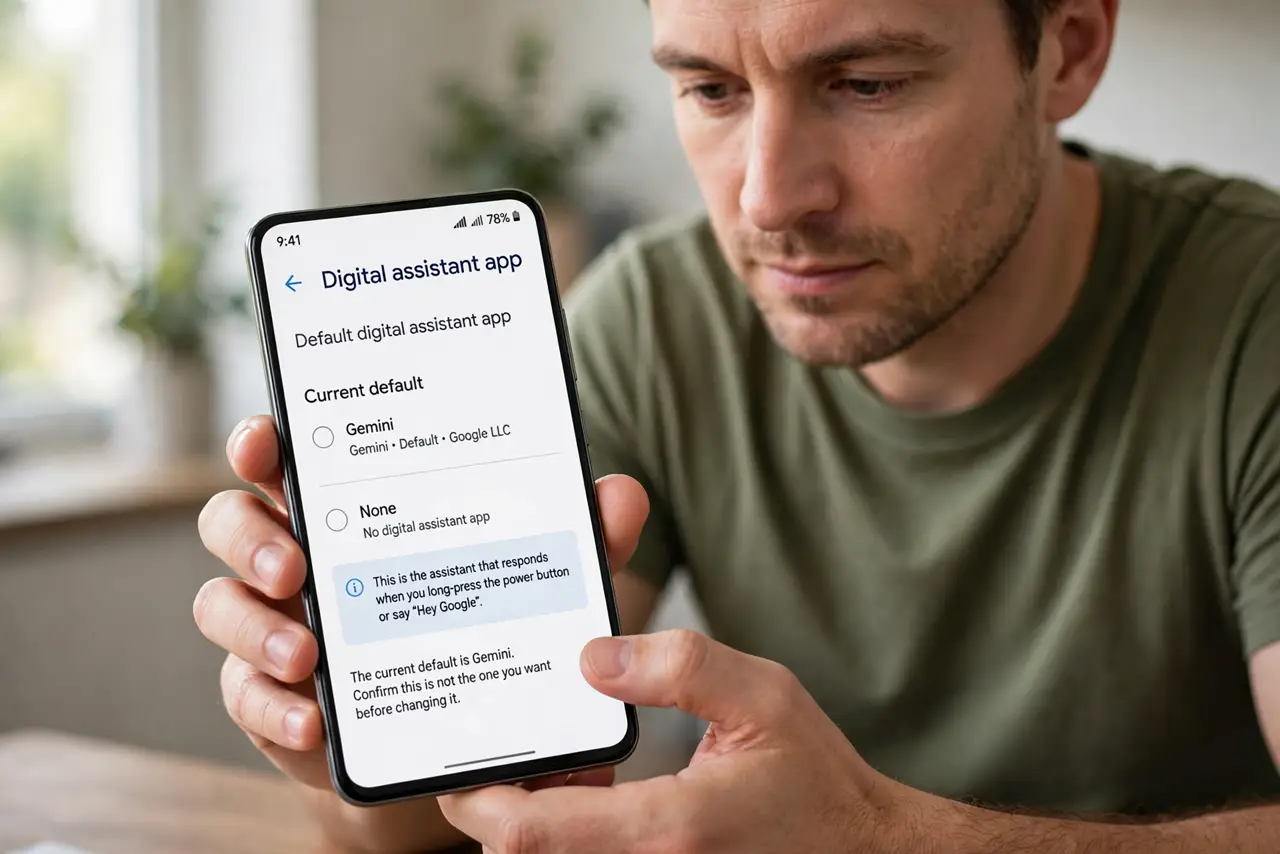
- Open the default assistant setting. Open Settings, then Apps, then Default apps, then Digital assistant app. The current default is listed there — confirm it is not the one you want before changing it.
- Reselect your preferred assistant. Tap the entry and choose your assistant. This single choice controls which assistant answers the home button, gesture, and hotword.
- Disable the assistant you do not use. In the app list, disable the rival assistant app. A disabled app cannot reclaim the default during its next update.
- Check after big updates. Assistant apps and system updates sometimes reset defaults. After a major update, glance at the default-apps screen to confirm your choice survived.
- Review the hotword setting. If both assistants listen for a hotword, they can fight. Keep the hotword on only for your chosen assistant to avoid confusion about who answered.
- Check device-maker setup wizards. Some makers re-run setup prompts after updates that quietly switch the assistant. Dismiss or correct those prompts instead of tapping through blindly.
What NOT to do
- Do not uninstall system assistant apps you cannot remove. Disabling is enough — forced removal attempts can break voice features you actually use.
- Do not assume malware changed your assistant. App updates and setup wizards cause this far more often than anything malicious. The same updates can also make apps crash on open — check the assistant app itself is healthy.
- Do not set two assistants as default hoping for the best of both. One default keeps the home button and hotword predictable.
- Do not ignore the change for months. The longer the wrong assistant is default, the more of your routines quietly point at it.
Frequently asked questions
Why did my assistant change without asking?
An app update or a setup wizard reset the default. It is annoying but normal, and reselecting takes seconds.
Can two assistants share the default?
No. Android allows one default digital assistant, so the last one set wins until you change it.
Will disabling an assistant break voice typing?
No. Voice typing uses the keyboard's voice input, which is separate from the digital assistant default.