Ask Gemini About Photos
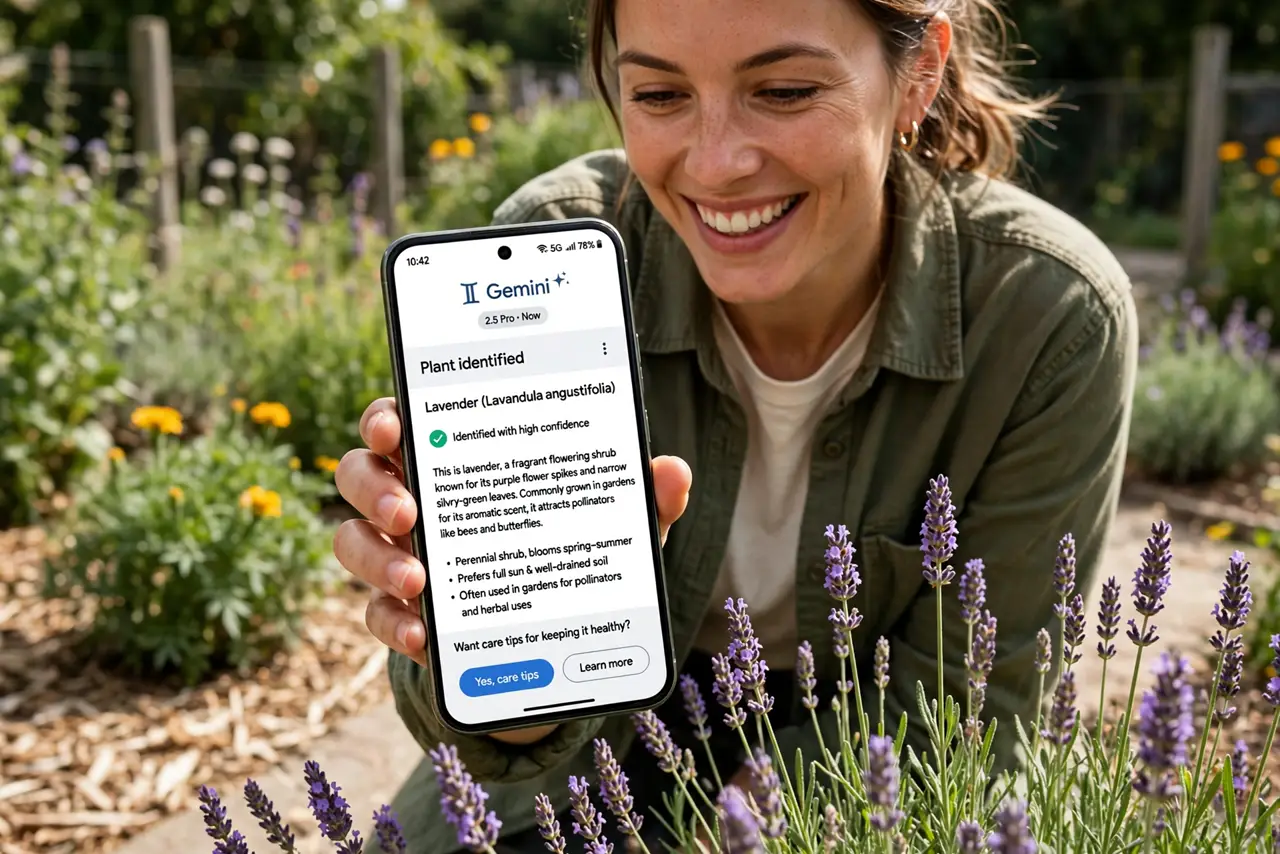
What plant is this? What does this sign say? Is this mushroom safe? Pointing your camera at the world and getting answers is the most delightful kind of AI — and Gemini does it well. Here is how to ask about photos, what it is good at, and where to be careful.
TL;DR / Quick Fix
Quick fix: open the Gemini app, attach or point at a photo, and ask — what plant is this, translate this sign, what breed is this dog. It describes and identifies what it sees. For best results use clear, well-lit photos; blurry shots get vague answers.
Follow these steps
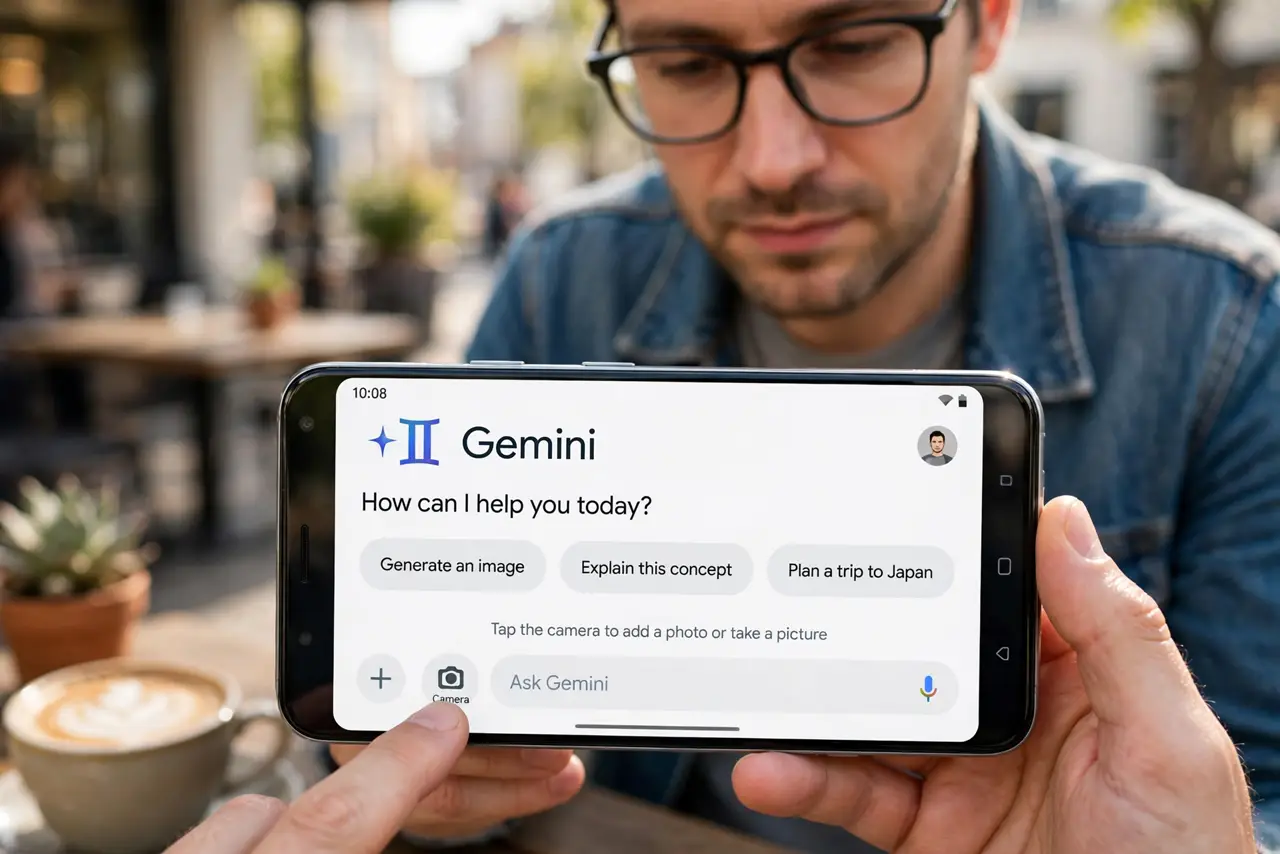
- Open Gemini and find the camera. In the Gemini app, tap the camera or image button — see the Gemini assistant basics if you are new to the app entirely.
- Point or attach the photo. Aim at the thing live, or attach a photo from your gallery. Live camera is best for exploring; attached photos best for things you captured earlier.
- Ask a specific question. What plant is this beats just pointing silently. Specific questions get specific answers — the AI describes what it sees through your question.
- Try the fun identifications. Plants, dog breeds, landmarks, products, signs — visual identification is the sweet spot. See the Gemini Live mode for discussing what it sees conversationally.
- Translate the visual world. Signs, menus, labels — ask for a translation and it reads the image. Faster than typing what you see.
- Double-check the important ones. Never eat a mushroom on AI advice alone. Identification is impressive and usually right — usually is not the standard for safety.
What NOT to do
- Do not trust it for safety-critical IDs. Mushrooms, medicines, allergens — verify with an expert, not a chatbot, before acting.
- Do not photograph private documents casually. IDs, bank statements, and addresses uploaded for fun become data somewhere — think first.
- Do not expect perfection on blurry shots. Clear, well-lit, close-up photos identify well; dark blurry ones guess — and guesses sound confident.
- Do not forget it sees what you show. The camera frame is the context — include the whole object, not a cryptic corner of it.
Frequently asked questions
How accurate is photo identification?
Very good for common plants, breeds, and landmarks. Obscure species and lookalikes are where it stumbles — verify those.
Does it work offline?
No — visual analysis needs the connection. The text assistant has limited offline modes; vision does not.
Can it read handwriting?
Surprisingly well for clear handwriting. Messy script defeats it like it defeats humans.