Translate Calls Live
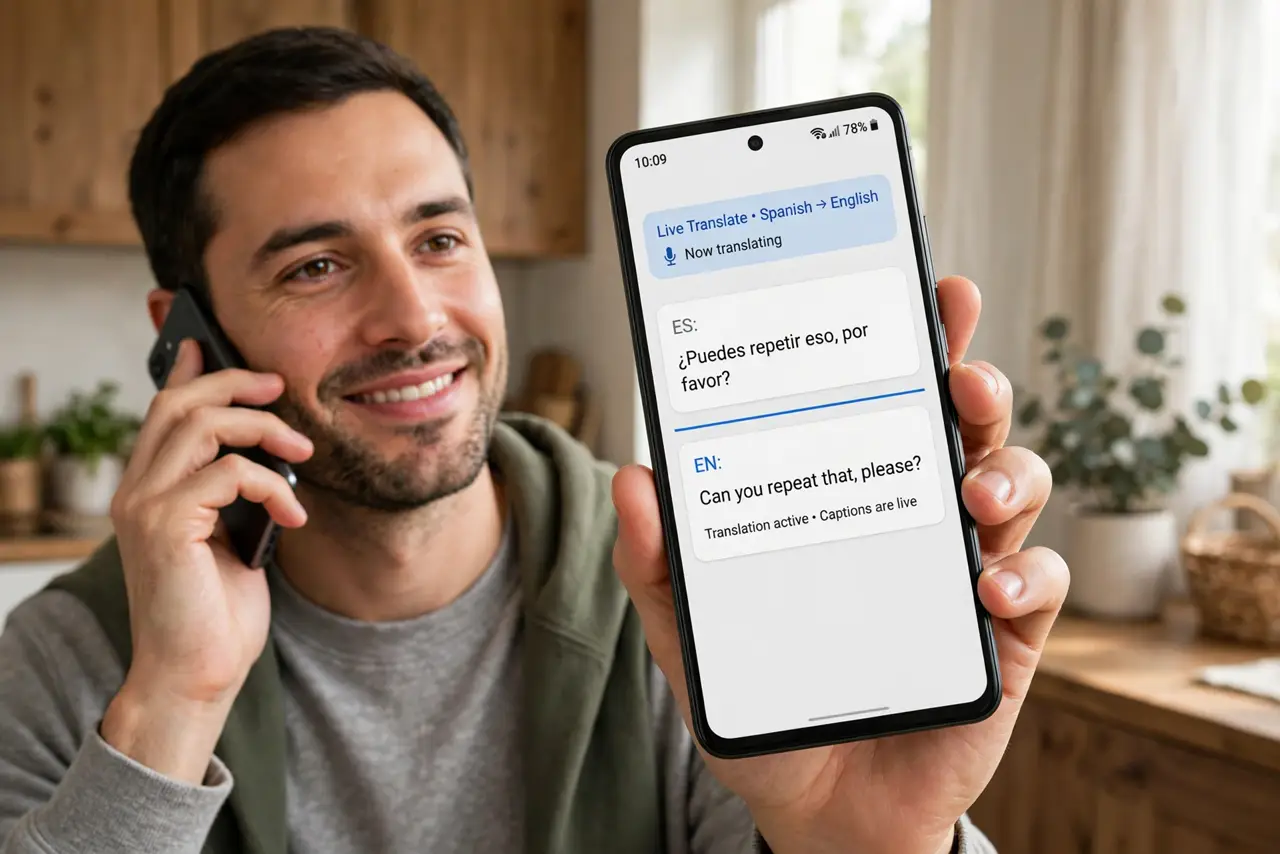
You need to call someone who does not speak your language — a hotel abroad, a relative, a business contact — and the thought of the awkward silence is worse than the call itself. Live Translate puts real-time captions on your calls, so each side speaks their own language and reads the other. It is built into recent Pixel and Samsung phones.
TL;DR / Quick Fix
Quick fix: on Pixel and recent Samsung phones, open the Phone app settings and turn on Live Translate — calls get real-time captions in your language. Both sides hear a short disclosure beep. It also translates face-to-face conversations through the Translate app's conversation mode.
Follow these steps
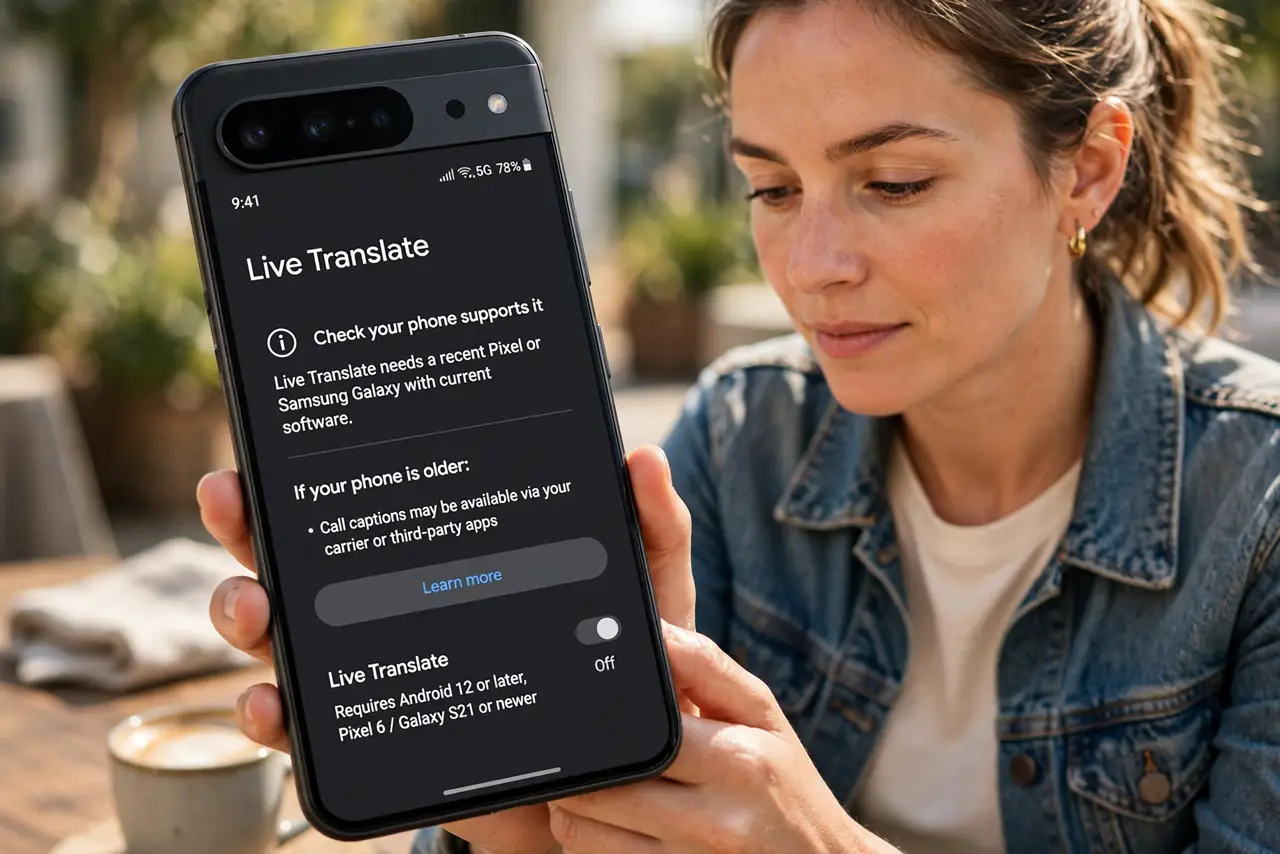
- Check your phone supports it. Live Translate needs a recent Pixel or Samsung Galaxy with current software. Older phones may offer call captions through carrier or third-party apps instead.
- Enable it in the Phone app. Open the Phone app, tap the menu, go to Settings, and turn on Live Translate. Choose your language and the languages you call most.
- Know about the disclosure beep. Both sides hear a brief notice that translation is active. This is by design — it keeps the feature honest and legal in two-party-consent regions.
- Use it on a real call. During the call, captions appear on screen with a slight delay. Speak in short, clear sentences — it translates meaning, not mumbling.
- Try conversation mode in person. Open the Translate app and use conversation mode for face-to-face chats. Each person speaks, and the phone shows and speaks the translation aloud.
- Download languages for offline use. In Translate settings, download the languages you need. Offline packs keep translation working on trips without data — handy for translating signs and menus too.
What NOT to do
- Do not rely on it for medical, legal, or emergency calls. Translation errors in high-stakes conversations can be dangerous — get a human interpreter.
- Do not record calls secretly just because captions exist. Call-recording laws still apply regardless of the translation feature.
- Do not speak over the other person. The translator needs clean, separate speech — overlapping voices produce garbage captions.
- Do not assume it works in every language pair. Coverage is broad but uneven; check that your specific languages are supported before depending on it.
Frequently asked questions
Does the other person need the same phone?
No. Translation happens on your phone — the other side just hears you speaking normally plus the disclosure notice.
Is my call sent to Google?
On Pixel phones much of the translation runs on-device. Check your phone's privacy settings to see exactly what leaves the device.
Can it translate video calls?
Live captions work in several video and voice apps on supported phones, not just the stock Phone app.