Lock Apps on Android? Options
Unlike iPhone, Android has no single system-wide app lock — each brand does its own thing, and the options range from excellent to sketchy. This guide maps the honest choices: built-in brand vaults, Private Space on Android 15+, and what to demand from any third-party locker.
TL;DR / Quick Fix
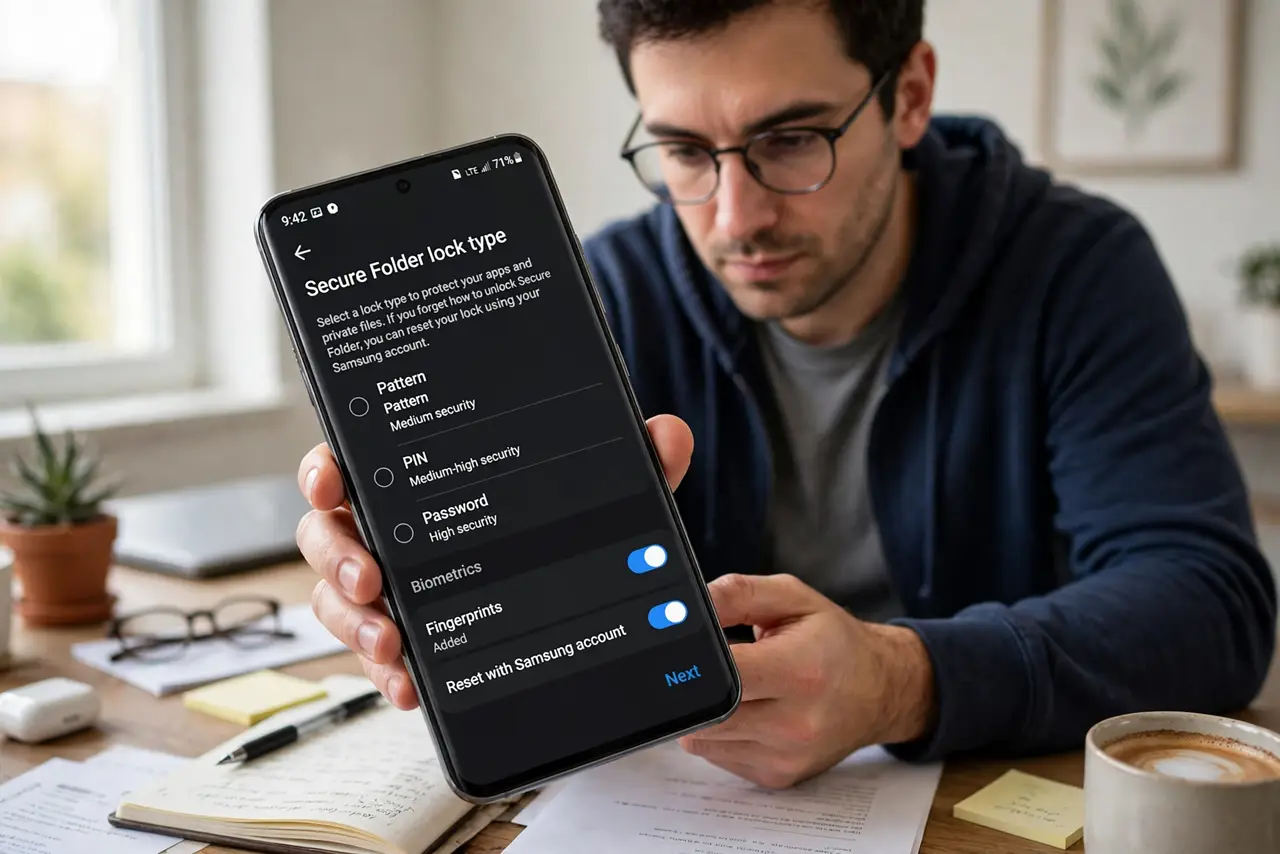
Quick fix: Android has no universal app lock, so check your brand first — Samsung's Secure Folder and similar tools lock apps natively. Otherwise use Private Space on Android 15+, or a reputable third-party locker. Never grant a locker accessibility access blindly.
Follow these steps
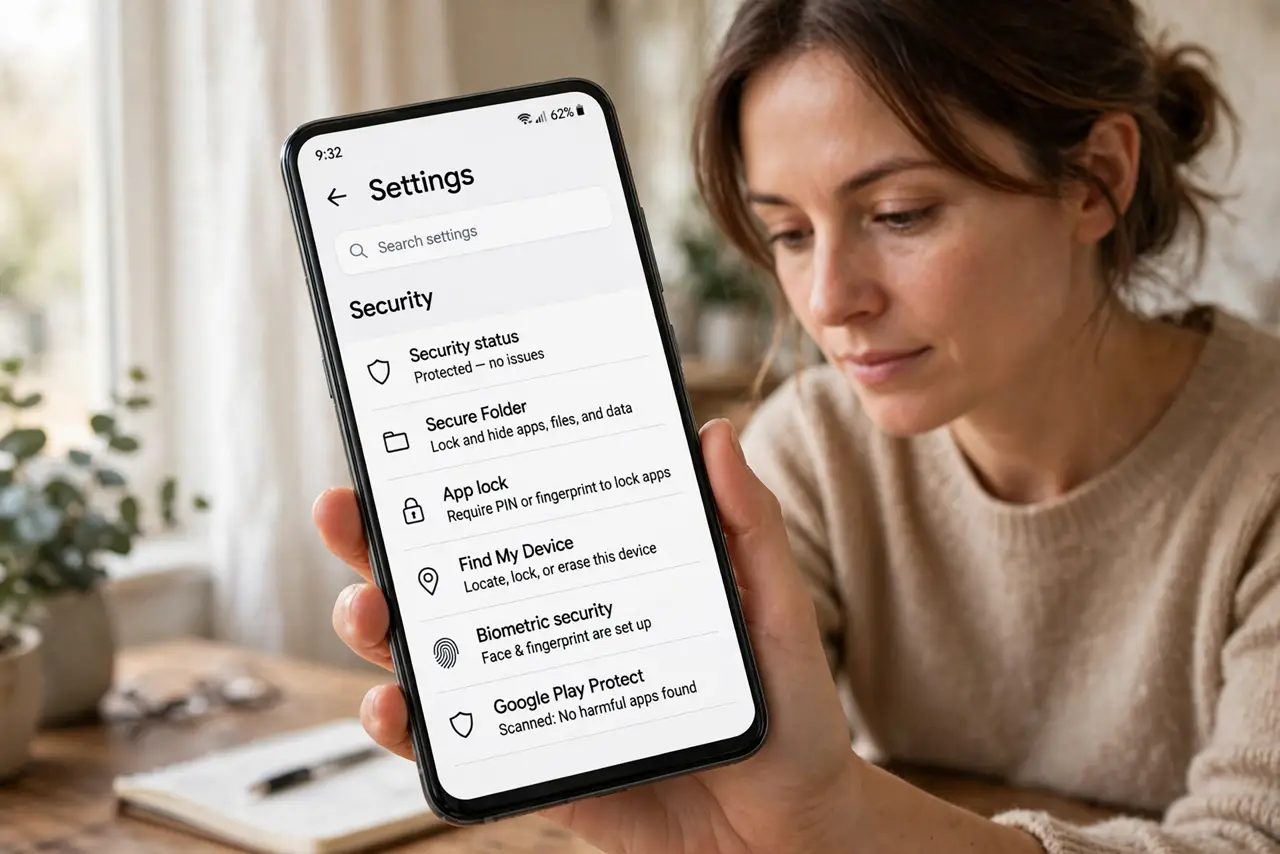
- Check your brand's built-in vault. Samsung has Secure Folder; Xiaomi, OnePlus, and others have App Lock under Settings > Security or Privacy. Search Settings for ‘lock’ to find yours.
- Use Private Space on Android 15+. If your phone runs Android 15 or later, Private Space hides and locks apps natively — see the Private Space guide for the full setup.
- Try the work-profile trick. Some launchers let you clone apps into a work profile that locks separately. Clunky, but free and system-level.
- Vet any third-party locker hard. If you go third-party, pick one from a known developer, with millions of installs and recent updates. Read the permissions screen like a contract.
- Deny accessibility access by default. A locker asking for accessibility service can read your screen. Reputable ones do not need it — deny it and see if the app still works.
- Test the lock like an intruder. Lock the phone, hand it to a friend, and ask them to open a locked app. If they get in through recents or notifications, your setup leaks.
What NOT to do
- Do not install the first ‘AppLock’ in the search results. The top ad slots are full of data-harvesting lockers with five-star review farms.
- Do not grant a locker accessibility access casually. That permission lets it see everything on screen — banking included.
- Do not lock apps and leave notifications previewing. A locked messaging app with full previews on the lock screen is theater.
- Do not forget the locker's own recovery method. A forgotten locker PIN with no recovery means reinstalling and losing the setup.
Frequently asked questions
Why doesn't Android have one app lock like iPhone?
Google leaves it to manufacturers, so each brand ships its own. The upside is choice; the downside is inconsistency.
Is Samsung Secure Folder actually secure?
Yes — it uses Knox hardware security, separate from a normal app lock. It is the gold standard on Android.
Can a third-party locker see my photos?
Only if you grant it storage or accessibility permissions. A pure app-locker needs neither — deny both and test.