One-Handed Mode Shrinks the Screen Too Much
One-handed mode shrinks the screen to a tiny window you can barely read. The shrink amount is adjustable — or the mode is simply not the right tool for your hands.
TL;DR / Quick Fix
Quick fix: open Settings, then Display or Gestures, find One-handed mode, and look for a size or position option — choose the larger window. If your phone lacks the option, turn the mode off and use reachability or a smaller display size instead.
Follow these steps
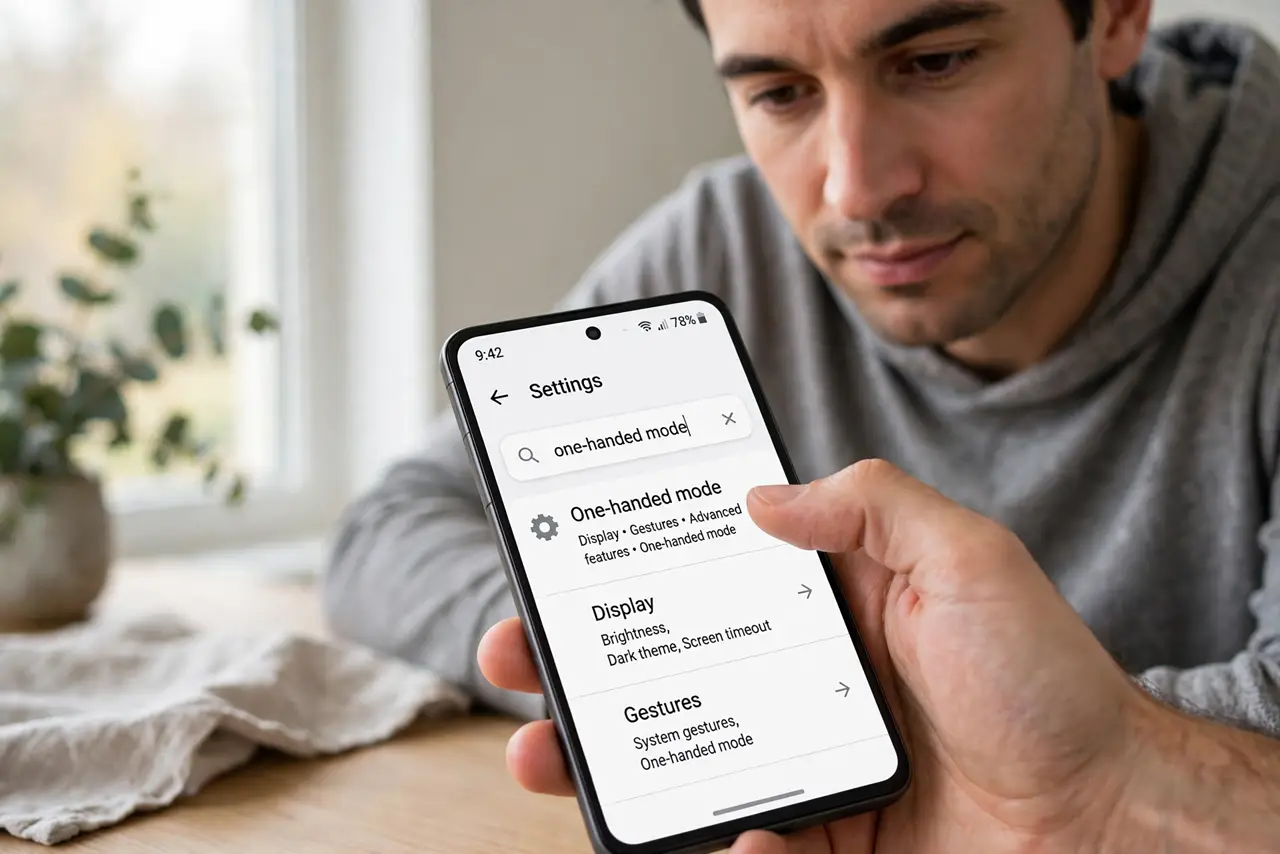
- Open the one-handed mode settings. Open Settings, then search for 'one-handed mode.' Makers bury it under Display, Gestures, or Advanced features — the search box finds it fastest.
- Choose the larger shrink size. If your phone offers small and large window options, pick large. The difference is dramatic: large keeps text readable while still bringing the top within thumb reach.
- Move the window to your thumb side. Some phones let you pin the shrunken screen left or right. Placing it under your dominant thumb makes the smaller window far more usable.
- Exit by tapping the empty area. Tap outside the shrunken window to return to full screen. Knowing the exit makes the mode feel like a tool, not a trap.
- Try reachability instead. If shrinking feels too extreme, use a reachability gesture that pulls the top down without shrinking. You keep full size with easier top access.
- Reduce the display size system-wide. In Display settings, choose a smaller display size — or simply make text bigger if readability is the real issue. Everything gets slightly smaller permanently, which can remove the need for one-handed mode entirely.
What NOT to do
- Do not leave one-handed mode stuck on. If the screen stays shrunken, tap the empty area or toggle the mode off — a stuck shrink is a setting, not damage.
- Do not buy a smaller phone over this. The mode is adjustable, and display-size settings achieve most of what a smaller phone would.
- Do not enable one-handed mode and reachability together. The two fight over the screen and produce a confusing half-shrunk mess.
- Do not assume all Androids shrink the same amount. The window size varies by maker, so a friend's tiny window does not predict yours.
Frequently asked questions
How do I trigger one-handed mode?
It varies: double-tap the home button, swipe down on the gesture bar, or a quick Settings toggle — check your maker's gesture list.
Why is the shrunken screen so small?
Your phone defaulted to the smallest window. The settings page usually offers a larger option one tap away.
Can I keep it on all the time?
You can, but it is meant as a momentary tool. Tap out when done so you are not reading a shrunken screen all day.