Set Up Passkeys on Android
Android has supported passkeys since Android 9, storing them in Google Password Manager and unlocking them with your fingerprint. The result is the same one-tap sign-in iPhone users get — no passwords to type, phish, or forget. Here is the setup from a clean start.
TL;DR / Quick Fix
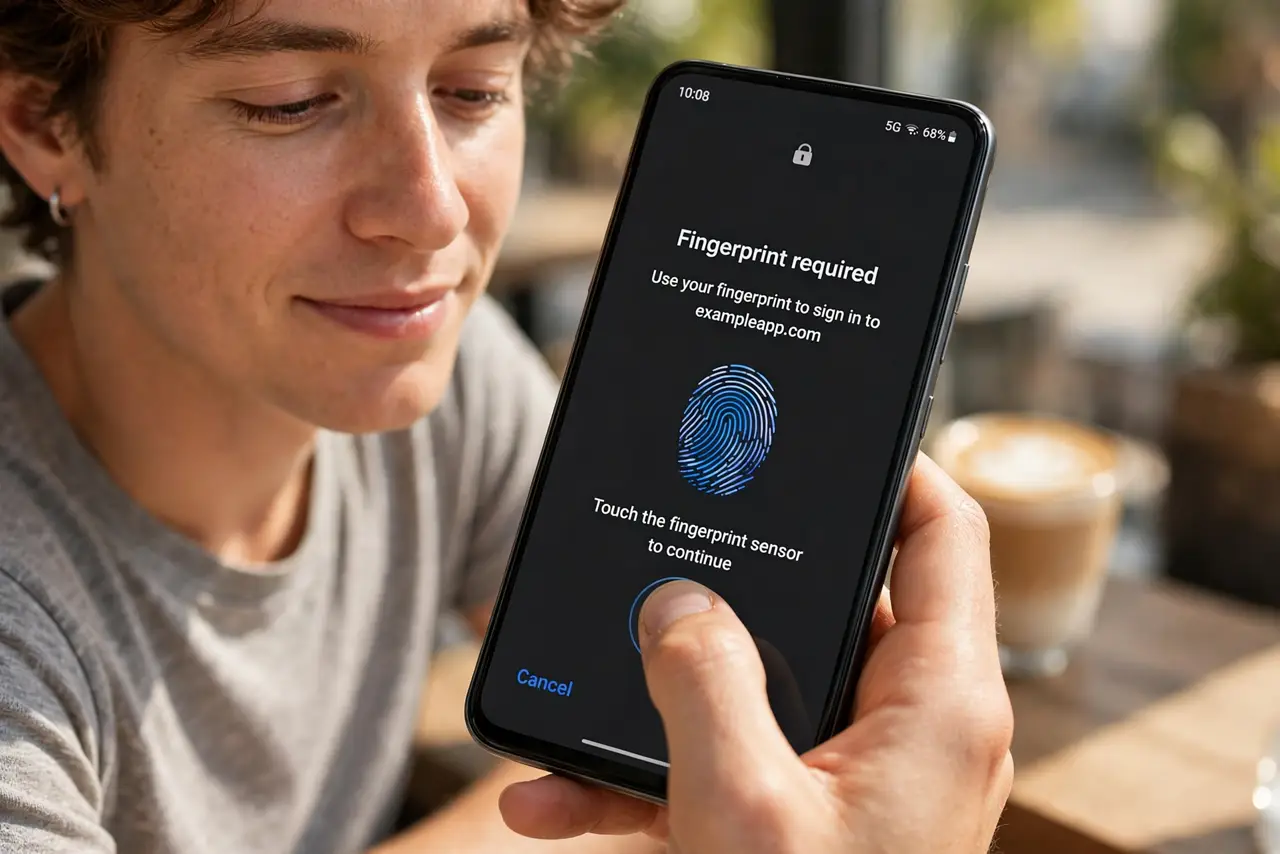
Quick fix: on Android, passkeys are stored in Google Password Manager and need Android 9 or later with a screen lock set. Sign in to a supported site, choose the passkey option, and confirm with your fingerprint. They sync to your Google account across devices.
Follow these steps
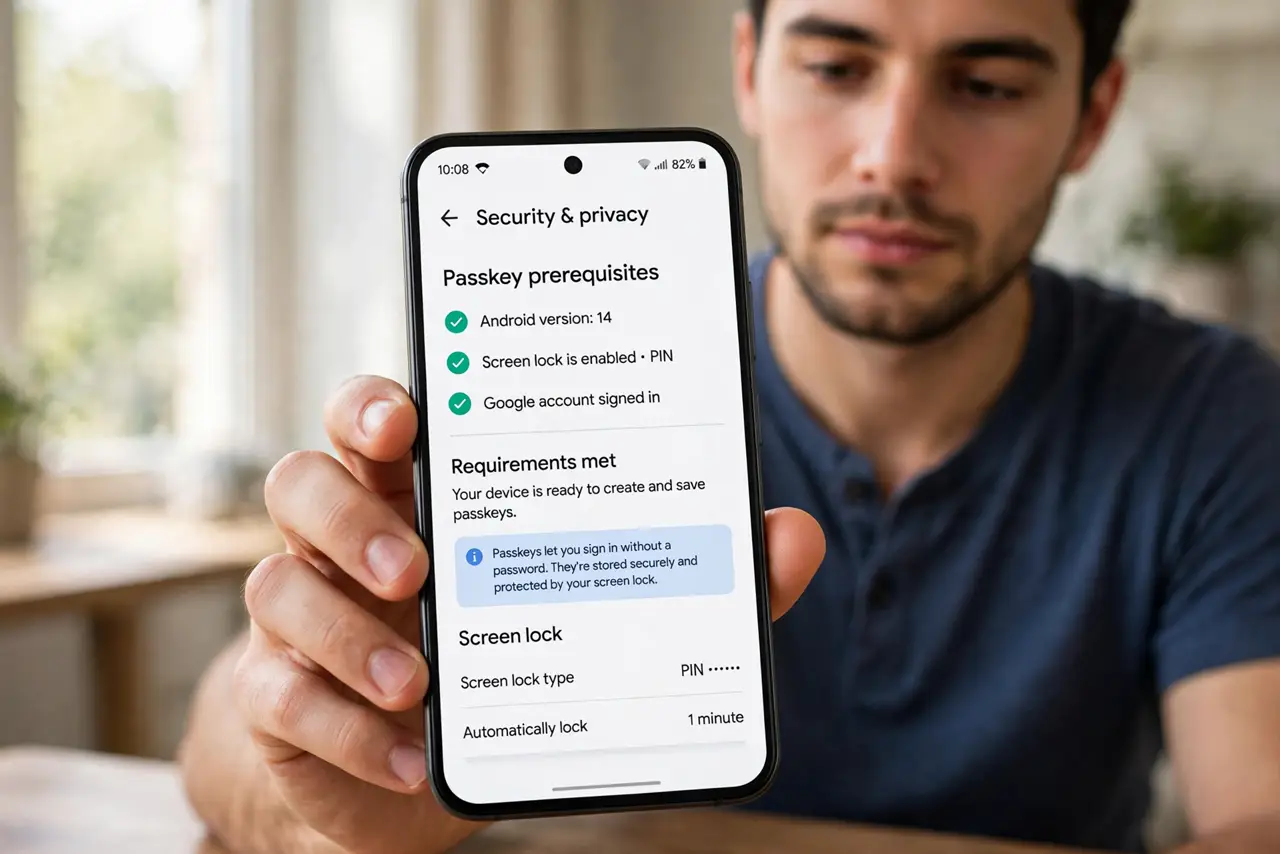
- Check the prerequisites. You need Android 9 or later, a screen lock (PIN, pattern, or password) set, and Bluetooth on for cross-device sign-ins. Google Password Manager handles storage.
- Sign in to a supporting site. Open the site or app in Chrome or its native app, and sign in with your password one final time.
- Find the passkey option. In the account's security or sign-in settings, choose ‘Create a passkey’. Chrome may also offer it directly on the sign-in page.
- Confirm with your fingerprint. The system prompt asks for your fingerprint or screen lock. One touch creates the key pair and saves it to your Google account.
- Test the one-tap sign-in. Sign out, sign back in, and choose the passkey. It should complete with a single fingerprint touch.
- Compare with iPhone. The flow mirrors Apple's; the iPhone passkey guide covers the iOS side if your household mixes platforms.
What NOT to do
- Do not remove your screen lock afterward. The lock protects the key store; without it, passkeys cannot be created or used.
- Do not create passkeys in a work profile you might lose. If the profile is removed, its passkeys go with it.
- Do not sign into shady ‘passkey manager’ apps. The system flow is the only legitimate one — third-party prompts are phishing.
- Do not forget which Google account holds them. Passkeys sync to the account active in Chrome; a second account will not see them.
Frequently asked questions
Where are my passkeys stored on Android?
In Google Password Manager, synced to your Google account. View them at passwords.google.com or in Chrome settings.
Can I use an Android passkey on my laptop?
Yes. The site shows a QR code; scan it with your phone's camera and approve with your fingerprint over Bluetooth.
What if I switch from Android to iPhone?
Passkeys do not transfer across ecosystems automatically. Re-enroll each site on the new phone — keep passwords until that is done.